In this article
You have a big deadline coming up. Your brain is doing that signature ADHD move: simultaneously panicking about the deadline AND refusing to start working on it.
The panic says: “This is urgent. You should be working. Why aren’t you working?”
The paralysis says: “I don’t know where to start. It’s too big. I’ll start tomorrow.”
Tomorrow comes. The panic gets louder. The paralysis gets stronger. Repeat until you’re three days out and fueled entirely by adrenaline and self-loathing.
There is a better way. And it starts by working backwards. (Reverse-engineering is one tool in a bigger kit — the rest is in our guide to what actually works for ADHD adults.)
Why “Just Start” Doesn’t Work
The most common advice for meeting deadlines is “just start somewhere.” This advice is useless for ADHD brains, and here’s why:
ADHD brains can’t start without clarity. “Start somewhere” is too vague. Your brain needs to know exactly what “start” means: what specific action, how long it’ll take, and what the first tiny step is.
When faced with a big, ambiguous project, your brain sees the entire thing at once — like being asked to eat an elephant. The overwhelm triggers avoidance. The avoidance triggers guilt. The guilt makes the project feel even bigger. It’s a doom spiral, and “just start” is not the exit.
The exit is reverse-engineering.
The Reverse-Engineering Method
Instead of staring at a massive project and trying to figure out where to begin, you start from the end and work backwards. Here’s the process:
Step 1: Set the deadline
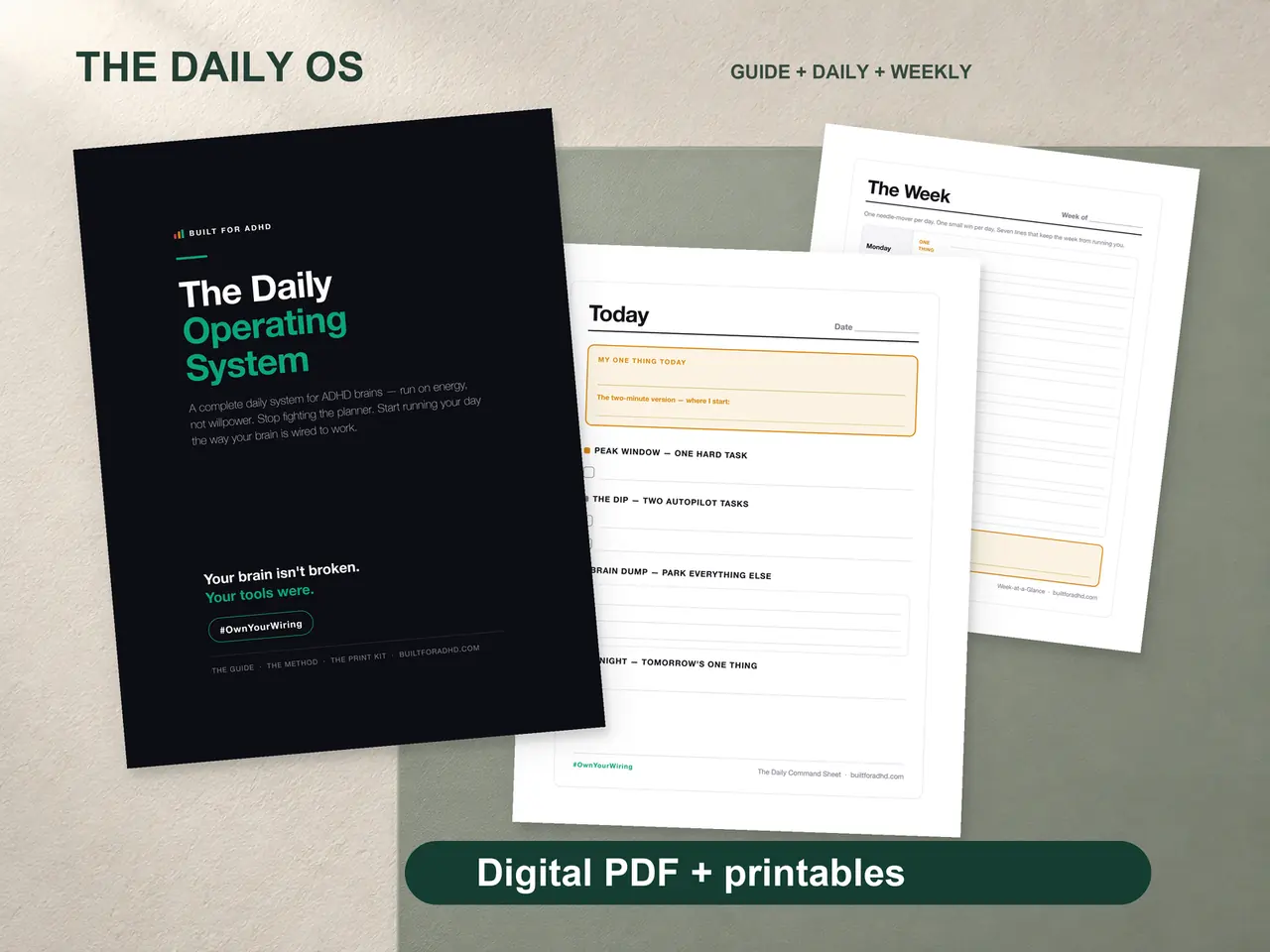
Open the Daily OS deadline pages and write down one date: when this thing is due.
The page walks you through three numbers:
- Calendar days remaining
- Working days remaining (minus weekends)
- Effective days after buffer time
That last one is critical. ADHD brains underestimate how long things take by 30-50%. The workflow has you build in buffer time so you’re not operating on razor-thin margins.
You now have a real number. Not “I have a few weeks.” Not “it’s due soon.” A specific count of working days.
Step 2: Break it down (all the way down)
List every sub-task required to complete the project. Not big phases — actual tasks. The difference:
Too big: “Write the report” Right size: “Write the introduction (30 min)” / “Pull the Q4 numbers (20 min)” / “Draft findings section (45 min)” / “Create 3 charts (30 min)” / “Write conclusion (20 min)” / “Proofread and format (25 min)”
Each task gets a time estimate and a priority level: Must Have, Should Have, or Nice to Have.
This is where ADHD brains struggle, because breaking things down requires executive function — the exact thing ADHD impairs. That’s why the workbook gives you a structured layout: task name, time estimate, priority. Just fill in the blanks.
The pages hold up to 30 sub-tasks. If your project needs more than 30, it’s actually multiple projects and you should split them up.
Step 3: Spread the work across the days
Here’s where the math earns its keep. You decide how many hours per day you can realistically work on this. Not aspirationally — realistically. For most ADHD adults, that’s 2-4 focused hours.
Then you spread your tasks across the buffered days the page gave you. Total your time estimates, divide by your daily hours, and you can see at a glance whether the plan fits — or whether you’re overloaded and need to cut. The guide walks you through it step by step so you’re not doing it in your head.
You’re not guessing the schedule. The framework lays it out for you.
Step 4: Work from the Daily View
Each day, you go to one page: the Daily View page, where you write only today’s tasks — maximum 6 at a time. Each has:
- The task name
- A tiny first step (the smallest possible action to begin)
- A time estimate
- A checkbox
You don’t look at tomorrow. You don’t look at the whole project. You look at today’s list and pick one task. Do it. Check the box. Pick the next one.
This is how ADHD brains work best: small, clear, immediate. Not “big picture planning.” One task at a time.
Step 5: Panic Mode (when you need it)
Let’s be real — sometimes you’re going to end up three days out with half the work left. It happens. ADHD and procrastination are close friends.
That’s what the Panic Mode page is for. When you’re under three days out, you flip to it and answer one question: What is the minimum viable deliverable?
Panic Mode strips everything to Must-Have tasks only. Nice-to-Haves disappear. Should-Haves get reconsidered. You’re left with the smallest version of the project that still counts.
This isn’t giving up. It’s triage. And it’s the difference between turning in something decent and turning in nothing.
The Buffer Principle
Here’s something every ADHD adult needs to internalize: you will underestimate how long things take.
Studies show that ADHD adults consistently underestimate task duration by 30-50%. A task you think will take 2 hours actually takes 3. A project you think will take a week actually takes 10 days.
The Daily OS deadline pages bake this in. When you set a deadline, you work from effective working days with buffer already accounted for. This means:
- If you have 10 working days, you plan as if you have 7
- Tasks get spread across the buffered timeline
- You have built-in slack for the inevitable ADHD tax on time
You don’t have to remember to add buffer. The framework prompts you to do it every time.
Tracking Progress (The Dopamine Part)
The Done Tracker page shows:
- A progress bar you shade in as you complete tasks
- Completion milestones to mark at 25%, 50%, 75%, and 100%
- A log of every completed task with time variance (how long it actually took vs. your estimate)
That time variance data is incredibly valuable over multiple projects. You start learning your real pace instead of your imagined pace. After a few deadlines, your estimates get dramatically better.
And the progress bar? That’s pure dopamine architecture. Filling in 50% and watching it climb to 75% feels good. It’s designed to.
When the Deadline Is Tomorrow
If you’re reading this the night before something is due, here’s your 10-minute emergency plan:
- Open the Daily OS
- Write down tomorrow’s date
- List the 5 most critical sub-tasks
- Mark them all “Must Have”
- Go straight to the Panic Mode page
- Do the first task. Just the first one.
You’re not going to do your best work. You’re going to do work that’s good enough. And good enough, submitted on time, beats perfect and late every single time.
Start Before the Panic
The best time to use this system is the moment you learn about a deadline — not the moment you start panicking about it. Write down the date. Break it down. Spread the work across your days.
Then forget about it until tomorrow, when the Daily View page will tell you exactly what to do.
Your brain panics and freezes at the same time. This system gives it something to do instead.
Related: every ADHD tool we make works the same way — externalize the plan so your brain doesn’t have to hold it.