Somewhere in your house there’s a beautiful planner with exactly eleven days filled in. Maybe you got it in January with the best intentions. Maybe you ordered it after watching a “plan with me” video at 2 AM. Either way, it’s sitting on a shelf or under a stack of mail, and every time you see it you feel a small wave of guilt.
That guilt is not a sign that you’re bad at planning. It’s a sign that paper wasn’t the right medium for your brain.
The Paper Planner Problem
A store-bought paper planner has a fundamental design flaw for ADHD brains: it’s one fixed object. You have to remember it exists, find it, open it to the right page, have a pen nearby, and then decide what to write. That’s five steps of friction before you’ve even started. And the structure inside is rigid — dated pages, hour-by-hour slots, columns you didn’t ask for. Miss a day and there’s a blank page staring at you, evidence of failure built right into the system. Miss a week and the whole thing is dead. You won’t go back.
The fix isn’t no paper. It’s paper on your terms — a designed system you keep on every device and print only the pages you want, fresh, whenever you want them.
Why Digital Delivery Wins for ADHD Brains
A digital planner you download solves the friction that kills the store-bought kind. It lives on the device in your hand right now, so it’s always with you. You’ll never leave it at home, lose it, or fill it up. And because it’s yours forever — no app, no login, no subscription — there’s nothing to remember to renew or re-buy.
But the real advantage is that you’re not locked into one fixed copy. Made a mess on today’s page? Print a clean one. Want the brain dump page but not the budget pages this week? Print just what you need. A bad day doesn’t ruin the planner, because the planner is endless. ADHD brains change plans constantly, and a print-and-keep system treats that as normal instead of as failure.
This works because the system is already designed. You’re not building anything or maintaining a fragile setup. You read the guide, you print the workbook pages, you write. The structure does the thinking — energy-based planning, tiny first steps, a place to log what’s done — so your brain doesn’t have to.
What to Look for in an ADHD Digital Planner
Not all digital planners are ADHD-friendly. Plenty are just generic planners with dated pages and guilt-inducing blank days, slapped into a download. Here’s what actually matters.
Minimal setup. If the planner requires a YouTube tutorial to get started, it’s too complex. You should be able to open it and immediately know where to put your first thought.
Energy-aware scheduling. Time-blocking by the hour assumes you know how you’ll feel at 2 PM on Thursday. You don’t. Nobody does, and ADHD makes it even less predictable. Energy blocks — high, medium, low — let you plan realistically and adjust in the moment.
Capture speed. When a thought hits, you need to get it out of your head in under ten seconds. If your planner is buried in a folder inside an app behind a login screen, that thought is gone before you get there. The best digital planners are one tap away.
Progress visibility. ADHD brains are fueled by visible progress. A planner that gives you a place to record what you’ve done — not just what’s left — keeps you motivated. A done list, a finished-tasks page, somewhere your completed work actually shows up. That’s not a gimmick. It’s dopamine infrastructure.
The Full System Approach
The biggest mistake ADHD adults make with planners is treating them as isolated tools. You have a planner for tasks, a separate app for budgeting, a notes app for brain dumps, and a calendar for deadlines. None of them connect. So you spend more time switching between systems than actually using them.
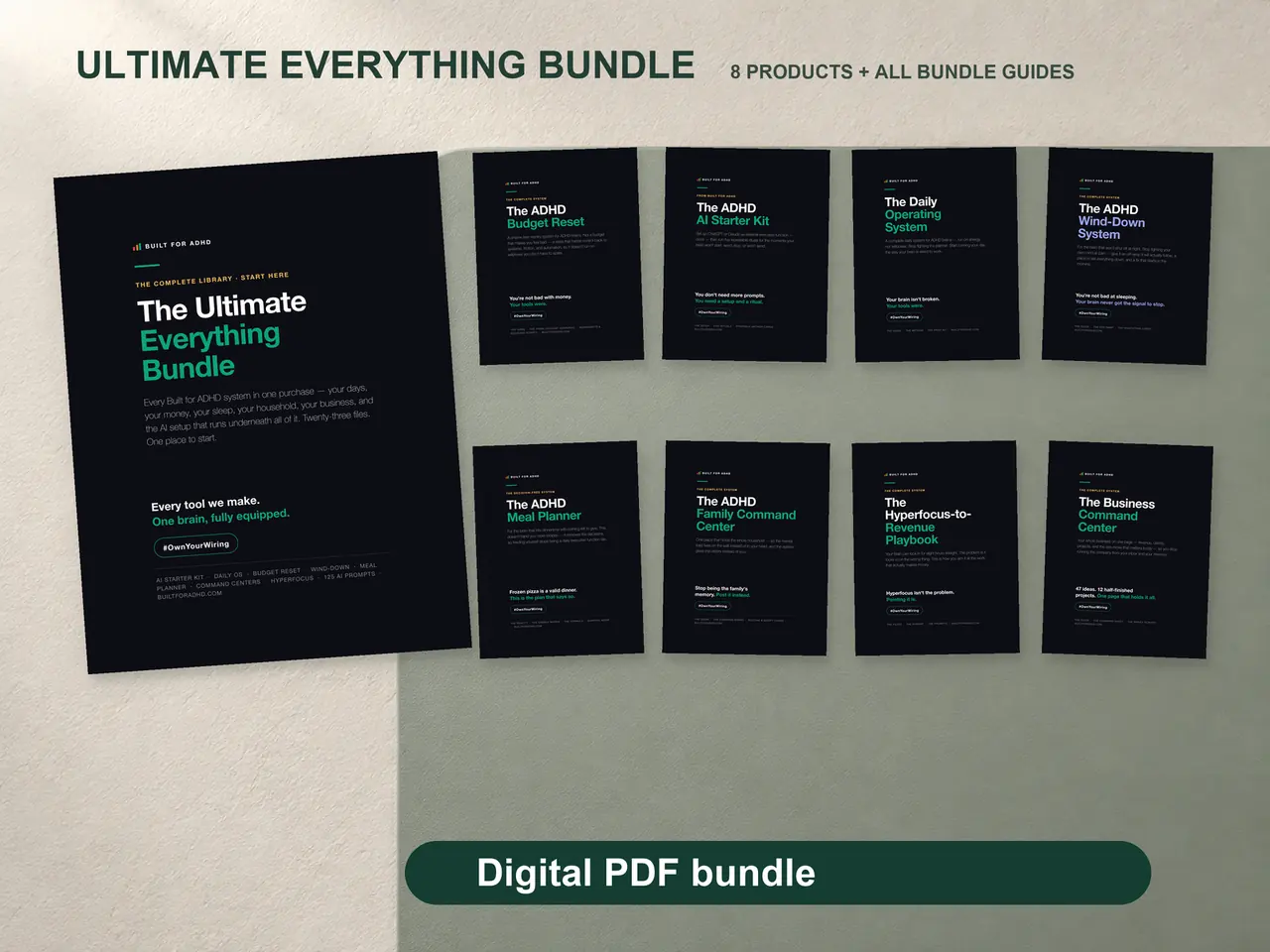
The Ultimate Bundle takes a different approach. Seven ADHD-designed PDF systems that cover daily planning, budgeting, meals, evenings, family life, and business — all using the same design language, all in one instant download, all yours to print and keep.
The weekly planner uses energy blocks instead of hour slots. The brain dump feeds into action cards with tiny first steps. The budget tracker gives you simple categories so you can see where money goes without overthinking it. The deadline pages give you a place to work backwards from a due date into daily actions, with a Panic Mode section for when time gets short. And the impulse buy checklist gives your brain a 60-second structured pause before you add to cart.
Making the Switch
If you’re reading this, you’ve already tried paper. Probably multiple times. And it probably worked for about a week each time before fading out. That pattern isn’t going to change with a prettier paper planner or a more expensive one.
Digital isn’t magic. You’ll still have days where you don’t open it. The difference is that when you come back after missing a day or three, there’s no blank page shaming you. It’s just there, ready, no judgment. And that forgiveness is what keeps ADHD brains coming back long enough to build an actual habit.
Your planning system should bend to fit your brain. Not the other way around.