You’ve searched “ADHD Google Sheets templates” because something isn’t working. Maybe you downloaded a free planner that looked great on someone’s Instagram but felt like homework the second you opened it. Maybe you tried Notion, then Todoist, then went back to sticky notes, and now you’re wondering if the problem is you.
It’s not you. And honestly, it’s not going to be a spreadsheet either.
Why a Spreadsheet Isn’t Actually What You Want
Here’s what happens with a standard ADHD spreadsheet template. You open it. It has seventeen tabs, color-coded headers, and a tutorial video you’ll never watch. You spend forty-five minutes customizing fonts instead of using it. The next day you forget it exists. Sound familiar?
That’s because a spreadsheet hands you raw flexibility and asks you to build the system yourself. Setting it up — deciding the columns, the categories, the structure — is executive function work, and that’s exactly what ADHD brains stall on. You came looking for something simpler and got handed a blank grid that needs an architect.
What ADHD brains actually need is the opposite: a system that’s already finished. Friction removed. Fewer decisions. Visual structure that guides you without instructions. And something that rewards you for doing the thing, not just tracking it. That’s a designed PDF — a guide plus a workbook with print-and-keep pages — not a spreadsheet you have to construct.
(If you want to see the trade-off spelled out before you decide, we compared the best ADHD planner templates in Google Sheets and went through Google Sheets versus Notion for ADHD — both land in the same place, but the reasoning is worth having.)
What Makes a Tool Actually ADHD-Friendly
A few non-negotiable elements separate a tool that sticks from a pretty one that collects digital dust.
Low entry barrier. If it takes more than thirty seconds to start using, it’s too complicated. A good ADHD tool opens and immediately tells you what to do first. No setup wizard, no formulas, no onboarding. Just a clear first action.
Energy-based planning. Forget time-blocking by the hour. ADHD brains don’t experience time linearly. Plans built around energy blocks — high focus, low focus, coasting — work because they match how your brain actually cycles through the day.
Built-in dopamine hits. Checkmarks aren’t enough. ADHD brains need a visible record of progress — a place where finished work is celebrated, not just a list of what’s left. Without that feedback loop, the system dies quietly.
Chaos-tolerant capture. You need a place to dump everything without organizing first. Brain dump pages that let you throw down tasks, ideas, worries, and random thoughts without sorting them give your working memory permission to let go.
The System That Actually Covers Your Bases
Managing ADHD takes coverage across five areas: capturing thoughts, planning your week, managing money, tracking deadlines, and controlling impulse decisions. Most people cobble together five different downloads from five different creators and none of them talk to each other.
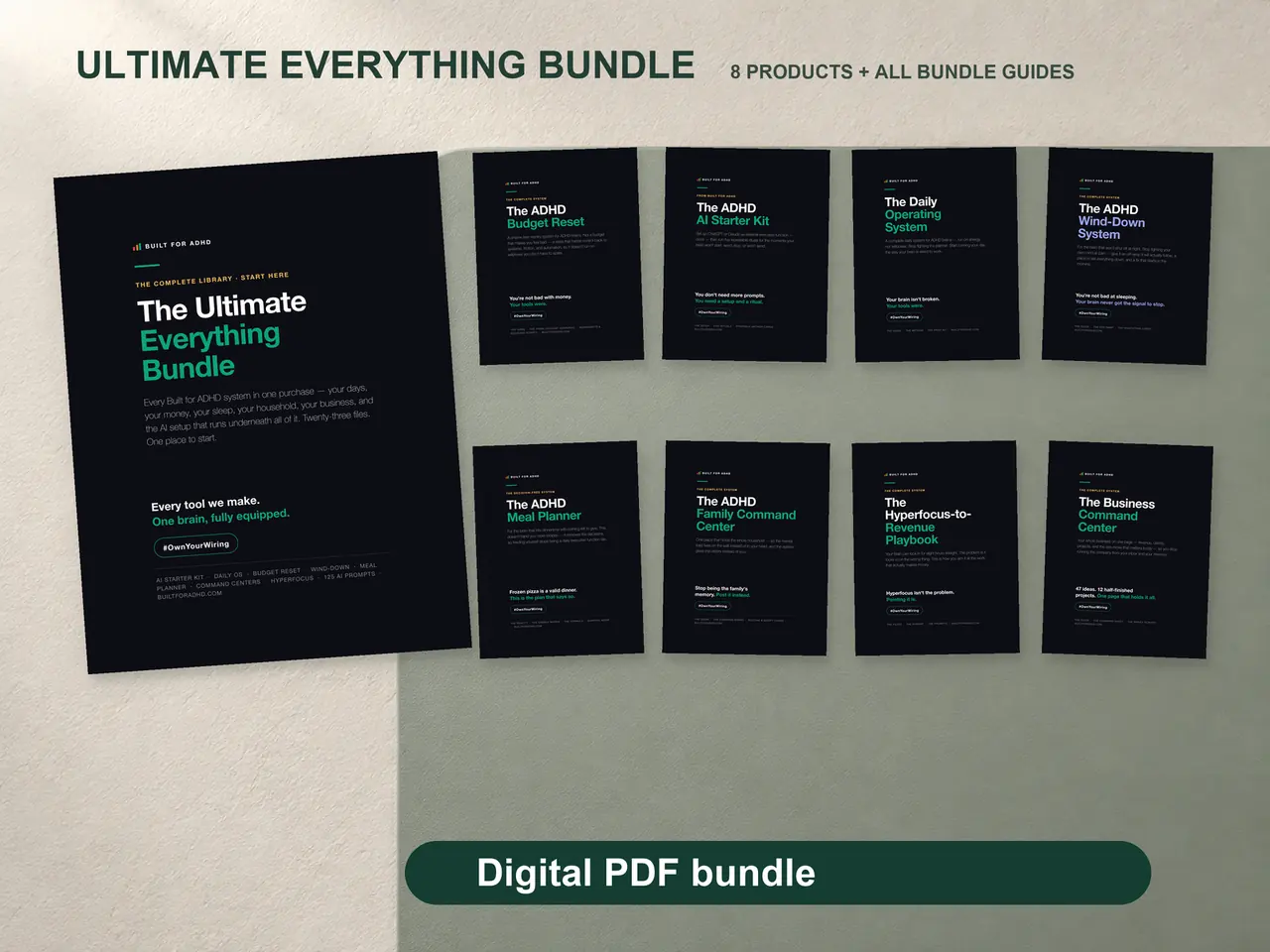
The Ultimate Bundle was built to solve exactly that. Seven designed PDF systems, all built on the same ADHD-first principles, all working together.
The brain dump gives you space to externalize every thought without judgment, then sort by energy level instead of priority. The weekly planner uses energy blocks so you’re not pretending you’ll be productive at 6 AM when your brain doesn’t boot up until 10. The budget framework gives you a simple way to see where money goes without deciding whether $4.50 at Wawa is “household” or “personal.” The deadline tracker walks you through reverse-engineering due dates into tiny steps and includes a Panic Mode page for when you’re out of runway. And the impulse buy checklist gives you a 60-second pause that helps you catch impulse purchases before they happen.
Why a Designed PDF Beats Apps and Spreadsheets
Apps come and go. They get acquired, redesigned, or paywalled. A PDF you download is yours forever — no subscription, no login, no app to maintain, nothing that can be taken away in an update. Save it to any device, print the pages you want, and you’re set.
More importantly, a PDF doesn’t send you notifications. For ADHD brains, every notification is a potential derailment. Your planning system should be something you go to intentionally, not something that interrupts you while you’re finally in the zone. You download it once, it lands in your email, and it’s there whenever you reach for it.
Stop Searching, Start Using
You’ve spent more time looking for the perfect template than you would have spent actually using a good-enough one. That’s ADHD decision fatigue at work — the more options you see, the harder it gets to pick one. So here’s the shortcut: pick the system that covers everything, open it, and do the first thing it tells you to do. That’s it. That’s the whole move.
Your brain already knows what it needs. It just needs tools that were built for how it works, not tools that demand it work differently.