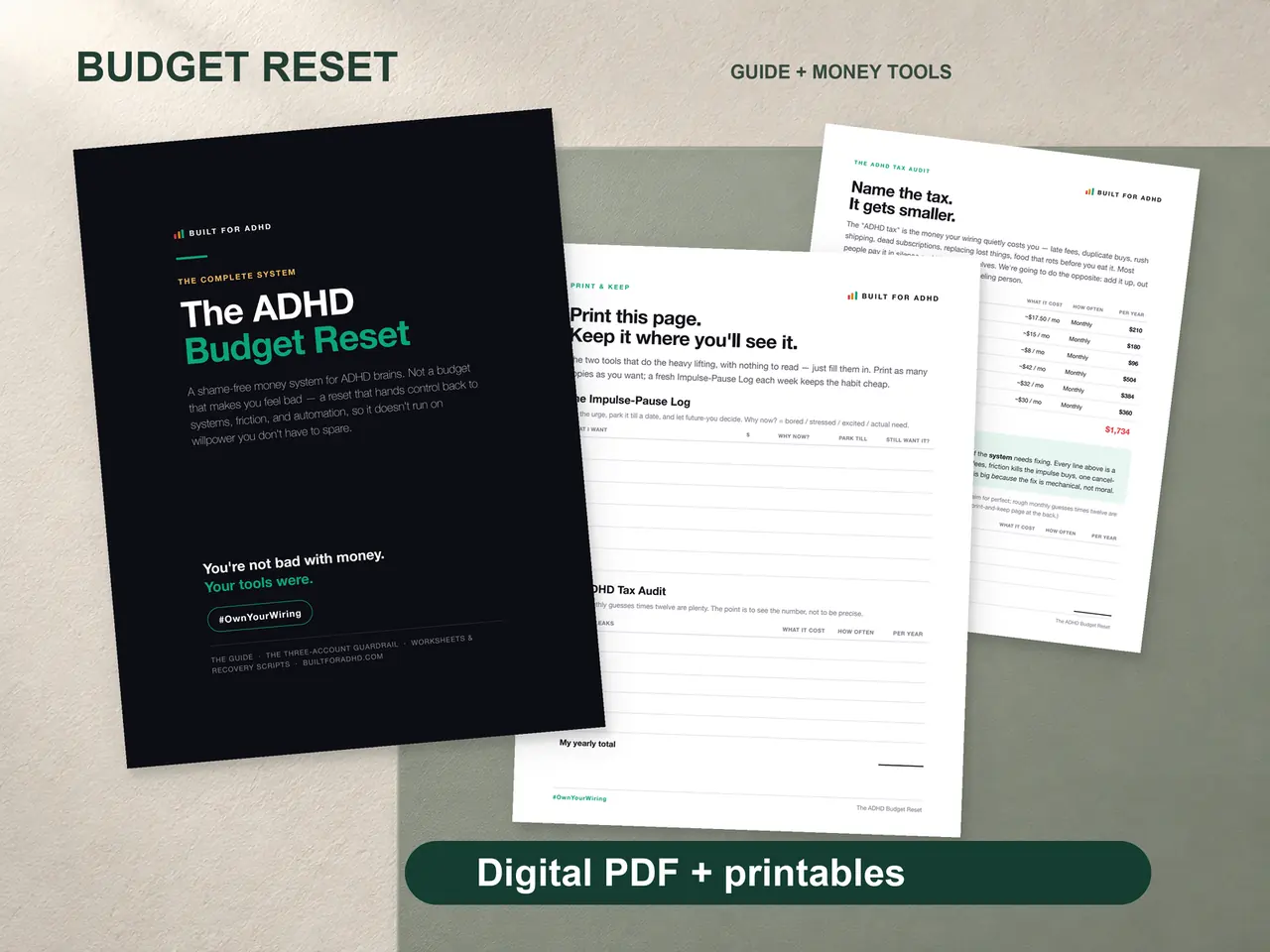
Financial planning with ADHD feels like trying to build a house on quicksand. You know you should have a plan. You know the future-you will be grateful. But every time you sit down to create one, your brain serves up a cocktail of overwhelm, boredom, and “I’ll deal with this later.”
And honestly? Most financial planning advice makes it worse.
Why Traditional Financial Advice Fails ADHD Brains
Open any personal finance book and you’ll find the same advice: create a detailed budget, track every expense, set long-term goals, automate savings, review quarterly.
Sounds reasonable. Except every step assumes executive function skills that ADHD brains struggle with:
- Detailed budgets require sustained attention to categorize and maintain
- Long-term goals compete with the ADHD brain’s need for immediate reward
- Quarterly reviews assume you’ll remember to do them and where you saved the file
- “Just automate it” works until an impulse purchase wipes out the savings transfer
The advice isn’t wrong. It’s just designed for a brain that yours isn’t.
Financial Planning That Actually Works With ADHD
The key is accepting a fundamental truth: your financial plan needs to be simpler, more visual, and more forgiving than what the experts recommend.
Start With Awareness, Not Goals
Most financial planning starts with goals. Save $10,000. Pay off credit cards. Invest every month. For ADHD brains, start earlier. Start with one question: where is your money actually going right now?
Not where you think it’s going. Where it’s actually going. Most ADHD adults are genuinely surprised when they see real numbers. That $300 per month in forgotten subscriptions. The $150 in late fees because auto-pay wasn’t configured. The $200 in impulse buys that felt small individually but totaled a car payment.
This is the ADHD Tax — and it’s the first place to focus.
Make the Invisible Visible
ADHD brains don’t respond well to abstract concepts like “net worth” or “savings rate.” They respond to concrete, visual information.
Progress bars filling in. A monthly page with color-coded categories. A single number showing your ADHD Tax that you can watch shrink month over month.
The visual feedback loop is critical. When you can see your spending patterns at a glance — without opening five apps or doing mental arithmetic — you’re dramatically more likely to actually engage with your financial plan.
Build In Flexibility From Day One
Rigid financial plans break on the first bad month. And with ADHD, there will be bad months. An impulse shopping spree. A forgotten bill that snowballs. An unexpected expense that nukes your savings progress.
Your plan needs to expect this:
- No zero-based budgets where every dollar is pre-assigned (too rigid for variable spending)
- An ADHD Tax category so unexpected spending has a home instead of blowing up your whole system
- Monthly resets instead of annual goals — 12 chances to start fresh beats one shot
- Progress tracking that celebrates small wins, not just the finish line
The Four Steps That Actually Work
Step 1: Track spending for one month. Use a simple dump system. Log what you spent, then sort it into categories. No judgment. Just data.
Step 2: Identify your ADHD Tax. Pull out every late fee, impulse buy, duplicate purchase, and forgotten subscription. Total it up. That’s your starting target.
Step 3: Redirect half of it. If your ADHD Tax was $400 last month, aim to redirect $200 toward savings or debt. Not through willpower — through systems like auto-pay, impulse pause checklists, and subscription audits.
Step 4: Check the page weekly. Every Sunday, spend 5 minutes looking at the visual summary. Not analyzing. Not agonizing. Just looking. Your brain will start adjusting automatically when it can see the patterns.
The Template That Makes This Possible
The Budget Reset was designed for exactly this workflow. One dump zone for all expenses. Sort into three simple categories. A monthly page with fill-in progress bars. And an ADHD Tax tracker that turns your biggest money leak into your biggest financial opportunity.
You don’t need a 47-step financial plan. You need a simple one that your brain will actually use — this week, next week, and the week after that.