In this article
It’s 5:40 PM, there’s a school email I read once and can’t find again, and I genuinely cannot remember if Thursday is early dismissal. None of that is a discipline problem. It’s a household’s worth of open loops with nowhere to live except my head, and my head has a leak. What actually closed that gap for me wasn’t a planner — it was treating ChatGPT as external executive function: a place to dump the mental load and get it handed back in a form I can act on, so I’m not holding all of it, alone, all the time.
This isn’t the “AI helps kids with homework” post. That’s a different job, a different brain, and a different guide. This one is for the parent running the schedule, the fridge, the forms, and the 6 AM wake-up — often with her own ADHD doing all of it at once.
The dinner plan from what’s actually in your fridge
“What’s for dinner” is really five decisions stacked on top of each other, asked at the exact hour your brain has the least left to give. The fix isn’t a meal-planning app — it’s describing what you already have and asking for the decision, not the inspiration:
I have chicken thighs, a bag of spinach, rice, and half a jar of salsa. Give me one dinner I can start in the next 20 minutes. Don’t ask what I’m in the mood for — just tell me.
That last line matters more than it looks. An open-ended “what do you feel like eating” is exactly the kind of question that stalls an ADHD brain at 5 PM; a single answer you can accept or reject in two seconds is not. If it’s a swing-and-a-miss, say “no, something faster” and take the next one — that’s still faster than standing in front of the fridge deciding nothing.
The school-email decoder
The email arrives with a subject line like “Important: Friday Update” and four paragraphs of PTA business, a field trip form, and one sentence, somewhere in the middle, that’s the only part that actually requires you to do something. I feel frozen reading those emails half the time, not because they’re hard, but because finding the one actionable line inside the friendly-newsletter tone takes more working memory than I have free. Paste the whole thing in and ask directly:
Read this school email and tell me only what I actually need to do, by when, and what I need to send or bring. Ignore anything that’s just information.
You get three lines back instead of four paragraphs, which is the entire value. A written communication template helps for the emails you send; this is for the ones landing in your inbox that you have to first understand before you can respond to at all.
“What do I need for Thursday?”
This is the question that actually runs a household, and it only works if you can ask it in one place instead of four calendars and a group chat. Once or twice a week, brain-dump everything you’re holding — practice, a permission slip, a dentist appointment, the fact that it’s spirit week — into one chat, then ask the actual question:
Here’s everything going on this week: [dump it all, unsorted]. What does Thursday specifically need from me, and give me the smallest first thing to do about it — something I could do in under two minutes.
That last part is the whole trick. A tiny, no-pressure first step — “print the form,” not “handle Thursday” — is a task your brain will actually start, where “handle Thursday” is vague enough to avoid indefinitely.
Drafting the permission slip in one pass
Permission slips, sign-up forms, the reply to the teacher — these are two-minute tasks that somehow take three days because starting the sentence feels harder than it should. Hand over the form and the situation, and let it draft the whole thing:
Draft a short reply to my kid’s teacher confirming she can go on the Thursday field trip. Include her name and homeroom. Keep it to two sentences, friendly, no over-explaining.
Read it, fix anything that’s wrong, send it. The value isn’t that the AI writes better than you — it’s that a drafted email is a five-second edit-and-send, and a blank reply box is an open loop that can sit for a week.
The 7 AM voice check-in
Screens compete with a house full of people who need you, so the one ritual that survives most mornings is voice, not typing. Thirty seconds, out loud, before anyone’s awake or while you’re making coffee: “Okay — today I’ve got the dentist at 3, I need to reply to the teacher, and I still haven’t figured out dinner.” Ask it to hand back the same thing every time: the one thing that has a hard deadline today, and everything else can wait until tonight. You’re not asking it to plan your day. You’re asking it to catch the one loop that will actually cost you something if it drops, before the day starts running you instead of the other way around.
The setup that makes this stick
None of the above works if you have to re-explain your situation — three kids, your work schedule, who’s on carpool this month — every single time you open a chat. Custom instructions, set up once in Settings, fix that: paste in the shape of your household once, and every future chat already knows it, so I don’t have to re-explain my brain every time I need ten minutes back. It’s free on every ChatGPT plan — free and Go accounts get up to 1,500 characters of custom instructions, which is plenty for “I have ADHD, I’m the default parent, here’s who’s in my house and what I’m juggling most weeks.” Memory works alongside it: tell it once that you always double your time estimates, or that “later” without a day attached isn’t a real plan, and it carries that forward without you asking again.
FAQ
Is this different from using ChatGPT for homework help? Yes — this is entirely about the parent’s side of the job: the schedule, the forms, the inbox, the dinner decision. If you’re looking for help with your kid’s actual schoolwork, that’s a different setup with different guardrails.
Do I need ChatGPT Plus for any of this? No. Custom instructions and memory are both available on the free plan, and voice mode is free too. The only reason to pay is if you hit usage limits from heavy daily use, which most parents running a household chat won’t.
What if I don’t have time to set up custom instructions? Skip it for now and just start using the dinner-plan and school-email prompts as-is — they work fine cold. Add the setup once you notice you’re typing the same context into every chat.
Can my partner use the same setup? Yes, and it’s worth it — paste the same household context into their account so you’re not the only one who can ask “what does Thursday need” and get a useful answer back.
Is this a replacement for a family calendar? No. It’s the layer that sits on top of whatever you already use for dates — the part that actually decides what to do with the information, not where the information lives.
Sources
- OpenAI Help Center, “ChatGPT Custom Instructions” — https://help.openai.com/en/articles/8096356-chatgpt-custom-instructions
- OpenAI Help Center, “ChatGPT Free Tier FAQ” — https://help.openai.com/en/articles/9275245-chatgpt-free-tier-faq
- OpenAI Help Center, “Memory FAQ” — https://help.openai.com/en/articles/8590148-memory-faq
Related
- ChatGPT custom instructions for ADHD — the paste-once setup this post builds on
- The ADHD school communication template — for the emails you send, not just the ones you’re decoding
- Mornings and lunches without the chaos — the kitchen system this pairs with
- The free parent starter set — printable routine cards and the command-wall layout
- The AI for ADHD hub — every setup guide, technique, and honest review in one place
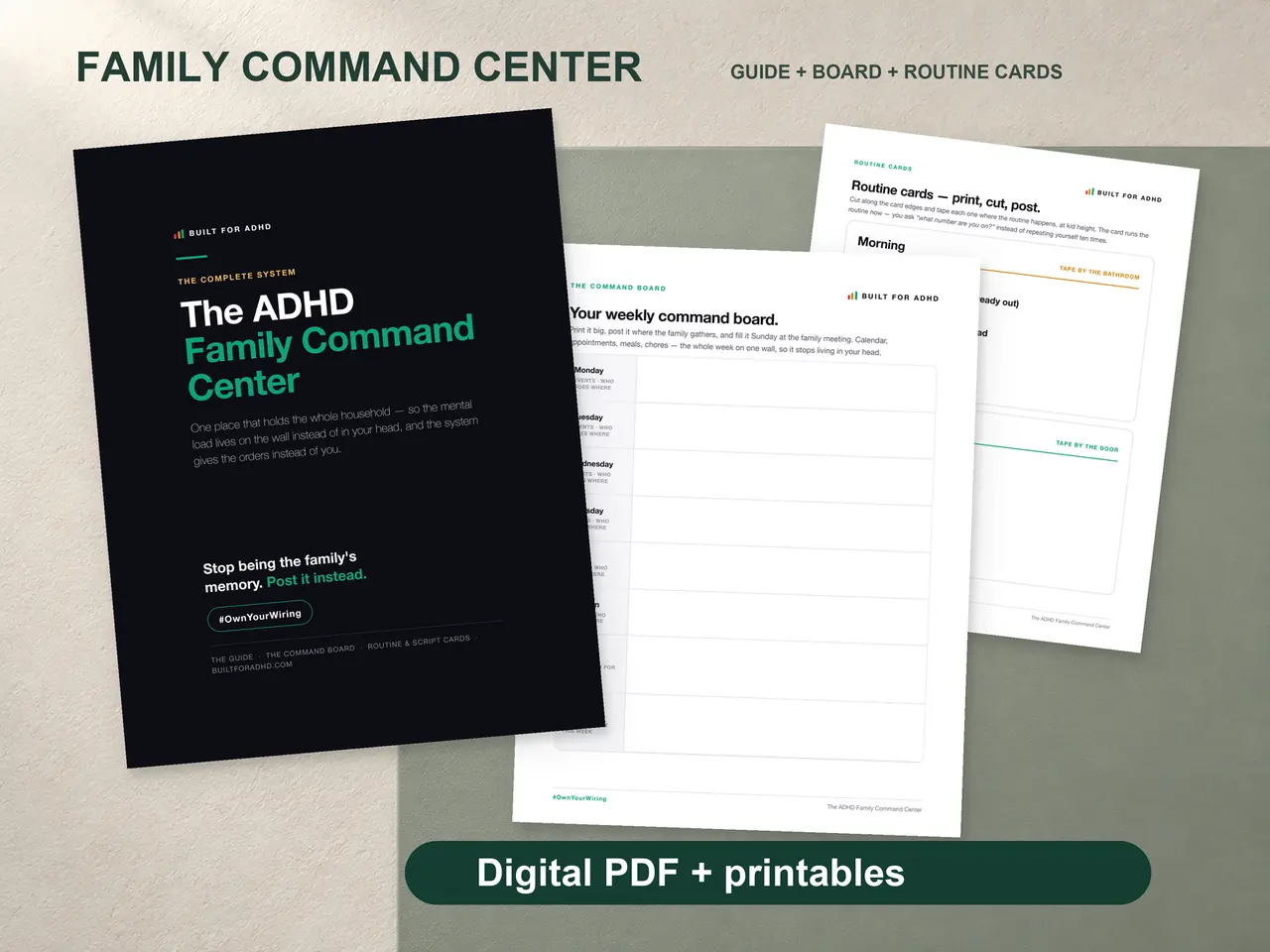
The full household version — the Command Board, routine cards, the Launch Pad, and nag-free scripts for the mornings that come apart anyway — is the ADHD Family Command Center, $19 once.