In this article
I have bought a lot of ADHD office tools. A timer cube with six faces. A whiteboard. A second whiteboard, because the first one was in the wrong room. Noise-cancelling headphones, which were genuinely good. Three kinds of sticky note. A desk organizer with eleven compartments, which I filled in one sitting and then never opened again.
And at the end of all that my desk was worse. Not cluttered in a cosmetic way — worse to work at. Because every object I had added was one more thing with a state. The whiteboard had old writing on it that was no longer true. The organizer had eleven compartments I had to choose between. The timer cube was under a notebook. (For the wider kit beyond the desk, the complete guide to ADHD tools for adults sorts the rest.)
The thing I eventually got, and the reason this is a checklist rather than a shopping list, is this:
An office tool earns desk space only if it removes a decision or holds something your working memory was holding. Everything else is one more object to manage.
That single test kills most of the gear and it keeps a surprisingly short list. Here’s the list, by zone.
Zone one: the visible surface — one page, not a screen
The most valuable square foot of an ADHD desk is the part directly in your sightline when you look up. It should hold exactly one thing: today’s page.
Not a task app. Not a browser tab. A printed page, with today’s handful of things on it, sitting where your eyes already land.
The reason is boring and it is not about discipline. A screen is a surface where your page competes with seventeen other things, and it loses, because the other sixteen are designed by people who are better at getting attention than you are. A sheet of paper has no notifications and cannot get buried under a tab. The whole argument for a printed page is that it can’t get buried, and you cannot bury paper under paper if there is only one sheet.
One rule that makes this work: the page is rewritten, not amended. A page from Tuesday that is still on the desk on Thursday has become furniture — your eyes stop reading it and start recognizing it, which is the exact failure mode of every whiteboard I have owned. A new sheet daily, or every couple of days, is the whole maintenance cost.
Zone two: the landing spot — one place where paper goes to die
The second zone is a single tray, box, or spot on the floor, and the only thing it needs is to be the only one.
Mail, forms, the thing from school, the receipt, the note you wrote at 11pm. It all goes in there. Unsorted. The tray is not an organizing system and it is important that you do not try to make it one — the moment the tray has categories, putting something in it requires a decision, and a decision at the door is a decision that doesn’t happen.
What the tray actually buys you is this: “where is it” stops being a question. It’s in the tray or it doesn’t exist.
Then once a week, on whatever day you have the energy for it, you empty the tray. Not on a schedule you’ve promised yourself — sorted by what the task actually costs rather than by what day it is, because an empty-the-tray session is a medium-energy job and Tuesday doesn’t know that.
Zone three: the friction removers
These are the only objects on the list, and each one exists to delete a specific moment where you’d otherwise get up, get distracted, and not come back.
Headphones. The honest version: not for music, for a wall. Open-plan noise, someone’s conversation, the dishwasher — the office environment is a sensory problem before it’s a focus problem, and the headphones are the cheapest wall available.
A water bottle that is already full. The tiny trip to the kitchen is where thirty minutes of work goes to die, because the kitchen has a fridge and a phone and a reason to start something else.
One visible timer — a real object, not an app. The point is not the countdown. The point is that it’s visible without unlocking anything. A timer on your phone requires picking up your phone, and picking up your phone is the thing you were trying not to do.
One charging cable that lives here and never leaves. Not your good one. A second one, slightly worse, taped down if necessary. “My laptop is at four percent and the cable is in the car” has ended more of my afternoons than any genuine lack of focus.
That’s four objects. Notice what they have in common: none of them have a state. Nothing to update, review, or feel behind on.
Zone four: out of sight, not gone
Everything else goes in a closed drawer or a box on the floor.
This is the zone that makes the first three survive, and it’s the one people skip because it feels like giving up. It isn’t. The stapler, the backup notebooks, the good pens, the gear you’ll want in two weeks — none of it needs to be visible to be available. Visible costs you something every single time you look at the desk; available costs you four seconds when you need it.
My rule: if I haven’t reached for it in a week, it goes in the box. If I pull it out of the box twice, it’s earned the surface back. That’s the entire system and it takes no maintenance, because the box also has no categories.
The three-question test
Before anything new lands on the desk, three questions:
- Does it remove a decision, or add one? An organizer with eleven compartments adds eleven. A single tray removes one.
- Does it have a state I have to maintain? Whiteboards, habit trackers, and anything with a streak have a state. A full water bottle does not. Things with a state become evidence that you’re behind, and evidence that you’re behind is the most expensive thing you can put in your sightline.
- Is it visible without an unlock, a login, or an app? If getting to it requires picking up the phone, the phone wins. It always wins.
Two yeses and a no is a drawer item, not a desk item.
What I’d skip entirely
A second screen used as a dashboard. It becomes a place for tabs, every time.
Anything with a streak on it. A seven-day run that breaks on day eight is a system that now actively argues against you reopening it.
Desk gear bought during a reorganizing mood. That mood is real and it’s useful, but it buys for the version of you who is currently full of energy, not the version at 2pm on a Wednesday. Decision fatigue is a budget and it runs out — the setup has to work for the depleted version, because that’s who uses it most.
The deep reorganize before you start. Clear one square foot in your sightline and put today’s page there. That’s enough to start.
Do this today
Fifteen minutes, in this order:
Clear the sightline. Put one page on it with today’s three things. Pick one tray and make it the only one. Fill the water bottle, find the second cable, put the timer somewhere you can see it. Everything else into a box on the floor.
That’s the setup. Four objects, one page, one tray, one box.
If working alone is the harder part of the day, a body-doubling session is the one “tool” that isn’t an object — and if you want the wider sweep of what’s actually worth buying, the ADHD tools roundup for adults covers the apps and gear beyond the desk itself.
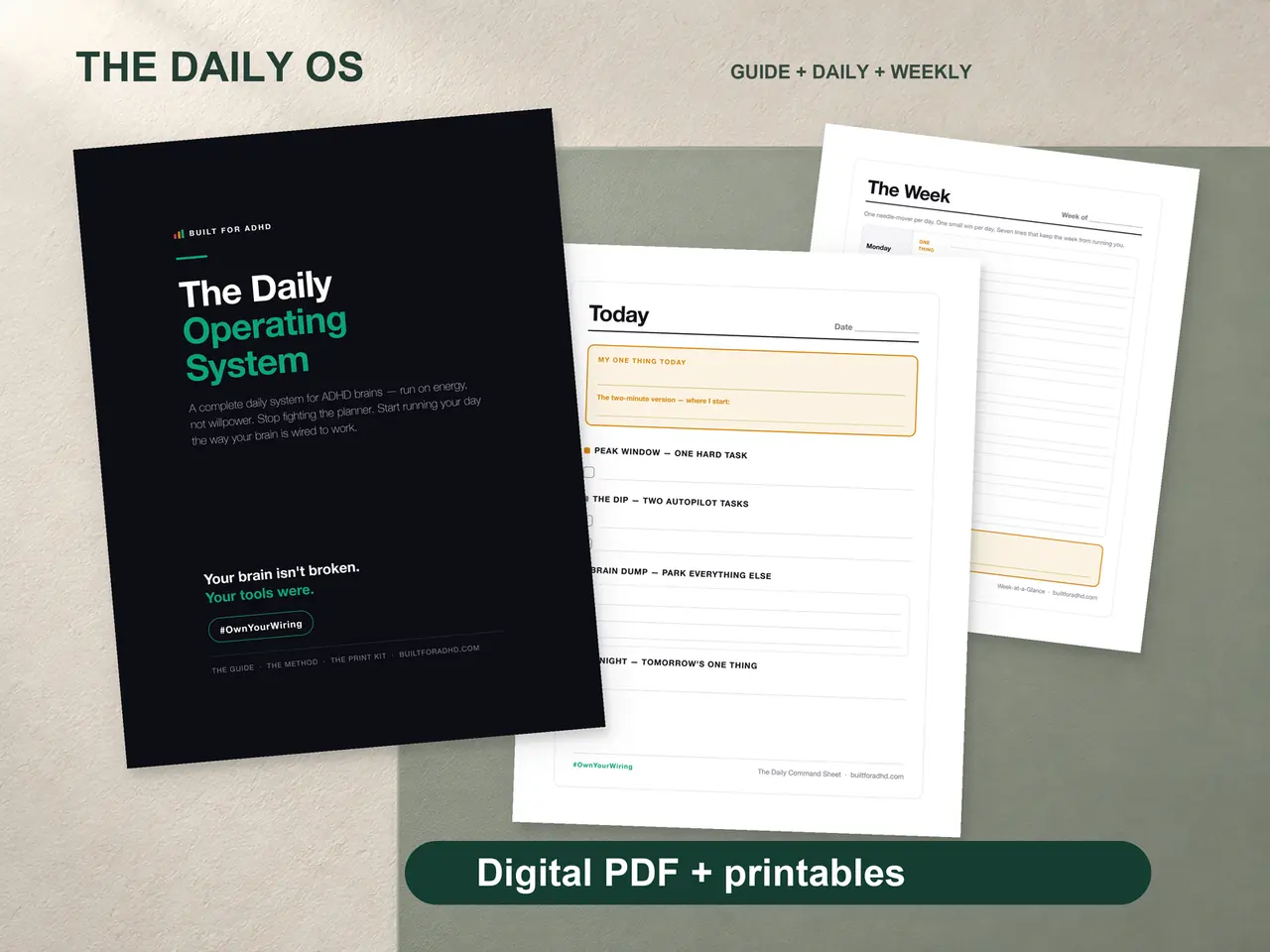
If you’d rather not design the page that sits in your sightline — the energy-sorted method, a worked example of a real day, the Daily Command Sheet to fill in and print, and the restart pages for when you drop it for a week — that’s the ADHD Daily Operating System, $17. Honest note: it’s a paper system, not gear. It makes zone one good. Zones two through four above are free and mostly involve a box.
Related tools
- The ADHD tools roundup for adults — the wider apps-and-gear sweep
- ADHD work-from-home productivity — the whole-day version of this setup
- ADHD sensory overload at work — why the headphones are zone three
- Energy-based task management — the frame behind emptying the tray
- ADHD decision fatigue — why fewer objects wins
- Body doubling while working from home — the tool that isn’t an object