In this article
Direct answer: Notion AI is a genuinely capable set of features layered onto Notion — an agent that completes multi-step tasks, meeting transcription, search across your other connected apps — but it doesn’t fix the reason ADHD brains struggle with Notion in the first place. Notion’s core problem was never “I need AI to help me write in here.” It was “this blank, infinitely customizable canvas is itself the task,” and no amount of AI bolted on top changes that structurally.
This one matters because Notion AI shows up constantly in “AI tools for ADHD” searches, usually from people who use Notion professionally and are extrapolating that the AI features will solve what the base product never did for an ADHD brain.
What Notion AI actually is
Notion AI is built into the Notion workspace — it’s not a separate app, it’s a layer inside your existing pages, databases, and docs. As of 2026, the meaningful pieces are:
- Notion Agent — a conversational AI that can complete multi-step tasks using the context of your workspace and connected apps, rather than just answering a single question.
- Custom Agents — automations you set up once that run on a schedule or trigger, working in the background without you opening the app.
- Enterprise Search — searches across Slack, Google Drive, GitHub, and other connected tools from inside Notion.
- AI Meeting Notes — transcribes a conversation and summarizes the key points and action items.
- AI Blocks — inline writing help and draft generation directly on a page.
- Database Autofill — has AI fill in database properties for you instead of typing each one by hand.
Where it genuinely helps — if you already use Notion
Meeting notes without the note-taking. If meetings are a place your attention checks out and later you can’t reconstruct what was decided, having a transcript and an AI summary waiting afterward removes a task you were structurally bad at doing live.
Database Autofill. Notion databases are powerful and famously tedious to populate by hand — this is the single feature most likely to reduce actual ADHD friction, because filling in fifteen fields per row is exactly the kind of repetitive setup task that kills momentum before a system gets used at all.
Custom Agents for recurring busywork. If you have a task you do the same way every week — sorting a database, drafting a status update — a Custom Agent running that on autopilot removes a whole category of “I forgot to do the boring recurring thing” failures.
Where it doesn’t solve the actual ADHD problem
Here’s the part every “Notion AI for ADHD” article skips. Notion’s difficulty for ADHD brains was never about writing speed or search — it was about the infinite blank canvas. Notion is a building-block system: you’re supposed to design your own databases, your own views, your own structure, from nothing. That design work is executive function-heavy in exactly the way ADHD brains find hardest — too many decisions, no default, no wrong-but-good-enough starting point handed to you.
Notion AI can write faster inside a structure you’ve already built. It cannot build the structure’s design decisions for you in a way that actually fits how your specific brain organizes information — that’s still a you-shaped decision, made once, that most ADHD Notion setups never get past. This is the honest reason why every productivity system fails ADHD brains that starts from a blank template instead of a working one: the setup step is the actual task, and AI writing assistance inside the tool doesn’t touch it.
Current pricing
Pulled directly from notion.com/pricing:
| Plan | Price (per user/month) | Notion AI access |
|---|---|---|
| Free | $0 | Limited trial: generating docs, autofilling databases |
| Plus | $10 | Same limited trial as Free |
| Business | $20 | Full access: Notion Agent, Custom Agents, Enterprise Search, AI Meeting Notes |
| Enterprise | Custom | All Business AI features, plus zero data retention with LLM providers |
The meaningful line: the full AI feature set — the Agent, Custom Agents, Enterprise Search — sits on the Business plan at $20/user/month, not the cheaper Plus tier most individual users are on. If you’re on Notion for personal use rather than a team, you’re likely paying for a business-tier plan to get the AI features that get talked about most.
Per notion.com/product/ai, Custom Agents run on Notion credits: free to try, then $10 per 1,000 credits, bought as an add-on to the Business and Enterprise plans — a second meter on top of the seat price, worth knowing before you build a workflow around them.
The setup that makes it work, if you’re staying with Notion
If you’ve already invested in Notion and aren’t switching, the fix isn’t more AI — it’s borrowing structure instead of designing your own. Copy a pre-built template close to what you need rather than starting from a blank database, and only customize the two or three fields that don’t fit, instead of redesigning the whole thing from scratch. Then use Notion AI for what it’s actually good at on top of that borrowed structure: autofilling the fields, summarizing a meeting into it, and letting a Custom Agent handle the one recurring cleanup task you keep forgetting. That order — structure first, AI second — is the difference between Notion AI feeling like a genuine assist and feeling like a fancier way to procrastinate on the setup you were already avoiding.
The place this breaks down fastest is databases with more than about five properties. Every additional field is a decision you have to make once when you build it and remember every time you fill in a new row. AI autofill helps with the second half of that; it does nothing for the first. If your database keeps growing new properties every time you open it, that’s a sign the structure itself — not the AI layer — needs simplifying.
Who this is actually for
Notion AI makes the most sense if you’re already deep in Notion for work — a team database, a shared wiki, recurring meetings — and the $20/month is either shared across a team or already justified by everything else Notion does for you. It’s a weak first purchase if your goal is specifically “an AI tool to manage my ADHD,” because you’d be paying $20/month primarily for a workspace-organization problem you haven’t solved yet, plus AI on top of it.
The lower-cost alternative
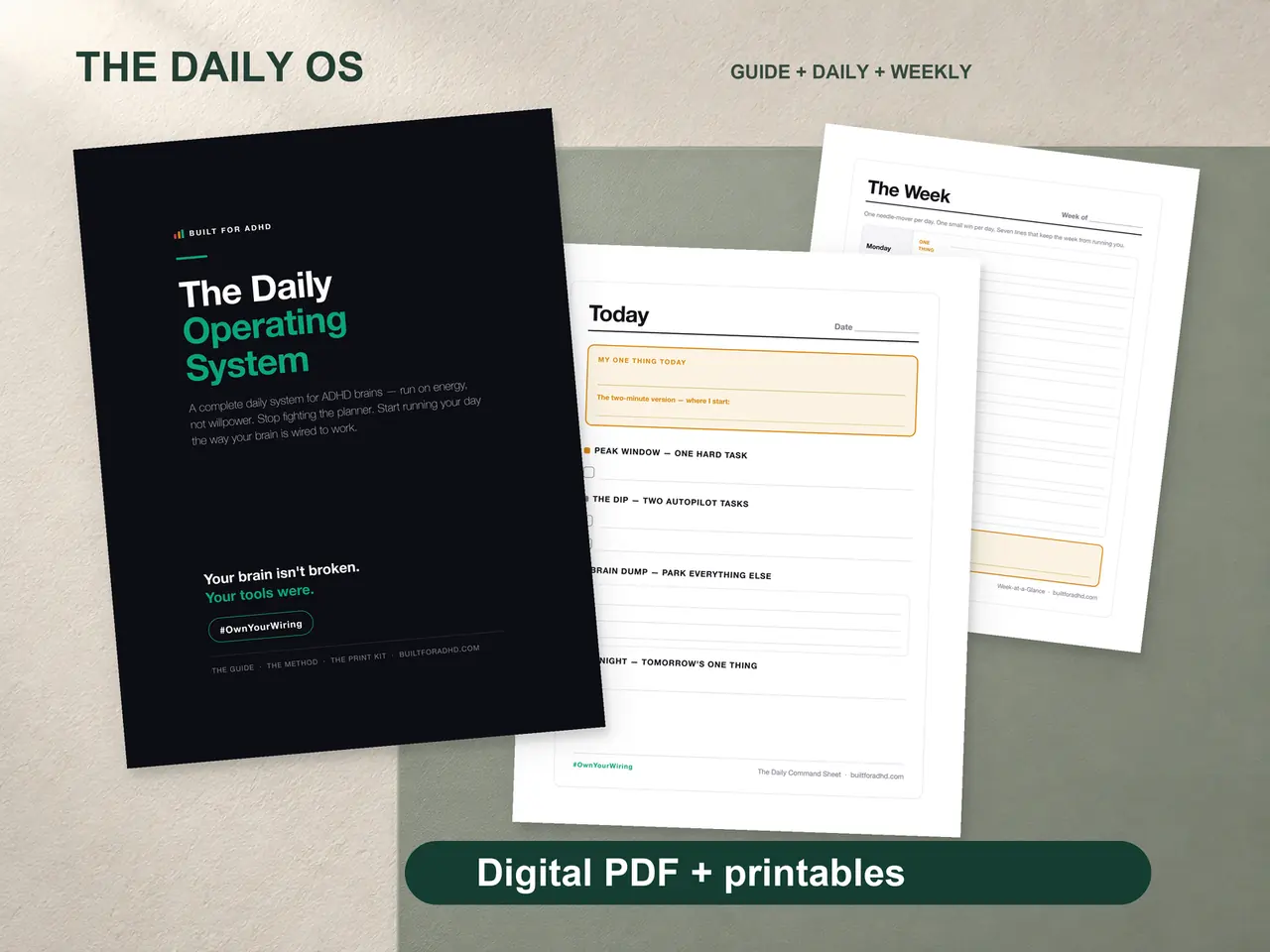
If the actual goal is a system that tells you what to do today without you designing a database first, a pre-built, energy-based system skips the setup-decision problem entirely — the structure already exists, you just fill it in. And for the writing-assistance half of what Notion AI offers, ChatGPT or Claude, configured once with ADHD-specific instructions, does comparable drafting and summarizing for free, without needing a $20/month workspace underneath it.
If you’re deciding between Notion’s spreadsheet-style structure and something simpler, the full Google Sheets vs. Notion comparison covers which one actually fits an ADHD brain better before AI enters the picture at all.
FAQ
Is Notion AI free? There’s a limited trial on the Free and Plus plans. The full feature set — Notion Agent, Custom Agents, Enterprise Search — requires the Business plan at $20/user/month.
Does Notion AI fix Notion being overwhelming for ADHD? Not directly. It speeds up writing and summarizing inside a structure you’ve already built, but it doesn’t remove the setup-decision burden of designing that structure in the first place, which is the harder ADHD problem.
Is Notion AI worth it if I don’t use Notion for work? Usually not as a first purchase. You’d be paying $20/month for a workspace-organization tool you haven’t finished setting up, plus AI features on top of it, rather than a lower-cost, already-built system.
What’s the single most useful Notion AI feature for ADHD? Database Autofill and AI Meeting Notes are the two most likely to remove real friction — both target repetitive or attention-heavy tasks rather than requiring new organizational decisions from you.
Sources
- Notion — Pricing. https://www.notion.com/pricing
- Notion — Notion AI product page. https://www.notion.com/product/ai
Related
- Google Sheets vs. Notion for ADHD: Which Is Better — the structural comparison before AI enters the picture
- Why Every Productivity System Fails ADHD Brains — the setup-decision problem this review names directly
- ADHD Daily Operating System — $17, a pre-built structure with no database design required
- The AI for ADHD hub — every setup guide and honest review in one place