In this article
Take a photo of the mess and ask it what to do first. That’s the whole technique, and I resisted writing it up for months because it sounded too simple to be a real strategy — but the counter doesn’t care that the fix is simple, and neither do I anymore. When a room has gone past the point where you can even see a starting place, a photo plus one question does something a to-do list can’t: it looks at the actual chaos instead of an abstraction of it. For the rest of the AI-for-ADHD setup this fits inside, the AI for ADHD hub has the full map.
Why a photo works when a list doesn’t
A written to-do list requires you to have already sorted the mess enough to describe it — “clean the kitchen” assumes you know what’s in the kitchen that needs handling, which is precisely the sorting your brain froze on in the first place. A photo skips the description step entirely. You’re not summarizing the disaster, you’re handing it over whole, and asking someone else to do the sorting you couldn’t start. That’s the same shift as talking instead of typing — offloading the organizing step, not just the doing step — except here the mess is physical instead of a swirl of thoughts.
What the assistant can actually see
Both ChatGPT and Claude can take a photo as input and reason about what’s in it — not just recognize “this is a kitchen,” but read individual objects, estimate what’s mail versus trash, and notice a pile has three different categories of thing stacked on top of each other. In ChatGPT, tap the plus button or tools menu in the message box, choose to add a photo, and send it with your question; you can drag a photo in directly on desktop. In Claude, tap the plus button and choose to add a photo, drag one into the chat window, or paste one straight from your clipboard — it accepts JPEG, PNG, GIF, and WebP, up to twenty images in one chat. Both work on free plans, no upgrade required to try this once.
The copy-paste prompt
Take the photo, then send it with something like this:
“This is the actual state of my counter/desk/pile right now. Don’t tell me to ‘clean it up’ — look at what’s actually there and give me the first three physical moves, in order, each small enough to do in under two minutes. Stop after three. Don’t mention anything I’d need to leave the room for.”
The constraints matter as much as the ask. “First three, in order” stops you from getting a full inventory that’s just as overwhelming as the photo was. “Under two minutes each” filters out anything that’s secretly a whole project wearing a to-do-list costume. And “don’t mention anything I’d need to leave the room for” keeps momentum in the room you’re already standing in — the same reason tiny first steps work anywhere else in this system.
Tell me what to clean first, without the shame
The version I actually say out loud most days is shorter: “tell me what to clean first.” No context, no apology for how bad it looks, no explaining how it got this way. Neither assistant needs the backstory to be useful, and it’s worth noticing that skipping the explanation is itself part of the relief — you’re not narrating your own failure before you’re allowed to start fixing it.
Where this earns its keep beyond the kitchen counter
The technique isn’t kitchen-specific. A desk that’s become an archive of every open loop, a pile of mail you’ve been stepping around, a car back seat, a kid’s floor before bed — all the same move. Photograph it, ask for the first three moves, do the first one before you finish reading the third. The Brain Dump Sorter does the equivalent job for the swirl in your head instead of the pile on your desk, if it’s thoughts rather than objects that have gotten away from you.
The privacy line
One rule, non-negotiable: don’t put anything with an account number, a full document, ID, or anything financial in the frame. A photo of a messy counter is fine; a photo of a messy counter with your open mail showing a bank statement is not. Crop it, move the document out of frame, or take the photo again — it costs you ten seconds and it’s worth it every time. This isn’t a hypothetical caution; treat any photo you send an AI assistant the way you’d treat a photo you were about to text a stranger, because functionally that’s closer to what’s happening than it feels like in the moment.
The close-out
Once you’ve done the first move, you don’t need to go back for a fresh photo and a fresh list right away — momentum from one tiny action usually buys you the next one without asking. If it doesn’t, that’s fine too; take another photo, ask again, and treat each round as its own tiny win instead of measuring against the whole room. The room doesn’t get clean in one exchange. It gets clean in however many two-minute moves it takes, and the photo trick’s only job is making sure you never have to stare at the whole mess to find the next one.
The off-screen version
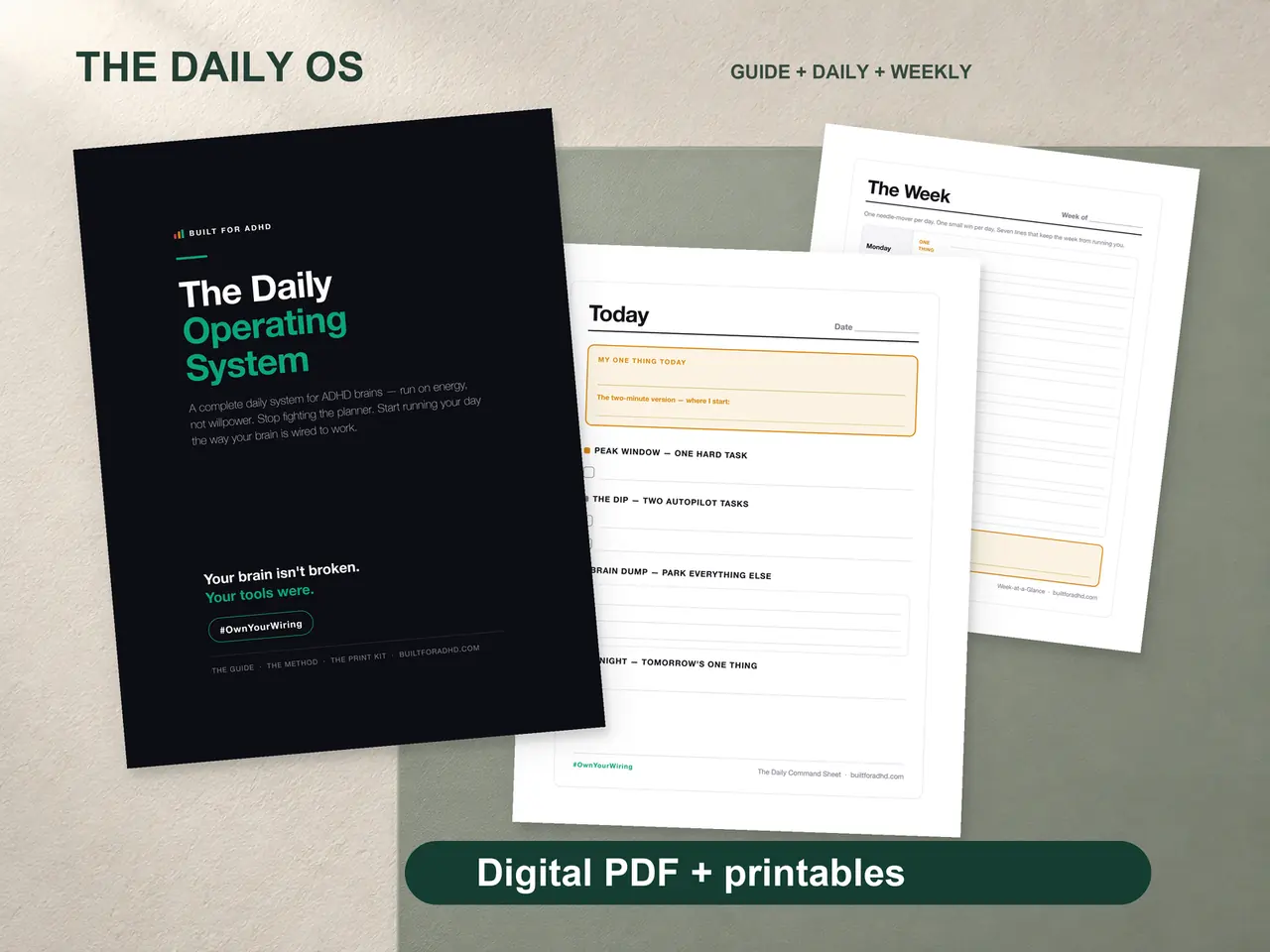
If you’d rather not photograph anything, the ADHD Daily Operating System sorts the same way on paper — a Daily Command Sheet you print and post, $17 once, no camera or account required.
FAQ
Can ChatGPT and Claude actually understand a photo of a messy room? Yes — both can accept a photo as input and reason about the specific objects and categories in it, not just recognize the general scene, which is what makes “what’s the first move” a useful question rather than a generic one.
How do I send a photo to ChatGPT or Claude? In ChatGPT, use the plus button or tools menu in the message box to add a photo, or drag one in on desktop; in Claude, use the plus button, drag and drop, or paste directly from your clipboard — both work without a paid plan.
What should I actually ask when I send the photo? Ask for the first three physical moves in order, each small enough to finish in under two minutes, and tell it to stop after three so you don’t get an overwhelming full inventory back.
Is it safe to photograph a messy desk or counter for this? Only if nothing in the frame shows an account number, ID, or full document with personal or financial details — crop those out or retake the photo, since anything sent to an AI assistant should be treated like something you’d be comfortable texting to a stranger.
Does this work for anything besides physical clutter? The same ask works for a car, a kid’s floor, or a pile of mail — anywhere a physical mess has grown past the point of being describable in a sentence — and the Brain Dump Sorter is the equivalent tool for a mental pile instead of a physical one.
Related
- The free Brain Dump Sorter — same first-three-moves sort, for thoughts instead of objects
- ADHD task paralysis: the tiny first step method — the principle behind “under two minutes”
- ADHD doom piling and clutter — why the pile built up in the first place
- The free AI prompt pack — more copy-paste openers built the same way
- The AI for ADHD hub — every setup guide, technique, and honest review in one place
Sources
- OpenAI, “Images in ChatGPT” — https://help.openai.com/en/articles/11084440-images-in-chatgpt
- OpenAI, “ChatGPT Image Inputs FAQ” — https://help.openai.com/en/articles/8400551-chatgpt-image-inputs-faq
- Anthropic, “Upload files to Claude” — https://support.claude.com/en/articles/8241126-upload-files-to-claude