In this article
I have bought three jars of cumin. Not over a lifetime — within one calendar year, from the same store, while holding a list that did not mention cumin because at no point was I standing in the kitchen when I thought about it.
That’s the part that took me years to see. My grocery lists weren’t failing because they were incomplete. They were failing because of two things that have nothing to do with completeness: the order they were in, and the fact that they had no memory.
(If the thing stalling you is deciding what to eat at all, that’s a different job and the AI meal planning brief is the one to read — it ends with a list. This post is about the trip. The forty minutes in the building.)
Three ways a normal grocery list breaks an ADHD brain
It’s written in the order you remembered things. Milk, then paprika, then bananas, then dish soap, then chicken. But that list makes you walk the store four times, and every lap is a fresh chance to get pulled sideways by an endcap. Zigzagging a supermarket is not a focus problem. It’s a routing problem that gets blamed on focus.
It has no memory of your kitchen. The list only knows what you thought of. It doesn’t know about the cumin. So you buy the cumin, because standing in the spice aisle with no information, the safe move is always to buy it — and then you’re the person with three jars and no oregano.
There’s no capture point between the thought and the store. You notice you’re nearly out of coffee at 7:40 AM with wet hands. By the time there’s a list in front of you, that’s gone. This is just time blindness pointed at a cupboard: the thought was real, it was simply not durable.
So the fix isn’t a better list. It’s a list that arrives sorted, that already knows what’s in the house, and that can absorb a thought at 7:40 AM with wet hands.
The standing brief
Write this once, keep it somewhere you can paste it, and open every grocery prompt with it. Regenerating context every week is its own tax.
My grocery brief: I shop at one main store. The route is produce, bakery, deli, meat, dairy, frozen, then the middle aisles, then household. There are four of us; two are picky. Standing staples we always need: coffee, milk, bread, eggs, bananas, chicken, pasta, cereal, tortillas. Things I over-buy because I forget I own them: spices, condiments, rice, canned beans, frozen vegetables. I shop once a week with one mid-week top-up. Keep lists short and in aisle order. Never suggest recipes unless I ask.
That last line matters more than it looks. Unprompted, these tools want to be helpful by expanding scope, and a grocery list that turns into a menu discussion is a list you close.
Prompt 1 — the dump-to-aisle converter
This is the one that does the actual work. You paste the mess; it hands back the route.
“Here’s my brief: [paste]. Here’s everything I’ve thought of, unsorted and probably redundant: [paste your dump]. Turn it into one grocery list grouped in my store’s route order, with the section headers in that order. Merge duplicates. Put anything from my over-buy list in a separate ‘check at home first’ block at the bottom instead of in the main list. No quantities unless I gave one. No recipes.”
What comes back is a list you walk once, with the three riskiest items quarantined where they can’t become a fourth jar of cumin. The “check at home first” block is the single highest-value line in the prompt, and it is the one I would not have thought to ask for — deciding under no information is what makes the duplicate, so the fix is to hand yourself the information at the right moment instead.
Prompt 2 — the standing staples sweep
Run this before the dump, not after. It takes about ninety seconds and catches the stuff that’s never on the list because it’s too obvious to think about.
“Using my brief, ask me about my standing staples one line at a time — just the item, and I’ll answer have / low / out. Don’t comment, don’t explain, next item. At the end, give me only the ‘low’ and ‘out’ ones as a list.”
Nine quick answers, no prose, and a list that reflects your actual kitchen instead of your actual memory. Rapid call-and-response costs almost no working memory, which is exactly what you have least of before a shop.
Prompt 3 — the five-item top-up
Mid-week runs go badly because they’re unbounded. You went for milk and came back with forty dollars of nothing.
“Top-up trip. Here are the things I’ve thought of since Sunday: [paste]. Give me a maximum of five items in aisle order, pick the five most load-bearing, and tell me what you dropped. If there are fewer than five, don’t pad it.”
A capped list has an end, which means the trip has an end.
The capture point, which is not an AI problem
None of the above works if the thought never lands anywhere. This is the part people skip and then blame the tool.
You need one place — the same one, every time — that accepts an item in under three seconds. Mine is a voice note, because the moments I notice we’re out of something are the moments my hands are full. Dictating into a running capture file and letting the sorting happen later works far better for me than opening an app and typing into the right field. One destination, no decision about where it goes.
Then on shop day, that raw dump is the thing you paste into Prompt 1. The mess is a feature. Sorting is the machine’s job.
What it gets wrong
Quantities. It will tell you two pounds of chicken with total confidence and no basis. Treat every number as a guess you’re checking.
Your store layout. It is working from what you told it in the brief. If you didn’t say the pharmacy aisle is between frozen and household, it will put household wherever seems reasonable. Fix the brief, not the list.
Brands. It invents them. Ignore it.
Scope. Ask once for a grocery list and it will often return a grocery list plus a meal plan plus a note about nutrition. That last one is the worst of the three, because it drags a shopping errand into a referendum on your eating. Say “list only” and mean it.
The thing this doesn’t solve
An aisle-ordered list does not stop you from standing in front of an open fridge on Thursday with ingredients you no longer have a plan for. That’s upstream, and it’s handled by a plan, not a list — the leftovers-and-waste loop is where that one actually gets fixed. If you want the whole surface on paper rather than in a chat window, the ADHD meal planning template is the printable version, and the weekly meal prep page covers the batch-cooking half.
Do this today
Write the standing brief. Ten minutes, once, and you never write it again.
Then pick your capture point and use it for a week — voice note, one note file, whatever you’ll actually reach for with wet hands. On shop day: Prompt 2, then Prompt 1 with the week’s dump pasted in, then walk the store in the order it hands you.
One brief, one capture point, one lap of the building.
If you want a starting stack of reusable prompt structures rather than building each one, the ADHD prompts sorted by stuck state is the free version, and the free ADHD kit for parents has the household side of this.
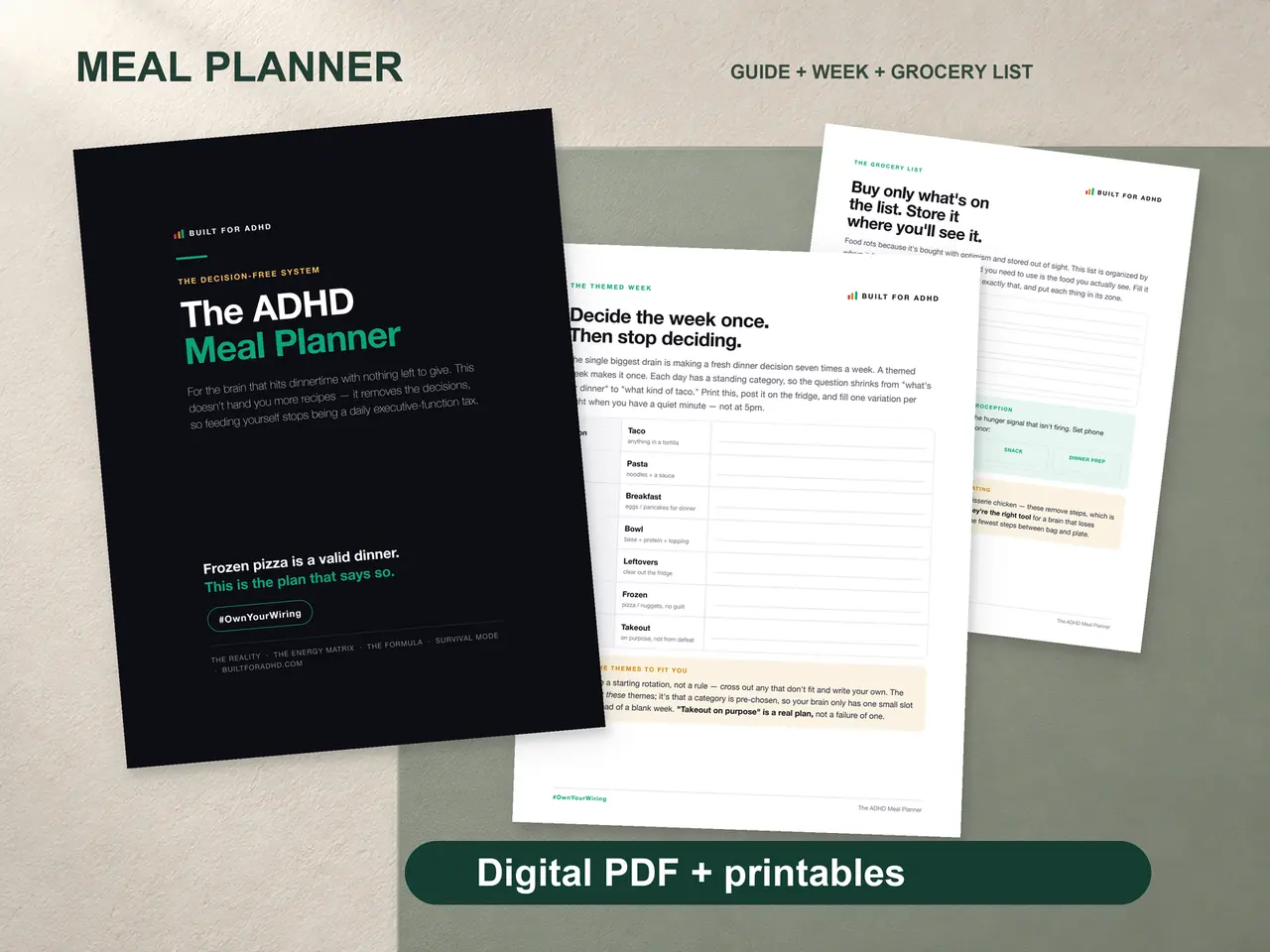
If what’s actually missing is the paper surface the list lives on — the grocery page that builds from your plan and sorts by store section, the energy-sorted meal matrix, the safe foods list, and the survival dinners page for the weeks it all falls over — that’s the ADHD Meal Planner, $7. Honest note: it has no AI in it. The three prompts above are free and they work on their own.
Related tools
- AI meal planning for ADHD — the upstream job, deciding what to eat
- ADHD fridge and food waste — what happens to the food after the trip
- ADHD decision fatigue — why the duplicate jar gets bought
- The ADHD voice brain dump — the capture point, hands-free
- ChatGPT prompts for ADHD by stuck state — the wider prompt set
- The ADHD meal planning template — the printable version of this surface