In this article
I used to think I was bad at meeting notes. I had evidence. Pages of them.
What I actually had was transcription with no filter — whatever was being said at the moment my hand happened to be moving, in order, with no indication of which line mattered. I’d read it back on Thursday, find three sentences about Q3 reporting, and have no idea whether I had agreed to do something about Q3 reporting or merely sat near a conversation about it.
(There’s a version of this problem you solve by handing capture to a machine, and if you’re allowed to record, the three-pass AI meeting notes system is the better tool — use that one. This post is for the other meetings: in person, client-facing, the ones where recording isn’t permitted or isn’t appropriate, the twelve-minute huddle that was over before you’d have set anything up. Those are most of mine.)
Here’s the shift that fixed it:
A meeting leaves three things behind, and notes that try to capture all three capture none of them. You only need the obligations.
What a meeting actually leaves behind
Three categories, and they are not equally important.
Information — context, updates, numbers, the state of someone else’s project. This is the bulk of what gets said and almost none of what you need. It’s also recoverable: it lives in a document, a dashboard, or someone else’s head, and you can ask for it later at no real cost.
Obligations — what you agreed to, what someone agreed to give you, and by when. Maybe four sentences out of forty minutes. Not recoverable, because nobody writes them down and everyone remembers them differently. This is the entire reason the meeting had consequences.
Your own reactions — the objection you didn’t raise, the thing that collides with work you’re already doing. Also unrecoverable, because it was never said out loud.
Notes that run in chronological order treat all three as equal, which buries the four sentences inside the forty minutes. So the page doesn’t run in chronological order. It runs in four boxes, drawn before the meeting starts.
The four boxes
One sheet. Two lines through it. Pre-drawn is the point — a blank page asks you to decide where to put each sentence, and deciding is the thing that’s already overloaded.
Box 1 — Decided. Outcomes only. “Launch moves to the 14th.” Not the discussion that produced it, not who argued which side. If nothing was decided, this box stays empty, and that is useful information about the meeting.
Box 2 — I owe. One line each, with a name and a date if one was said. The test: could a stranger read the line and do the thing? “Follow up re: pricing” fails. “Email Marcus the three pricing options — Wed” passes.
Box 3 — Owed to me. Same format, pointed the other way. This is the box most people skip and the one that saves you, because work you’re blocked on is invisible otherwise — and in two weeks, the story is simply that your piece is late. “Dana: final copy — Friday.”
Box 4 — Mine. Two or three words per line, your own reactions only. The question you swallowed. The “wait, that affects the thing I’m building.” No structure, no sentences.
Four boxes means you’re never deciding where a sentence goes, and never writing down the forty minutes. Most meetings fill about a third of the page.
The ninety seconds that make it work
The template alone doesn’t do it. There’s one step, and skipping it is how I failed at this for two years.
Before you leave the room, read Box 2 out loud.
Not all of it, not formally. “So I’ve got the draft to Dana Thursday and the pricing email to Marcus — anything else on me?” Ten seconds, and it does three things at once: catches the obligation you missed, corrects the one you wrote down wrong, and puts the list in the room’s hands so you’re not the only copy of it.
I have had that one sentence surface an entire piece of work I had no record of agreeing to, in front of the person who assigned it, while there was still time to ask what it meant. (the alternative is finding out nine days later, by email, in a tone.)
On a call, type it into chat as things wrap. Same effect.
Where the page goes next
The page isn’t storage. It’s transport, and it has a half-life of about one day.
Box 2 moves to wherever your actual tasks live — one line each, same wording, no editing. If there’s no single surface for that, the page dies on your desk, and the failure gets blamed on the notes when it was really a missing destination.
Box 3 needs a different home: it’s waiting-on, not to-do, and mixing those two is why both lists stop being trusted. A short list of who-owes-you-what, read once a week, is enough. The same visibility problem that turns an inbox into dread is at work here — an obligation you can’t see doesn’t exist, including the ones pointed at other people.
Box 4 gets five minutes of your own attention, same day. Most of it is discardable. The one or two lines that aren’t go wherever your ideas already go.
Box 1, surprisingly, is the one to keep. A running file of decisions — one line each, with a date — becomes the thing you otherwise cannot produce: an account of what happened and what you did about it. That file is what makes a performance review self-evaluation writable at all. It’s the same mechanism that works at home, where writing down what someone actually asked for, in the moment they asked beats trusting that you’ll still have it on Saturday.
Then the page gets binned. It did its whole job inside twenty-four hours.
The failure modes, named
The page is full. You were transcribing again. A full page with four useful lines on it is the old system wearing a new shape.
You kept the pages as the record. A stack of old meeting sheets is a pile, not a system, and you will not read it. One day, then transfer or bin.
You skipped the read-back because the meeting ran over. This is the real one, and it happens when the meeting ends at 2:58 and the next starts at 3:00. The fix: the read-back happens at the fifty-minute mark of an hour-long meeting, not at the end. Treat the last ten minutes as already gone.
You tried to run it on a laptop. You can. I don’t. Typing into four boxes means managing a document while listening, and the document wins every time. Paper has no second window.
Do this today
Before your next meeting, take one sheet and draw two lines through it. Label the boxes: Decided, I owe, Owed to me, Mine.
Write nothing during the meeting except inside those four boxes. At the fifty-minute mark, read Box 2 out loud. Afterwards: Box 2 to your task list, Box 3 to a waiting-on list, keep Box 1, bin the page.
One sheet, four labels, one sentence said out loud.
If you need the surface those obligations land on once they come off the page, the free ADHD starter kit for adults has the ten-minute version, and ADHD work-from-home productivity covers the rest of the working day around it.
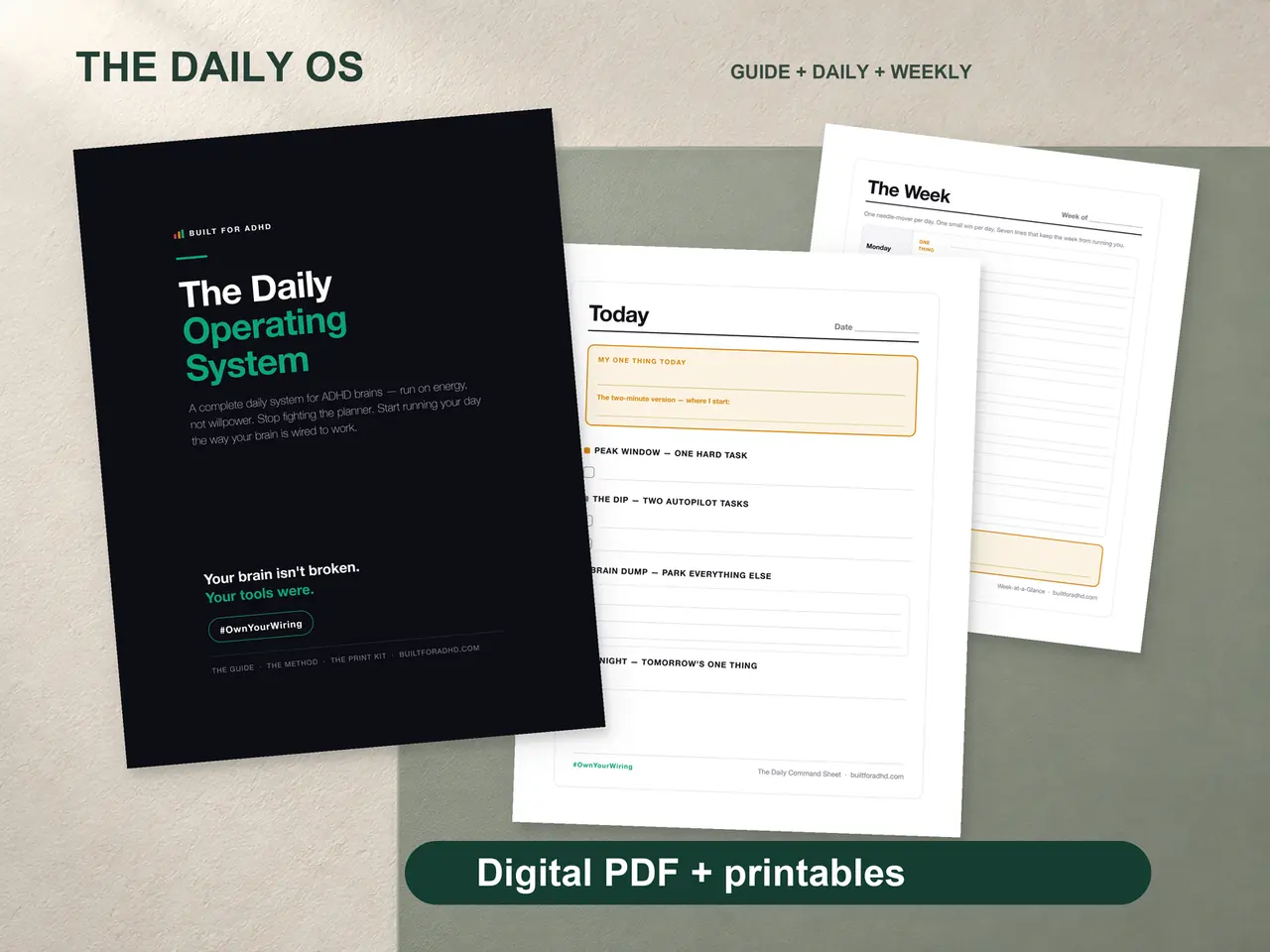
If the part that’s missing is the daily page itself — the energy-sorted method rather than a time-blocked one, a worked example of a real day, the Daily Command Sheet to fill in and print, and the restart pages for the week you drop it — that’s the ADHD Daily Operating System, $17. Honest note: it doesn’t include a meeting template. The four boxes above are free and they’re drawn with a pen.
Related tools
- AI meeting notes for ADHD — the version for meetings you’re allowed to record
- An ADHD task management template that actually works — where Box 2 lands
- ADHD email and inbox overwhelm — the same visibility problem, one surface over
- Writing an ADHD performance review self-evaluation — what the Box 1 file is for
- ADHD and your first 90 days in a new job — when there are far too many of these meetings
- ADHD work-from-home productivity — the day this sits inside