In this article
I have sat in a forty-minute meeting, nodded at the right moments, said one thing that sounded competent, and walked out unable to tell you a single decision that was made in it.
Not because I wasn’t listening. Because listening and writing are the same channel, and I only get one. The second I start typing what someone said, I stop hearing the next sentence. So I’d stop typing to listen, then realize I’d lost the last two minutes, then start typing again out of panic, and end up with half a page of fragments that meant nothing by dinner.
For a long time I assumed the fix was better notes. It isn’t. The fix is that capture and comprehension are two different jobs, and an ADHD brain can’t run both at once in real time. Hand one of them off, keep the other, and the meeting stops being a memory test.
Why meeting notes break specifically
Three things are happening at the same moment, and they’re competing.
Listening wants your working memory. Writing wants it too. And deciding what matters — the part that tells you which sentence is worth capturing — wants it as well, and it’s first to go when the other two are fighting. That’s why the notes you do manage are fragments of whatever was being said at the instant your hand was moving, rather than the thing that got decided.
Then the second failure lands after. The details you didn’t fully attend to live don’t persist — they never got encoded in the first place, so there’s nothing to retrieve. Which is why “I’ll write it up later” fails so reliably: later, there’s no there there.
And the third, quietest one: meetings generate obligations, and obligations you can’t see don’t exist. What you agreed to at 2 PM Tuesday is invisible by Wednesday unless it landed somewhere you’ll actually look. Same mechanism that turns an inbox into a source of dread — not a memory problem, a visibility problem.
So the system has to solve three things: capture without spending attention, comprehension without relying on live encoding, and a handoff into somewhere real.
The three-pass system
One rule up front: do not read the AI summary during the meeting. Reading it is the same channel again. The whole point is that you get to do exactly one thing at a time.
Pass 1 — capture (you do nothing)
Whatever tool your workplace already uses for transcription, use that one. Most video platforms have it built in now, and the built-in one is almost always the right call because it’s already approved. Before you turn anything on: check your workplace’s policy and tell the room you’re recording. Rules differ by company and by where you are, and “I recorded the whole call and didn’t mention it” is a much bigger problem than bad notes.
If recording isn’t allowed, or it’s in person, the fallback is nothing at all — skip to Pass 2 and run it off the two words you scribbled.
During the meeting, your only job is to be present. You get to listen with the whole channel. (the relief is genuinely strange the first few times.)
One exception: keep a scrap of paper or an open note for your own thoughts only. Not what was said — what you thought while it was said. The question you didn’t ask, the objection, the “that affects the thing I’m building.” Those are the only things a transcript can’t recover, because they were never out loud. Two or three words each. This is a brain dump with a very narrow scope.
Pass 2 — comprehension (same day, ten minutes)
Paste the transcript in and ask for the shape, not the summary. A summary gives you a paragraph you’ll skim and not retain. What you want is a structure with slots, because slots make the gaps visible.
“Here’s a transcript of a meeting I was in. Give me four sections, nothing else. 1) Decisions made — only things actually decided, not discussed. 2) Things I committed to, with the exact words I used. 3) Things other people committed to, and by when if a date was said. 4) Open questions nobody answered. If a section is empty, say ‘none’ rather than filling it. Keep every item to one line.”
Two parts of that prompt do the real work. “Only things actually decided, not discussed” kills the wall of maybes that makes long summaries useless. “The exact words I used” matters because half the time I’ve agreed to something without registering it as an agreement — seeing my own sentence quoted back is what makes it land.
Then a second ask, which is the one that actually earns its keep:
“Now re-read section 2. For each thing I committed to, tell me the first concrete physical action — the thing I’d do in the next ten minutes. Not the project, the first move.”
Because “follow up with Marcus about the Q4 numbers” is not a task, it’s a category, and a task with no first move doesn’t get started. “Open Slack, send Marcus one line asking for the Q4 export” is a task.
Pass 3 — handoff (two minutes, non-negotiable)
Section 2 goes somewhere you’ll see it without going looking — your daily list, your planner page, wherever your day actually lives. Section 4 goes on your weekly review. Section 3 goes wherever you track what you’re waiting on, because remembering what other people owe you is the load nobody warns you about.
Everything else gets thrown away. The transcript, the summary, all of it. You will never read them again and keeping them is just another pile.
If Pass 3 doesn’t happen, none of this worked. A perfect summary sitting in a chat window is not a system — it’s a nicer version of the notes you already weren’t reading. Anchor it to something that already happens: the walk back to your desk, the first sip of coffee after the call, the end of your last meeting block. A job with no trigger runs on memory, and memory is the part that isn’t working.
What this costs you, honestly
There’s a real trade and I’d rather name it. Handing off capture means you stop practicing capture. Do this for a year and your live note-taking under pressure will not improve, because you won’t have done it.
I’ve decided that’s fine for meetings specifically — it was a skill I was never good at, and it was costing me the thing I actually needed. But hold the question generally, because outsourcing executive function has a real dependency risk and the answer isn’t the same for every task.
The other limit: transcripts are wrong sometimes. Names, numbers, and anything said over someone else are the usual casualties. If a number will drive a decision, verify it with a human. The system is good at shape and terrible at precision.
The one-meeting version
If this feels like a lot, do it for one meeting this week — the one where you consistently walk out unsure what you agreed to.
Turn on the transcript (after telling the room). Listen with your whole attention. Same day, run the four-section prompt and the first-action follow-up. Put section 2 on your list. Throw the rest away.
That’s the test. If Friday arrives and the thing you committed to on Tuesday is done, it works. If it isn’t, the break is almost always Pass 3, not the prompt.
For the broader workday version of this — inbox triage, task-switching, the whole quiet setup — AI for ADHD at work covers the rest of it, and if it’s the starting that’s hard rather than the remembering, AI body doubling is the other half. The free AI prompt pack has the starting points if you’d rather not write your own.
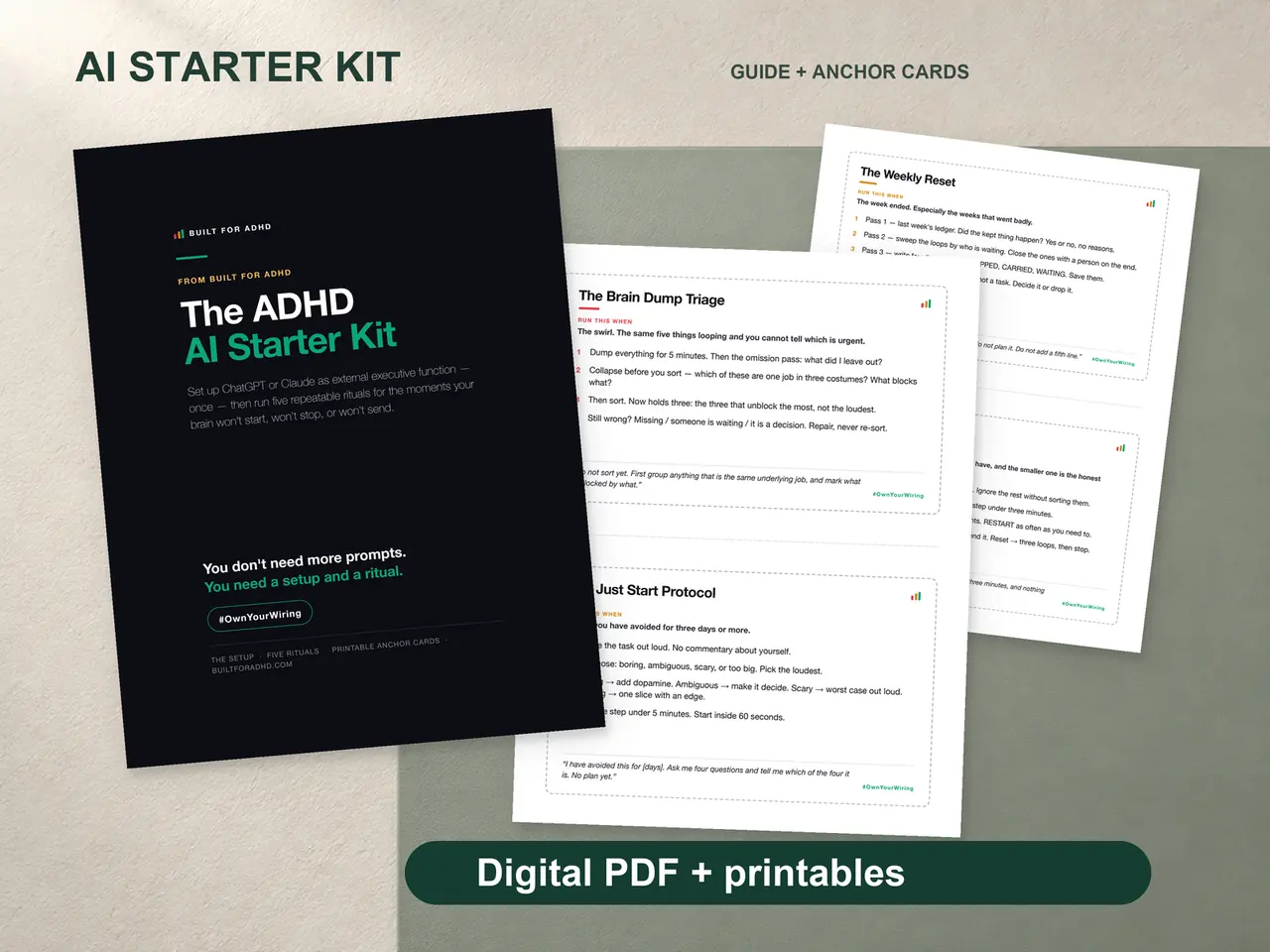
If you want the rituals built and tested rather than assembled from blog posts, the ADHD AI Starter Kit is where I’d point you. $27. Honest note: there is no meeting-notes ritual inside it — what’s in there is the setup block that makes every session start from context, the brain dump triage, and the weekly reset that catches the open loops. The three passes above are free and work on any AI you already have open.
Related tools
- AI tools for ADHD — the hub for what’s worth setting up and what isn’t
- The free AI prompt pack — starting points, no writing required
- AI for ADHD at work — the quiet full-workday setup
- AI body doubling — for when starting is the problem, not remembering
- Voice brain dumps — capturing thoughts without a keyboard
- When AI makes it worse — the dependency question, taken seriously