In this article
Direct answer: AI works well as quiet, private support for the specific ADHD tax of a normal workday — meetings that lose your focus halfway through, an inbox that’s grown into its own source of dread, constant task-switching that leaves nothing actually finished. None of this requires telling your employer anything. It’s a personal tool you configure and use on your own, the same way you’d use any other productivity method, not an accommodation request or a disclosure.
This is written for the day-to-day mechanics of work specifically — not disclosure decisions, not formal workplace accommodations, which are a separate process this post doesn’t cover. If you’re navigating that conversation, HR or a workplace disability resource is the right starting point; this is about what you can do on your own, privately, regardless of what you choose to disclose.
The specific tax of a normal workday
Most workplaces are built around an attention style ADHD brains don’t have by default: sit through an hour-long meeting fully present, hold a complex thread across five days without losing the details, switch between three unrelated tasks and pick each one back up without a re-orientation cost. None of that is about intelligence or effort — it’s a mismatch between the environment’s assumptions and how your attention actually moves. AI is useful here specifically because it can absorb some of the load those mismatches create, quietly, without anyone else needing to know.
Where AI genuinely helps
Meeting notes and follow-through. If your attention drops in and out during meetings, recording (where policy and consent allow it) and running a transcript through AI for a summary and action-item list means you’re not relying on real-time note-taking to catch everything — which for a wandering-attention brain often means catching almost nothing useful. Ask for “just the decisions and my action items,” not a full transcript summary, to keep it usable instead of another document to read later.
Inbox triage that doesn’t require reading everything first. An inbox that’s grown past a comfortable size becomes its own avoidance target — the more unread messages, the harder it feels to open it at all. Paste a batch of subject lines and senders (or use an AI feature built into your email client, if available) and ask for a triage: what needs a reply today, what can wait, what’s actually just noise. This turns “open the dread-inbox” into “review a short sorted list,” which is a much smaller ask.
Re-orientation after a task switch. The moment right after an interruption — a meeting that pulled you off a task, a Slack message that derailed your focus — is where a lot of ADHD workday time quietly disappears, spent trying to remember what you were doing and where you left off. Before switching tasks, jot one line to yourself (or to a running AI chat) about exactly where you are and what the next step is. Coming back to “next: send the draft to Sarah for review” costs far less re-orientation time than coming back to a half-finished document with no note.
Drafting the message you’re dreading. Whether it’s asking a manager for something, pushing back on a deadline, or following up on something overdue, the same draft-then-calm-edit method used for avoided emails generally works particularly well at work, where tone matters more and the stakes of getting it wrong feel higher.
Turning a vague task into a starting point. “Put together a proposal” or “look into the budget issue” are exactly the kind of ambiguous, open-ended asks that stall an ADHD brain, because there’s no obvious first move. Paste the ask into an AI chat and ask for a first concrete step, not a full plan — the same task-breakdown principle applied to whatever landed in your inbox today.
Keeping it private and workplace-appropriate
Two practical notes worth taking seriously. First, check your employer’s AI usage policy before pasting anything work-related — sensitive client information, proprietary data, or confidential material shouldn’t go into a general AI tool unless your workplace has explicitly approved it for that use. Second, using AI for your own personal productivity — organizing your own tasks, drafting your own messages — is a different thing entirely from using it to do work you were specifically asked to produce yourself; keep that line in mind the same way you would with a student’s schoolwork, since the underlying principle (AI helps you organize and start, not replace your actual thinking) is the same one.
The meeting-focus problem specifically
Meetings deserve their own note because they’re a uniquely bad fit for ADHD attention — a fixed-length block where you’re expected to stay engaged regardless of whether the content matches your interest or energy level at that moment. A few small adjustments compound well here: ask AI to summarize the agenda beforehand into “what actually needs my input” versus “what I can half-listen to,” so you know where to spend focus before the meeting starts rather than realizing halfway through that a section mattered and you missed it. Afterward, a same-day summary pass — even a rough one — catches details that would otherwise dissolve within an hour of the meeting ending, which is a realistic timeline for ADHD working memory on content that wasn’t fully attended to live.
If meetings are a chronic problem rather than an occasional one, it’s worth naming the pattern to whoever runs them — many meetings run longer and less structured than they need to for anyone, ADHD or not, and a request for a written agenda in advance or notes distributed afterward is a completely normal ask that happens to help you more than most.
A setup for the workday
“I have ADHD. During the workday, help me with three things: turning vague tasks into a first concrete step, triaging a messy inbox into what actually needs today versus what can wait, and drafting messages I’m avoiding so I can send them with less friction. Keep responses short and workplace-appropriate.” Set this as a standing instruction if your tool supports it, so each day’s specific asks — “help me triage this inbox,” “what’s step one on this proposal” — start from context you don’t have to rebuild each morning.
FAQ
Do I need to tell my employer I’m using AI this way? No — using AI for your own personal organization and drafting is your business, the same as using any other productivity method, unless your workplace has a specific AI usage policy that requires disclosure for certain tools or data types. Check that policy, but personal task management generally isn’t something you need to disclose.
Is this the same as requesting a workplace accommodation? No, and this post doesn’t cover that separate process. Formal accommodations go through HR or a disability resource and can include things this personal approach can’t, like schedule adjustments or equipment. This is about private, personal tools you use on your own initiative.
Is it safe to put work information into ChatGPT or Claude? Check your employer’s AI policy first — many workplaces restrict what data can go into external AI tools, especially anything client-related, proprietary, or confidential. Personal task organization (your own to-do list, your own drafts) is generally lower-risk than pasting in actual work content.
What if my job doesn’t allow AI tools at all? Some of the offline-adjacent methods still apply without AI — writing a one-line “where I left off” note after an interruption, or a manual inbox-triage pass, both borrow the same principles even without an AI assistant doing the sorting.
Related
- ChatGPT: Write the Email You’re Avoiding — the drafting method that applies directly at work
- AI Task Breakdown for ADHD — for turning vague work asks into a starting step
- ADHD Sensory Overload at Work — the environmental half of the workday-tax problem
- The AI for ADHD hub — every setup guide and honest review in one place
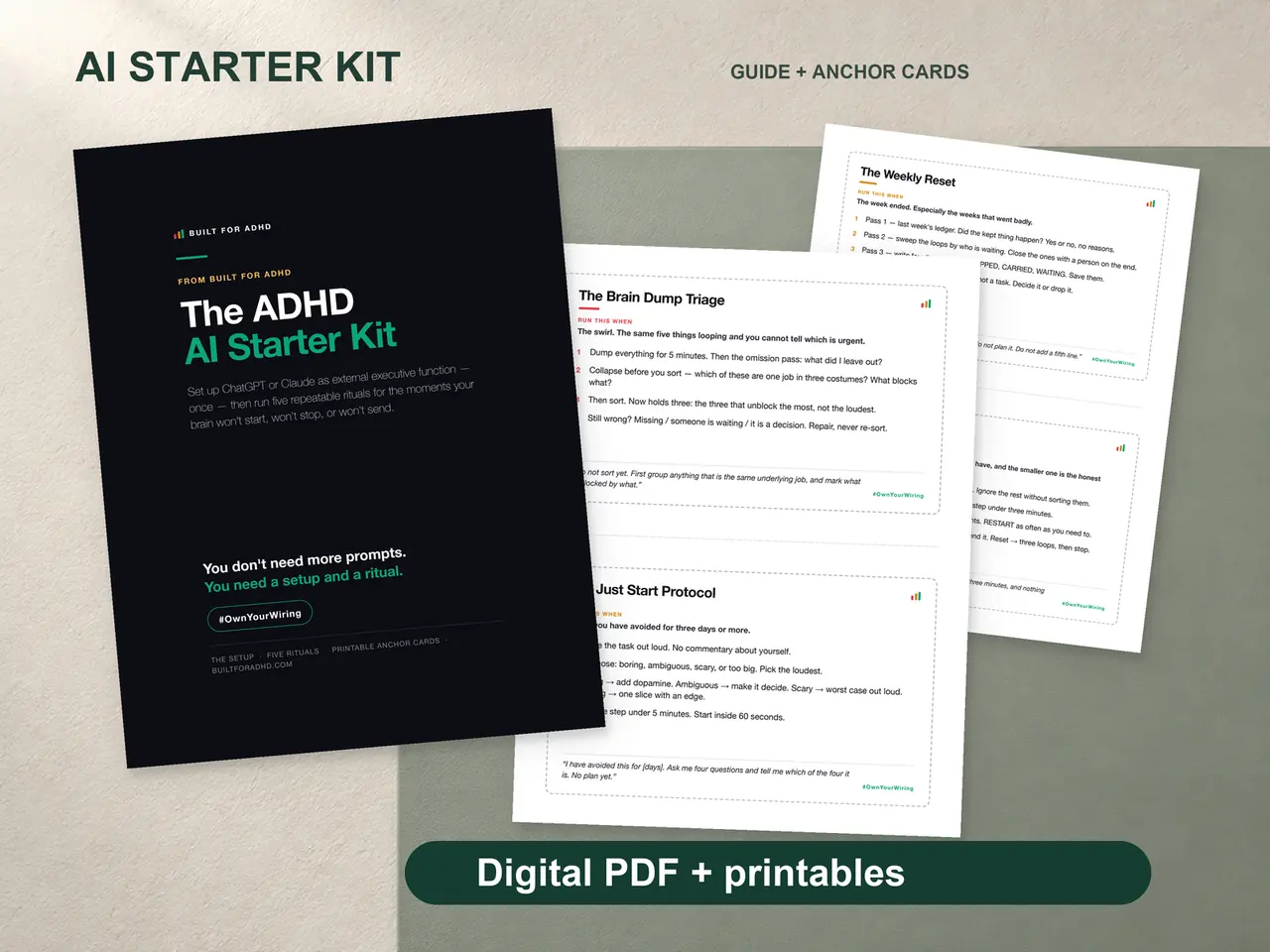
The full setup block, five rituals including the Just Start Protocol, and printable anchor cards are in the ADHD AI Starter Kit, $27 once.