In this article
Direct answer: The email you’ve been avoiding isn’t hard to write — it’s hard to start, because your brain has turned a two-minute task into an emotionally loaded one. ChatGPT is genuinely good at breaking that specific freeze: draft the rough, anxious version first, then ask for a calmer edit, then send it before the feeling has time to build back up. This works today, on the email that’s been sitting in your drafts for two weeks.
If you have a client invoice you’ve been meaning to send, a “sorry for the delay” you’ve rewritten in your head fifty times without writing it once, or a boundary-setting message you keep opening and closing — this is for that exact email.
Why this specific task gets stuck
The avoided email almost never gets stuck because you don’t know what to say. It gets stuck because of some version of rejection sensitivity — worry about how it’ll land, anxiety about the tone, a rewritten-in-your-head version that’s grown more important than it should be the longer it sits unsent. Every day it doesn’t get sent, the anxiety around sending it compounds a little, which makes tomorrow’s attempt even harder than today’s would have been. This is the same mechanism described in the RSD explainer — the anticipated reaction feels disproportionately costly, so avoidance feels like the safer move, even though it isn’t.
The method
Step one: dump the messy version, don’t write the real one. Open a chat and type, in whatever order it comes out, everything you’d want to say if you weren’t worried about how it sounded — including the defensive parts, the over-explaining, the apologizing you don’t actually need to do. Don’t edit as you go. The point of this step is getting it out, not getting it right.
Step two: ask for the professional cut. “Turn this into a short, professional email. Cut anything defensive or over-explained. Keep it warm but direct.” This is the step that does the actual work — it strips the anxiety-driven padding while keeping the substance, producing something you’d probably never have written directly because you’d have talked yourself out of the direct version somewhere in the drafting.
Step three: read it once, adjust what’s actually wrong, send. Not read it five times. Not sit with it overnight “to be sure.” One read for anything factually off or genuinely not your voice, one small edit if needed, then send it in the same sitting. The longer the gap between the draft existing and the send happening, the more likely the original avoidance pattern reasserts itself and the email goes back into the drafts folder for another two weeks.
A few specific versions of this
The overdue invoice. “I need to send a client an invoice reminder that’s now three weeks overdue. I feel embarrassed about how long I’ve let this sit. Write something direct but not apologetic — I don’t need to grovel, I need to get paid.” Money-avoidance emails are a specific subcategory worth naming directly, because the shame spiral around invoicing often runs even deeper than general email avoidance.
The “sorry for the delay” that’s gotten worse the longer you wait. “I owe someone a reply I’ve put off for two weeks and it’s gotten awkward the longer I wait. Help me write something that acknowledges the delay in one sentence and moves on, without over-apologizing.” The instinct here is almost always to over-explain the delay — a good draft does the opposite, naming it briefly and getting to the actual content.
The boundary-setting message. “I need to tell a client/coworker/family member no to a request, and I keep rewriting this in my head instead of sending it. Help me write something clear and kind that doesn’t over-justify the no.” Over-justifying is the tell here — a boundary that comes with four paragraphs of reasoning usually reads as less confident, not more, and AI is good at cutting that down to the actual point.
Why the ten-minute window matters
There’s a specific reason this method emphasizes speed — draft, edit, send, all in one sitting — instead of “take your time to get it right.” An avoided email has usually already survived dozens of mental rewrites before you ever open a chat window. More time doesn’t produce a better version at this point; it produces another loop of the same anxious editing that kept it stuck for two weeks in the first place. The AI’s job is to interrupt that loop by producing something sendable fast enough that you act before the avoidance pattern has a chance to reassert itself.
This is also why step three says read it once. A second and third read of an already-decent draft rarely improves it — it mostly gives the anxious part of your brain more time to find new things to worry about. If you notice yourself on a fourth read of the same three sentences, that’s the signal to stop, make peace with “good enough,” and hit send. The general external-executive-function approach this site is built around applies directly here: the AI’s value isn’t in writing better than you could — it’s in acting faster than your own hesitation would have let you.
Where this stops being enough
If the email you’re avoiding involves a genuinely serious professional or legal situation — a conflict that could affect your job, a dispute with real stakes — a rough draft-and-edit pass with AI is a fine starting point, but the final version deserves either your own careful read with fresh eyes the next day, or a second person’s judgment, not a same-sitting send. The two-week avoidance pattern this post targets is the everyday kind — the overdue reply, the awkward ask, the invoice — not high-stakes correspondence where getting it wrong actually costs something significant.
Building the habit for the next avoided email
The first time you use this method, it’ll probably feel a little strange — like you’re cheating somehow by not writing it from scratch yourself. That feeling fades once you notice the actual output is still yours: your facts, your decisions, your approval on the final version. What’s different is the path to get there, not the substance of what gets sent. Over time, the three-step shape (messy dump, professional cut, one read and send) becomes something you can run in your head even without opening a chat for the easy ones — the real gift of the method isn’t the AI itself, it’s learning that a two-week-avoided email was never actually as hard to write as it felt.
FAQ
Isn’t it dishonest to have AI write my email for me? The content and decisions are still yours — you’re providing the substance in step one and approving the final version in step three. AI is doing the same job a friend reading your rough draft and saying “here’s a cleaner way to say that” would do, just faster and available at any hour.
What if the AI’s version doesn’t sound like me? Ask it directly to keep your voice — “make this sound like how I’d actually talk, not overly formal” — and give it an example of how you normally write if the first draft feels off. It adjusts well when told specifically what’s wrong rather than just “try again.”
Should I use this for every email, or just the avoided ones? This method is specifically for the emails that have been sitting unsent because of anxiety, not general email writing. Most emails don’t need this treatment — save it for the ones you’ve been avoiding, where the friction is emotional rather than practical.
How is this different from just using an email template? A template is generic and written in advance; this method starts from your actual messy feelings about the specific situation and converts them into something sendable. Templates work for routine messages — this works for the ones a template can’t anticipate because the difficulty is emotional, not structural.
Related
- What Does RSD Feel Like — the mechanism behind why this specific task gets stuck
- Managing Clients with ADHD and RSD — for the business-relationship version of this problem
- ADHD Forgetting to Invoice Clients: The Fix — the money-specific avoidance pattern
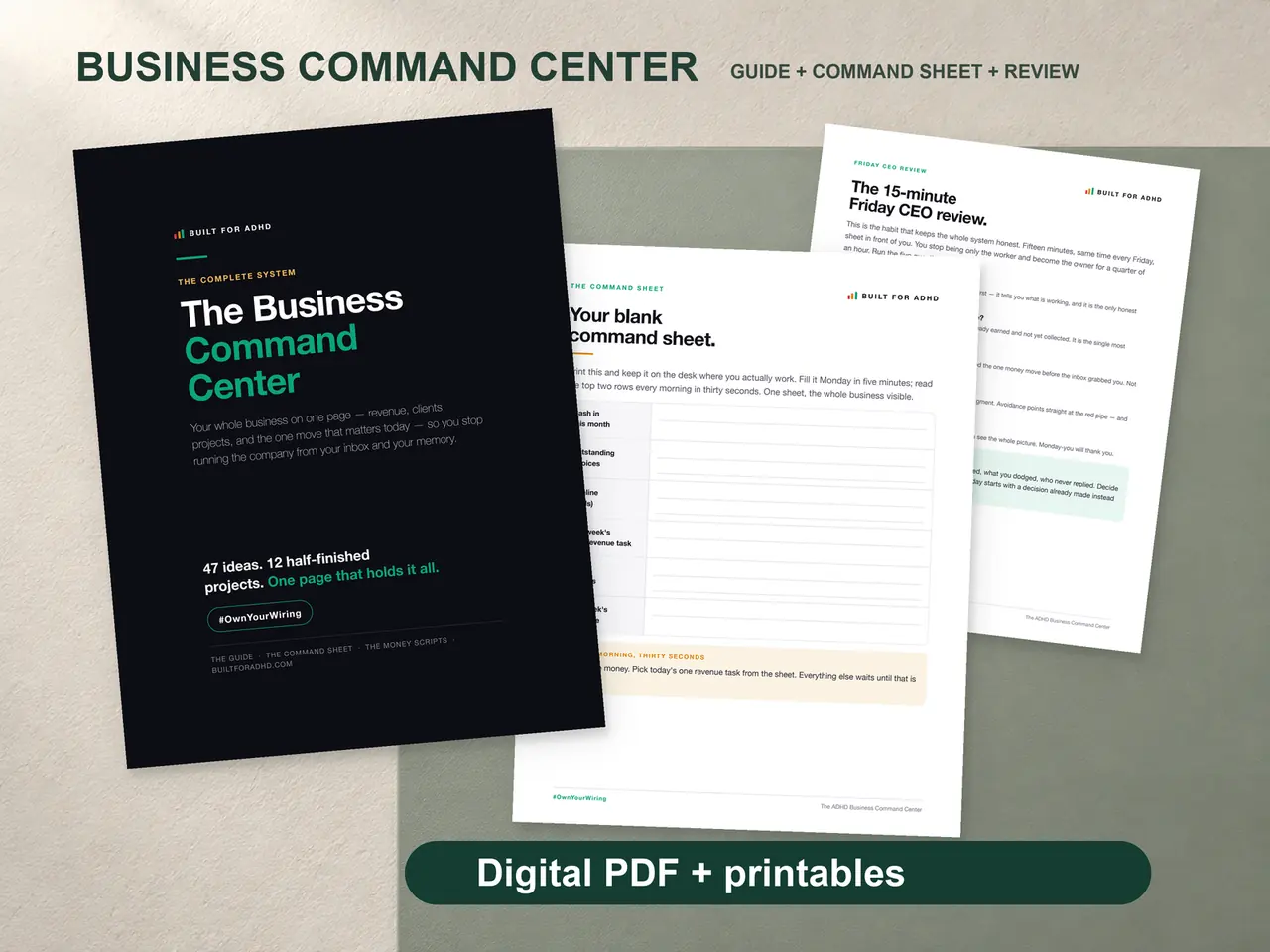
- ADHD Business Command Center — $19, for the rest of the business logistics this email problem is usually one symptom of
- The AI for ADHD hub — every setup guide and honest review in one place