In this article
Direct answer: Saner.ai is a genuinely interesting idea — an AI that triages your notes, tasks, and messages into “what do I actually do right now” — but it asks for real setup investment (connecting your inbox, calendar, and note apps) before it pays off, which is a rough trade for a brain that struggles with setup in the first place. Worth trying on the free tier before you pay for anything.
This review exists because Saner.ai keeps showing up in “best AI tools for ADHD” roundups, usually written by someone who hasn’t used it past the demo. Here’s what its own feature set and pricing add up to for a real, messy ADHD week, based on Saner’s own documentation rather than a demo.
What Saner.ai actually is
Saner.ai bills itself as a personal AI assistant that connects to the places your tasks and thoughts already live — notes, email, calendar, Slack — and answers one question: what should I do now? Instead of you deciding what matters across four apps, it pulls everything into one chat and lets you ask it directly, or dumps a running list back at you sorted by what it thinks is urgent.
That’s the pitch that gets ADHD adults’ attention, because “what do I do now” is the actual daily problem, not “where do I write things down.” Most productivity tools solve the second problem and assume you’ll solve the first yourself.
Where it genuinely helps
The single point of triage. If your ADHD brain currently has tasks scattered across Notes, three email accounts, a paper list, and your head, having one place to ask “what’s actually urgent” removes a real layer of decision fatigue — the same job the AI Starter Kit’s brain dump triage does, but continuously connected to your accounts instead of a one-time paste.
Document handling. Upload a PDF — a lease, an insurance form, a syllabus — and ask it to pull out the actual dates and actions instead of reading the whole thing yourself. For a brain that avoids dense documents specifically because reading them is the barrier, that’s real friction removed.
A Chrome extension and mobile app, so triage travels with you instead of living in one browser tab you have to remember to open.
Where it gets complicated for ADHD specifically
The setup is the catch. Connecting Google Drive, email, Slack, and a calendar, then teaching it your priorities, is itself an executive-function task — the exact kind of multi-step setup process that causes an ADHD brain to open the tool once, feel overwhelmed, and never finish configuring it. A tool that needs to be fully wired up before it’s useful is asking for the thing you’re least equipped to give it up front.
It’s young. Saner.ai is a smaller, newer product than ChatGPT or Claude, which means less predictable behavior session to session and a smaller community troubleshooting the weird edge cases when it doesn’t do what you expected.
External model costs are separate. Some of Saner’s deeper reasoning options connect to outside AI models (GPT, Claude, Gemini) at their own pricing, on top of your Saner subscription — worth knowing before you assume one price covers everything.
What a real setup week looks like
Here’s the realistic timeline for any integration-heavy tool, because “connect your apps” undersells the actual work involved.
Day one. You sign up, connect email and calendar, and ask it what to do today. It gives you a reasonable-looking list pulled from calendar events and flagged emails — genuinely useful, genuinely a little exciting.
Day three. You realize it doesn’t know which of your forty open browser tabs matter, doesn’t know that “follow up with Dave” actually means three different Daves, and hasn’t been told which of your projects are dead versus just dormant. The triage is only as good as what’s already structured somewhere it can read — it can’t triage the stuff still living only in your head.
Week two, if you push through. You’ve connected Slack, uploaded a few key documents, and told it your actual priorities in plain language. Now it starts earning its keep — catching the lease renewal date buried in a PDF, surfacing the one overdue invoice among forty emails. This is the version worth paying for. Most ADHD users never reach it, not because the tool failed, but because week-two follow-through on an unglamorous setup task is exactly the thing that’s hardest for this brain to sustain without a deadline or a person watching.
That’s not a knock on Saner.ai specifically — it’s the tradeoff of any tool that needs integration depth to work. The question worth asking honestly before you subscribe is whether you’re the kind of ADHD week that finishes a setup task in week two, or the kind that opens it once and never returns. Neither is a character flaw. It’s just information about which tool fits.
How it stacks against the free option
The fairest comparison isn’t Saner.ai versus nothing — it’s Saner.ai versus a general assistant you already have open in another tab. ChatGPT and Claude can already do a version of “here’s my messy list, tell me what matters” the moment you paste it in, with zero integration and zero recurring cost beyond what you’re already paying (or not paying) for the assistant itself. What Saner.ai adds on top is persistence — it remembers your accounts are connected without you re-explaining each time — and that persistence is the entire value proposition. Whether it’s worth $8–16 a month depends entirely on whether you’ll actually feed it enough real information to make the persistence pay off, which loops back to the setup problem above.
Current pricing
Pulled directly from saner.ai/pricing:
| Plan | Monthly | Annual (per month) | What you get |
|---|---|---|---|
| Free | $0 | — | Limited AI messages, 100MB storage, basic task management |
| Starter | $8 | $6.40 | More AI usage, larger document uploads |
| Standard | $16 | $12.80 | Most AI usage, 100GB storage, OCR, Reasoning Mode |
There’s no lifetime or one-time option — this is a recurring subscription regardless of tier, which matters if subscription creep is already a problem for you.
Who it’s actually for
Saner.ai makes the most sense for someone who already has a genuinely scattered digital life across multiple connected apps and has the executive-function bandwidth right now to do a real setup session — not someone hoping the tool will organize a mess they haven’t touched yet. If that’s not where you are today, a general assistant you already use costs nothing extra and needs zero new integrations.
The lower-friction alternative
Before paying for a specialized triage app, the same core job — “what do I actually do right now” — is something ChatGPT or Claude already does for free once you paste in your mess and ask. No new account, no connecting your inbox, no new app to abandon in March. Goblin Tools covers the quick-chop version of the same instinct for free.
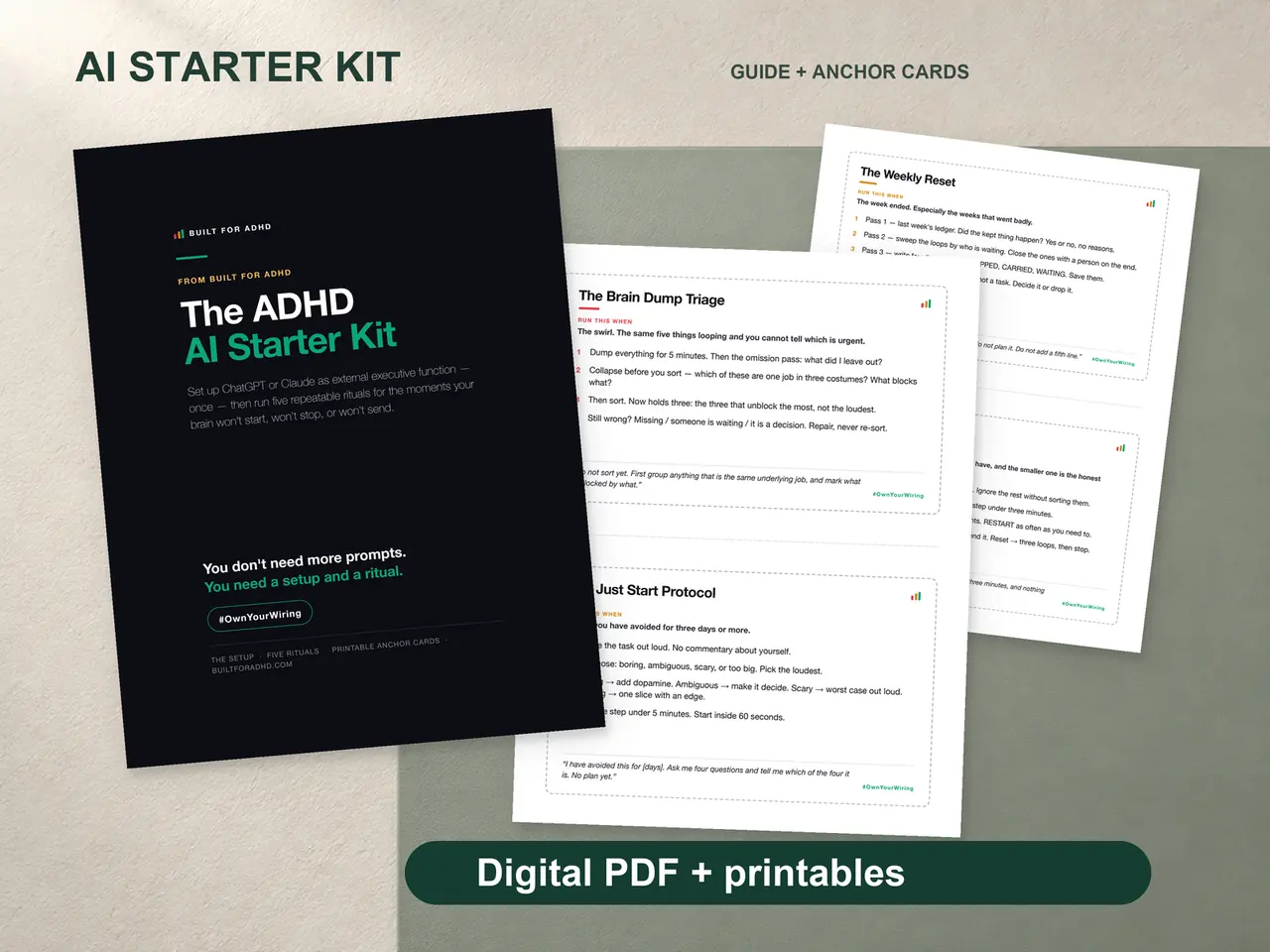
The ADHD AI Starter Kit ($27, once) gives you the paste-once setup block and the Brain Dump Triage ritual that does most of what Saner.ai is trying to automate — minus the integrations, minus the subscription, minus the setup session you might never finish. If you want the general map of what’s worth trying first, the AI for ADHD hub is the place to start.
FAQ
Is Saner.ai free? There’s a free tier with limited AI messages and 100MB of storage. Paid tiers start at $8/month ($6.40/month billed annually) for more usage and larger uploads.
Does Saner.ai replace ChatGPT or Claude? No — it’s built on top of connections to your own apps and can route some requests to outside models like GPT, Claude, or Gemini at their own separate pricing. It’s a triage layer, not a replacement assistant.
Is Saner.ai good for ADHD specifically? The core idea — one place to ask “what do I do now” — fits ADHD decision fatigue well. The setup process required to get there is the part that doesn’t fit as naturally.
What’s the catch with the free plan, and how long does real setup take? Storage is capped at 100MB and AI usage is limited on the free plan, so it works as a genuine trial, not a long-term daily-use option. Connecting basic accounts takes minutes, but getting real value — uploading key documents, correcting its priority guesses, teaching it your actual project list — realistically takes a couple of weeks of light, ongoing attention, not a single sitting.
Sources
- Saner.ai — Pricing. https://saner.ai/pricing
Related
- Best AI Tools for ADHD in 2026 — the full honest comparison, Saner included
- Goblin Tools Review — the free, zero-setup alternative for quick triage
- ADHD AI Starter Kit — $27, the setup-free version of what Saner is trying to automate
- The AI for ADHD hub — every setup guide and honest review in one place