In this article
Quick answer for the people who want it: for most ADHD adults in 2026, the best AI tool is a general assistant — ChatGPT or Claude — configured once with ADHD-specific instructions, plus maybe Goblin Tools for quick task-chopping. Free, no new app to abandon. The specialized ADHD apps are worth it only for specific jobs, which this guide names.
Now the honest part. Go search “best AI apps for ADHD” and look at who wrote the results: almost every ranking is published by one of the apps in the ranking. The genre is vendors reviewing themselves. This list is different in one structural way — we sell printable paper systems and an AI setup kit, not an AI app, so no app on this list is ours and no ranking here pays us.
The scoring rule ADHD lists always skip
Every tool below is scored on maintenance cost: how much executive function the tool itself demands before it gives any back. This is the metric that actually predicts whether you’ll still use it in March. ADHDers don’t abandon apps because the apps are bad — we abandon them because the app itself became another thing to manage.
The comparison
ChatGPT vs Claude vs Gemini: the ADHD feature matrix
Start with the features you will actually use. This comparison draws on the companies’ own help centers; availability can vary by account, location, plan, and rollout.
| Feature | ChatGPT | Claude | Gemini | Why it matters for ADHD |
|---|---|---|---|---|
| Persistent custom instructions | Yes — Settings → Personalization → Custom Instructions on web and desktop (Settings → Customize ChatGPT on the phone apps), available for new chats when enabled. Free tier included, with a 1,500-character limit stated in the cited Help Center guidance. | Yes — “Instructions for Claude” in Settings, applies account-wide to new conversations. Free plan included. | Yes — “Instructions for Gemini” (Menu → Settings & help → Personal Intelligence), rolling out to personal Google accounts (not work, school, or supervised accounts). | So you’re not re-explaining your brain at the top of every chat. |
| Memory across chats (on by default?) | Yes, it can draw on saved details and past chats. Whether it’s on by default isn’t stated in OpenAI’s Help Center as of 2026-09-20 — not verified. | Yes — on by default for Free, Pro, and Max; off by default for Team and Enterprise. | Yes (uses past-chat context for personalization), rolling out to free accounts. Whether it’s on by default is not verified as of 2026-09-20. | Your working memory shouldn’t have to hold what the AI already knows. |
| Project/workspace-level instructions | Yes — Projects take their own instructions that override your global ones. Included on Free. | Yes — Projects take their own instructions. Free plan gets up to 5 projects. | Yes — Gems carry standing instructions for a repeat job. Included on Free. | A standing “weekly reset” or “body double” space beats retyping the setup every time. |
| Voice mode | Yes — included on Free, with usage limits; paid plans raise the ceiling. | Yes (beta) — available on Free, Pro, Max, Team, and Enterprise alike. | Yes (Gemini Live) — free on personal accounts; a few advanced modes reached the free tier later than the core feature. | Capture the thought by talking instead of freezing at a blank box. |
| Photo/image input | Yes, on Free, subject to usage limits. | Yes — JPEG, PNG, GIF, WebP; nothing in Claude’s plan comparison gates this by tier. | Yes — upload a photo for Gemini to read; paid plans mainly raise the file-count ceiling. | Point your phone at the mess instead of describing it in words. |
| Scheduled tasks/reminders | Yes, on Free — one-time or recurring tasks no more than once a day, three active at once; paid plans raise the caps. | No on Free — scheduled/recurring tasks need Pro, Max, Team, or Enterprise. | No on Free — scheduled actions need a Google AI Plus/Pro/Ultra plan (or a qualifying Workspace plan). | The nudge that doesn’t depend on you remembering to ask for it. |
| On the free tier? | All six of the above — with usage caps on voice and on tasks. | Five of six — everything except scheduled/recurring tasks. | Four of six confirmed on Free; scheduled actions are paid-only, and the memory/personalization default status is unverified. | Where a $0 ADHD budget should actually start. |
| Turning off training on your chats | Settings → Data Controls → turn off “Improve the model for everyone.” | Settings → Privacy → turn off “Help improve our AI models” (Incognito chats skip training automatically). | Turn off “Keep Activity” at myactivity.google.com/product/gemini, or in the app’s own Activity settings. | What you type about meds, meltdowns, or money shame doesn’t need to sit in a training set. |
Checked 2026-09-21 against each company’s help center. Features change monthly on all three — if you’re reading this months later, re-check before you build a routine around any single row.
If you mainly need voice capture — you think out loud and lose it the second you stop talking — start with whichever assistant you already open. ChatGPT’s voice mode is on the free tier with usage limits, and pairing it with a proper setup means you can talk through a brain dump and get it handed back to you sorted, no keyboard required.
If you want a standing workspace that remembers your rituals instead of making you retype them, Claude is built for that job. Claude for ADHD walks through Projects with worked examples — one Project holding your morning-sort routine, another running the weekly reset — so the instructions are already sitting there the next time you open it.
If your life already runs through Gmail and Google Calendar, Gemini can be convenient once you explicitly connect the relevant Google Workspace services and grant the requested permissions. That can reduce copy-paste between apps; it does not mean Gemini automatically sees your calendar or inbox.
Sources
- ChatGPT Custom Instructions — OpenAI Help Center
- Memory FAQ — OpenAI Help Center
- What is Memory — OpenAI Help Center
- Projects in ChatGPT — OpenAI Help Center
- Voice Mode FAQ — OpenAI Help Center
- ChatGPT Image Inputs FAQ — OpenAI Help Center
- Scheduled Tasks in ChatGPT — OpenAI Help Center
- Data Controls FAQ — OpenAI Help Center
- ChatGPT Free Tier FAQ — OpenAI Help Center
- Understanding Claude’s Personalization Features — Claude Help Center
- What Are Projects? — Claude Help Center
- Use Claude’s Chat Search and Memory — Claude Help Center
- Use Voice Mode — Claude Help Center
- Upload Files to Claude — Claude Help Center
- Schedule Recurring Tasks in Claude Cowork — Claude Help Center
- How Do I Change My Model Improvement Privacy Settings? — Anthropic Privacy Center
- Claude Pricing — Claude by Anthropic
- Get Personalization in Gemini Apps — Gemini Apps Help
- Get Started with Gems — Gemini Apps Help
- Talk Naturally with Gemini Live — Gemini Apps Help
- Upload & Analyze Files in Gemini Apps — Gemini Apps Help
- Schedule Actions in Gemini Apps — Gemini Apps Help
- Gemini Apps Limits & Upgrades for Google AI Subscribers — Gemini Apps Help
- Gemini Apps Privacy Hub — Gemini Apps Help
- Google AI Pro & Ultra Subscriptions — Google
| Tool | Best at | Cost | Maintenance cost | Verdict |
|---|---|---|---|---|
| ChatGPT (configured) | Everything general: task breakdown, initiation, drafting, body doubling, voice capture | Free (Plus $20/mo optional) | Low — one setup, no new app | The default. Start here |
| Claude (configured) | Same jobs; longer context, steadier tone for working sessions | Free (Pro optional) | Low | Equal first; try both, keep one |
| Goblin Tools | Instant task-chopping (Magic ToDo), tone-checking messages | Free / ~$3 apps | Very low — no account needed | Keep it bookmarked. But it stops at the list |
| Tiimo | Visual time — seeing your day as blocks, time-blindness support | ~$12/mo | Medium — needs daily planning habit | Best-in-class if time blindness is your #1 problem |
| Saner.ai | ”What should I do now?” triage across notes/tasks/email | ~$8-20/mo | Medium-high — inbox-connecting setup | Promising, young; be aware its blog writes the rankings you’ve been reading |
| Numo | Gamified accountability + ADHD community | ~$40/yr | Medium — streak mechanics cut both ways | Reviews genuinely split; streak-sensitive brains should skip |
| Motion | Auto-scheduling a packed calendar | ~$19-34/mo | High — calendar hygiene required | Built for overloaded professionals, not for EF support |
| Voice mode (ChatGPT) | Capture while moving; talk-don’t-type body doubling | Free | Lowest of all | Underrated. The dishes-and-planning combo is real |
Why a general assistant beats the specialized apps for most people
1. The subscription math. The specialized stack (Tiimo + Saner + an accountability app) runs $30-50/month forever. ChatGPT free tier plus a proper setup costs zero. Given what ADHD already costs, that’s not a small point.
2. One surface, every job. Task breakdown, the un-sendable email, meal decisions, the 2 AM spiral, planning a launch — one configured assistant handles all of it. Five apps means five inboxes of executive overhead.
3. The graveyard problem. You already own a graveyard of ADHD apps. Everyone does; abandonment isn’t a personal failing, it’s the predictable result of tools that demand consistency to deliver structure. The assistant you already open daily has the lowest abandonment risk of anything on this page.
Where the apps genuinely win: Tiimo, if you need to see time (a chatbot can’t make time visible on your wall or wrist). Goblin Tools, for zero-friction chopping when opening a chat feels like too much. An accountability app, if external human-ish pressure is your specific missing piece. Those are real jobs; buy for the job, not the category.
What none of these tools fix
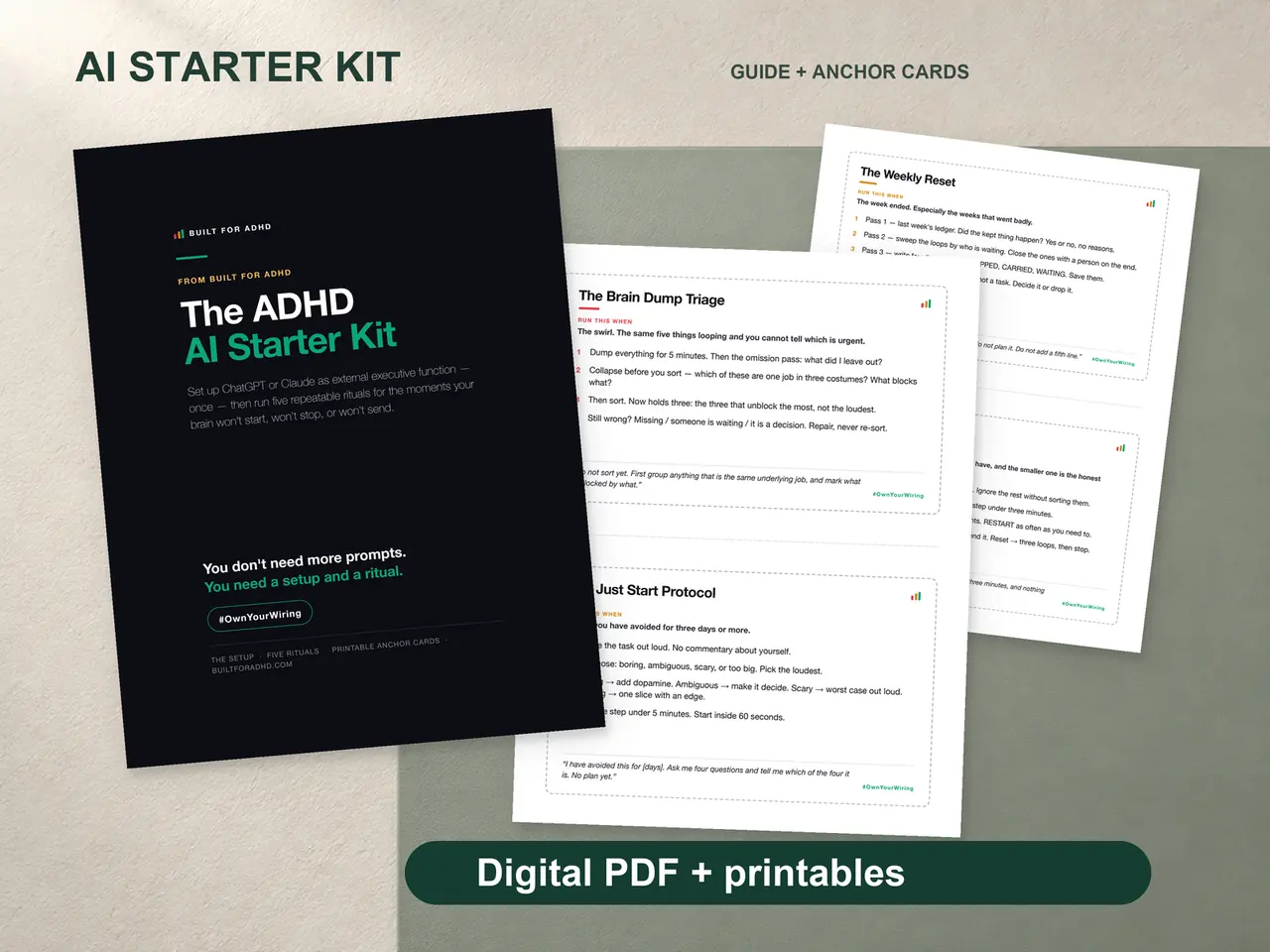
An AI can plan your day brilliantly at 8 AM and be completely unable to make you look at the plan at 2 PM. Screens disappear when you’re dysregulated — the app you don’t open doesn’t exist. That’s not an argument against AI; it’s the reason the system needs a paper layer: the plan AI helped you make, printed, on the desk, where your eyes land without a login. That pairing — configured AI + printed anchors — is the whole thesis of the four-piece ADHD AI Starter Kit ($27 once: the original guide and rituals, prompt pack, ChatGPT/Claude/Gemini Setup Pack, and agent guide). It’s also why our paper Daily OS exists at all.
FAQ
Do I need ChatGPT Plus for any of this? No. Custom instructions, memory, and voice mode are on the free tier. Upgrade only if you hit usage limits during real work.
Is there one app that does everything? No, and be suspicious of any list that says so — check who publishes it. The closest thing to “everything” is a configured general assistant.
What about AI ADHD coaches? The GPT-store coaches are mostly a worse version of the custom-instructions setup — locked in someone else’s chatbot. A configured assistant plus an occasional human coach beats an “AI coach” subscription for most people.
What’s actually new in 2026? Voice mode got good enough for real capture, memory features made setup persistent, and a small 2025 VR study found people finished tasks faster and perceived greater accuracy and sustained attention with either a human or AI companion than alone. It tested a headset-based VR companion, not a consumer chatbot (the full protocol).
Related tools
- ChatGPT custom instructions for ADHD — the setup that makes the default pick work
- Do you need an ADHD app or just ChatGPT? — the decision, worked through
- Goblin Tools review — where the beloved tool stops helping
- ADHD AI Starter Kit — $27: the configured-assistant-plus-paper system
- The AI for ADHD hub — every setup guide, technique, and honest review in one place