In this article
Direct answer: Tiimo is one of the few apps built specifically for ADHD and neurodivergent brains rather than adapted for us afterward, and it shows — the visual, block-based day view is genuinely the best interface on the market for time blindness. Where it asks more of you is daily upkeep: it only works if you actually build your day in it every morning, which is its own executive-function tax.
Tiimo comes up constantly in “best ADHD apps” lists, almost always as the top visual-planning pick. This review looks at what that means day to day, going from Tiimo’s own feature descriptions and FAQ rather than the app store screenshots. (For where a visual planner fits among everything else, see my guide to ADHD tools for adults.)
What Tiimo actually is
Tiimo is a visual daily planner built around the idea that a list of times doesn’t mean anything to a brain with time blindness, but a row of colored blocks representing how long things actually take does. Your day renders as a timeline of blocks you can see and drag, not a list you have to translate in your head into “how long is that, really.” It layers in a focus timer, to-do lists, calendar import from Google/Apple/Outlook, and — the newer feature — AI planning that turns a typed or spoken thought into a structured, timed plan.
Where it genuinely helps
Seeing time instead of reading it. This is Tiimo’s whole reason to exist and it delivers. If your specific ADHD flavor is chronic lateness, underestimating how long things take, or a day that feels like an undifferentiated blob until it’s suddenly 4pm, a visual block layout does something a text list structurally cannot — it makes duration visible.
The AI planning feature. Type “I need to clean the kitchen, answer three emails, and prep for tomorrow’s meeting” and Tiimo’s AI turns it into a scheduled, step-by-step block plan on your timeline instead of you doing the scheduling math yourself. That’s a real reduction in the planning-before-the-planning problem — the exact tax energy-based task management exists to remove.
Widgets, Live Activities, and Apple Watch support. The plan lives on your lock screen and your wrist, not buried in an app you have to remember to open — which matters enormously for a brain that treats “out of sight” as “doesn’t exist.”
Built by and for the community it serves. Tiimo markets itself explicitly to neurodivergent users and has since it launched — this isn’t a generic planner with an ADHD landing page bolted on.
Where it gets complicated for ADHD specifically
It’s still a planner, and planners need daily feeding. The visual timeline only helps once your day is actually in it. On the days you’re most overwhelmed — which is exactly when a planner would help most — building that day’s plan is itself a task you can avoid, same as any other planning tool. Tiimo makes the viewing easier; it doesn’t remove the building step.
Subscription, not one-time. Per Tiimo’s own FAQ, the free tier (mobile only, no web app) is limited, and the fuller Tiimo Pro experience is a monthly or annual subscription. Tiimo is upfront that it isn’t fully free specifically so it can stay ad-free rather than fund itself through your attention — a defensible tradeoff, but still a recurring cost to track alongside everything else you’re already paying for.
Web access is newer and more limited than mobile. If you live at a desk most of the day, the mobile-first design history means the desktop experience, while improving, has historically trailed the phone app.
What a day with it looks like
Morning: you open Tiimo and either build today’s blocks from scratch or type a rough plan into the AI planner and let it draft the schedule for you. That draft step is where most of the friction lives — building blocks from a blank timeline takes real decision-making, which is exactly the kind of decision-making an overwhelmed morning has the least capacity for. The AI planner helps here specifically because it turns “decide what goes where” into “review what it suggested and adjust,” which is a much smaller ask.
Midday: the visual timeline does its actual job — a glance at your lock screen or watch shows the current block and how much of it is left, instead of you doing time math in your head. This is where Tiimo earns its reputation. Seeing “you’re 12 minutes into a 30-minute block” is a completely different experience from checking a clock and guessing.
Evening: if today went sideways — a block got skipped, a meeting ran long — tomorrow’s plan needs rebuilding, not just shifting, because Tiimo’s value depends on the blocks being roughly true. This is the honest cost of a visual system: it’s most useful exactly when it’s most current, and staying current is a recurring task, not a one-time setup like a printed system would be.
Compare that to a paper-based energy system, where a bad day just means you cross less off and start fresh tomorrow with zero re-entry cost. Neither approach is wrong — they’re solving for different failure modes. Tiimo assumes you’ll do the daily maintenance in exchange for a more precise, real-time view of your day. A printed system assumes you won’t always do the maintenance, and is built to survive that.
Current pricing
Tiimo doesn’t publish flat dollar figures on its pricing page — per Tiimo’s FAQ, “app prices may vary slightly by location,” and your local price shows in the App Store, Google Play, or the web checkout (Paddle) at the point of purchase. What’s confirmed directly from Tiimo:
- Free tier: limited planning tools, mobile apps only (iOS and Android) — no web app on the free tier.
- Tiimo Pro: monthly or annual subscription, price shown at checkout for your region.
- Trial: a 7-day free trial exists, but only if you choose the yearly plan — monthly subscriptions bill immediately with no trial.
If exact pricing matters before you commit, check the price shown in your own App Store or Google Play listing rather than trusting a number quoted secondhand — it genuinely varies by region.
Who it’s actually for
Tiimo is the strongest pick on this list specifically for time blindness — if “I have no idea how the day disappeared” is your main ADHD tax, the visual block view solves a real problem a text list can’t. It’s a weaker fit if your bigger struggle is task initiation or getting started rather than seeing time pass, because a beautifully visualized empty block is still an empty block until you start.
How it compares to just using a general assistant
Tiimo’s AI planning feature does one specific job well: turning a rough thought into a scheduled block. ChatGPT or Claude, configured with ADHD-specific instructions, can do the task-breakdown half of that for free, but neither renders your day as a visual timeline the way Tiimo does — that part is Tiimo’s real, defensible advantage. If visual time is your bottleneck, the subscription earns its keep. If task initiation is your bottleneck, a free assistant plus the Daily Operating System’s energy-based method solves more of the actual problem for less money.
FAQ
Is Tiimo free? There’s a free tier, but it’s mobile-only and limited. Full Tiimo Pro requires a paid subscription, with the exact price shown at checkout based on your region.
Does Tiimo have a lifetime or one-time payment option? Not based on current pricing information — it’s structured as a recurring monthly or annual subscription.
Is the AI planning feature accurate? It’s a real feature that converts a typed or spoken task list into a timed schedule. Like any AI scheduling tool, it’s a starting draft to adjust, not a perfect read of your actual day.
Is Tiimo better than a free assistant like ChatGPT for ADHD? They solve different problems. Tiimo’s visual timeline is unmatched for time blindness specifically. A configured general assistant is free and better suited to task breakdown, brain dumps, and body doubling. Many ADHD adults use both for different jobs.
Sources
- Tiimo — Frequently Asked Questions. https://www.tiimoapp.com/faq
- Tiimo — “Why Tiimo isn’t fully free but will always be ad-free.” https://www.tiimoapp.com/resource-hub/why-tiimo-went-freemium
Related
- Best AI Tools for ADHD in 2026 — the full comparison, Tiimo included
- Energy-Based Task Management — the free method Tiimo’s AI planner automates a version of
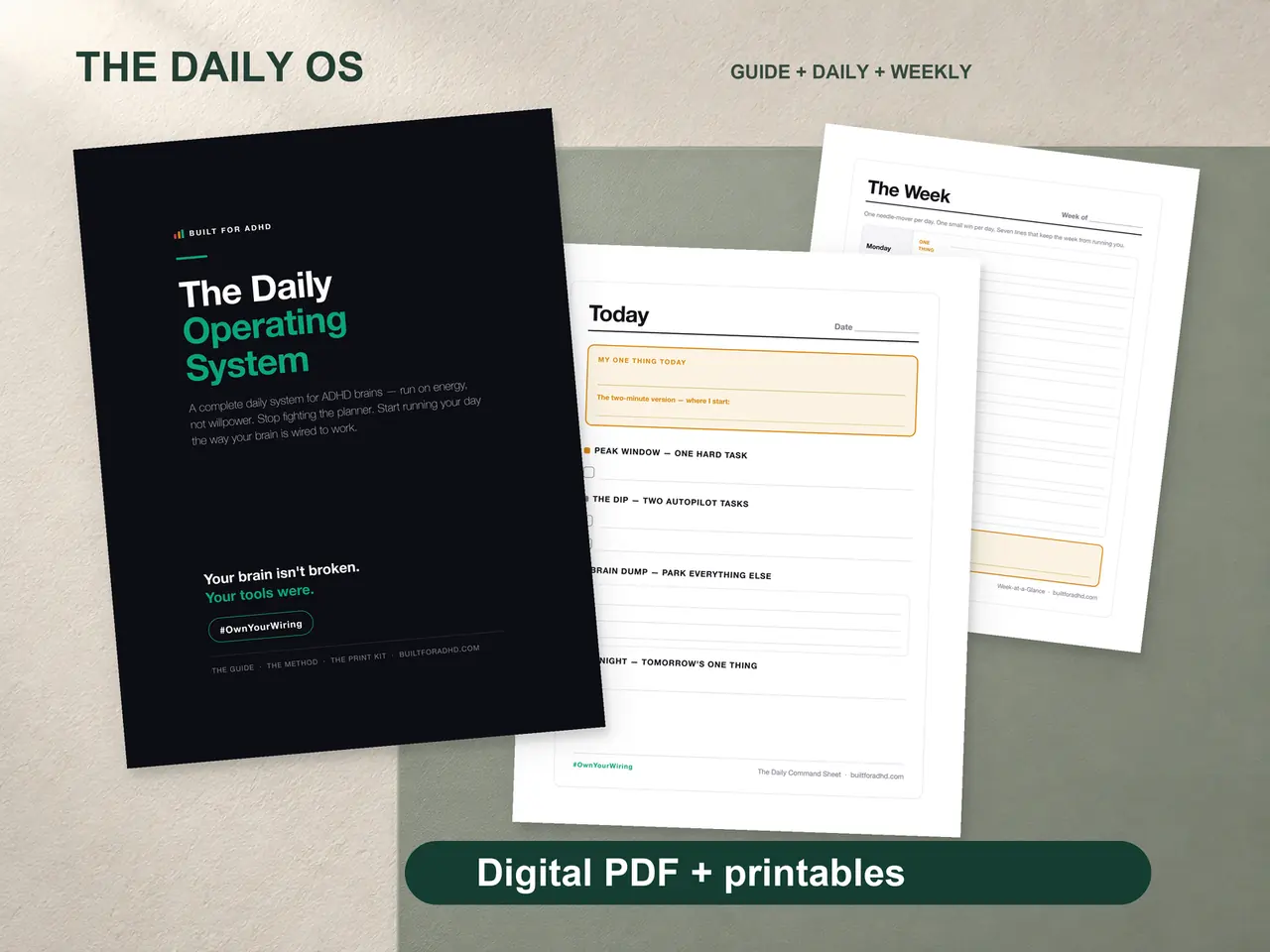
- ADHD Daily Operating System — $17, the energy-based system for the task-initiation half of the problem
- The AI for ADHD hub — every setup guide and honest review in one place