In this article
The blank box is the problem, not the task. I’ll know exactly what I need to write — an email, a plan, a list of what’s actually wrong with the week — and still sit there with the cursor blinking, because typing demands you commit to a first word before you’ve committed to a first thought. Talking doesn’t. That gap is the entire reason “just talk to it instead of typing” works as advice, and it’s worth a real walkthrough instead of a one-liner. If you haven’t seen the wider picture yet, the AI for ADHD hub covers the whole setup this sits inside.
The freeze, named correctly
It isn’t laziness and it isn’t that you don’t know what to say. The blank-box freeze is a sequencing problem: you have to pick where the sentence starts, hold the rest of it in working memory while you type the first part, and not lose the thread when a typo pulls your attention sideways. ADHD working memory is exactly the resource that step drains fastest. Talking removes the sequencing requirement almost entirely — you can say “okay so there’s the thing with the car, no wait, the dentist first, they called twice” and it lands fine, because nobody’s grading the order.
Dictation on your phone
Both major assistants put a plain speech-to-text option right in the message box, separate from any full voice-conversation mode. In the ChatGPT app, tap the microphone icon in the text field and start talking; your words appear as editable text you can fix before sending. In the Claude app, tap the microphone icon beside the input field the same way — speech becomes text in the box, and you review it before it goes anywhere. Neither requires a paid plan, and neither is the assistant talking back to you in real time; that’s a different feature. This is just your voice replacing your thumbs.
Dictation on desktop
This is the part people don’t expect. ChatGPT’s desktop app has the same microphone icon in the same text box — tap it, talk, get editable text back, no different from the phone version. Claude’s Mac app goes a step further with Quick Entry: double-tap the Option key from anywhere on your Mac to pop open a small input window without switching apps, then press Caps Lock to start dictating with a live transcript, and press it again to stop. It requires macOS 14 or later and is off by default because it takes over the Caps Lock key, so you’ll need to turn it on once in Settings under the desktop app. Worth doing once if you’re on a Mac and typing is the wall you keep hitting.
The three-sentence opener
Dictation alone gets your words out. What makes the output usable is telling the assistant, up front, to expect mess. Say or paste this before you start talking:
“I’m about to talk at you, out of order, probably contradicting myself. Don’t clean it up as I go — just let me finish, then sort it into a short list with one first step. No pep talk.”
Three sentences, and they do real work: they permit the mess (so you don’t self-edit mid-sentence, which is where the freeze creeps back in), they tell it what shape to hand back, and they head off the motivational-speech tone these tools default to, which reads as pressure when you’re already fried.
What to ask for back
Don’t accept whatever it hands you first. Ask for two specific things: a sorted list, capped short — five items or fewer, ranked, not a re-alphabetized version of everything you said — and one first step for the top item, small enough to start in under two minutes. “Gather the paperwork” is not a first step; “text the insurance number to yourself” is. The difference between a list and actual motion is almost always that the first item is still too big, and it’s worth asking again if what comes back isn’t genuinely tiny.
This is the same shape as the ChatGPT custom instructions setup — paste the rules once so you’re not re-explaining them every session — and it’s the exact ask behind AI task breakdown for ADHD if the one item you picked still won’t shrink.
When typing is still better
Talking isn’t always the move. If you need precision — exact figures, a legal-sounding email, names or numbers dictation tends to mangle — type it; a transcript is a guess, and you don’t want a guess in something that matters. It’s also wrong anywhere you can’t talk out loud: open offices, waiting rooms, a shared car. And if you’re revising rather than generating — tightening a paragraph you already wrote — typing edits faster than voice describes them. Talking wins at getting a first draft out of your head; typing wins at making it exact.
Try it on the next stuck moment
Don’t wait for the perfect use case. Next time you open a chat and stall, hit the microphone instead of the keyboard, say the three-sentence opener, then talk. Badly, out of order, however it comes. The free prompt pack has more openers built the same way, and the Brain Dump Sorter will take a dictated mess and sort it without you touching a keyboard at all.
When you’d rather skip the AI entirely
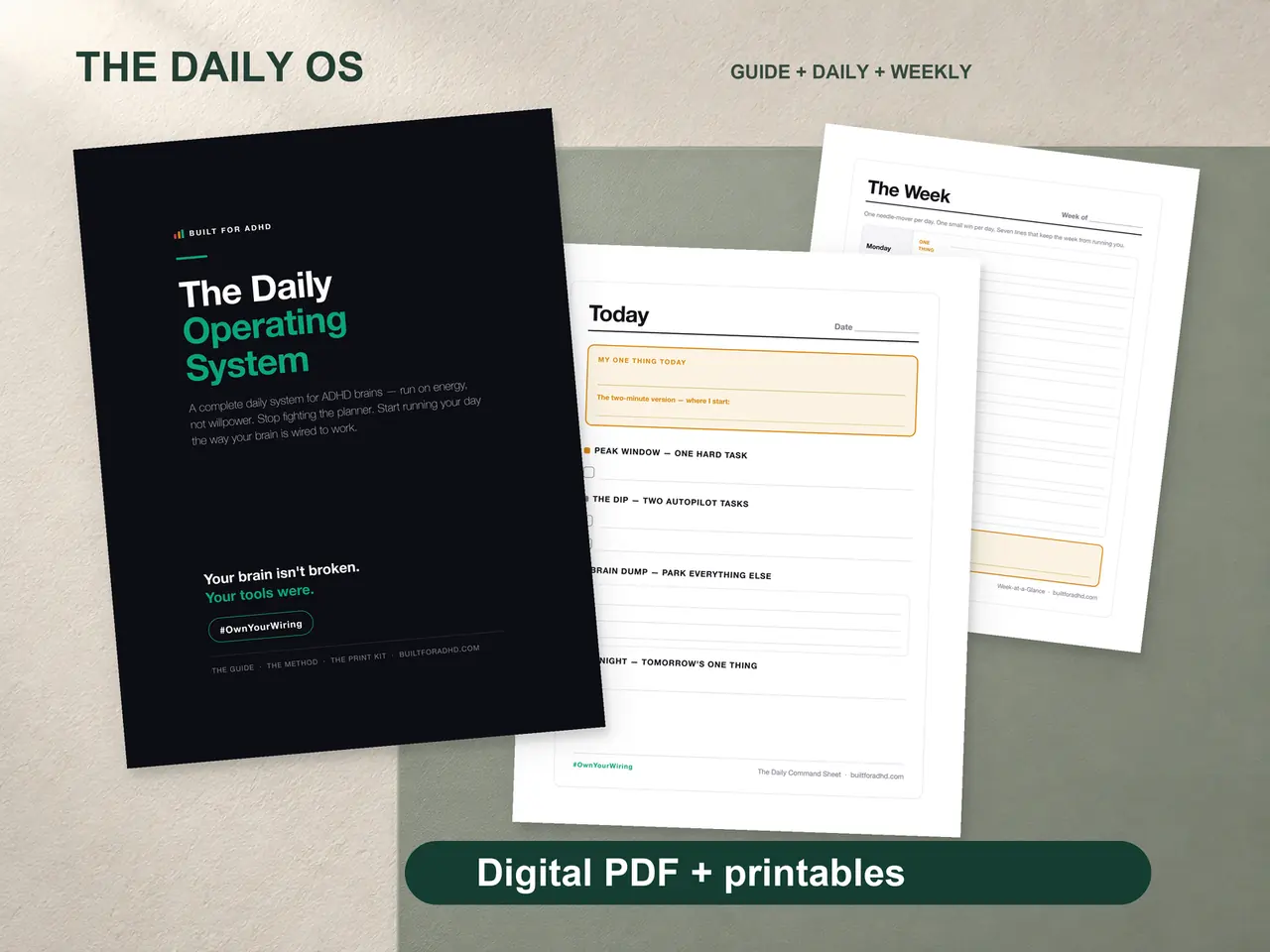
Some days talking to a chatbot is one more screen you don’t want open. The ADHD Daily Operating System is the paper version of the same energy-based sort — a brain dump page with no microphone required, $17 once, print it and it’s just there.
FAQ
Why does typing feel harder than talking when I know what I want to say? Typing forces you to sequence a thought before you express it — pick a first word, hold the rest in working memory, stay on track through a typo — and that sequencing step is exactly what ADHD working memory struggles to hold, so the freeze is about the format, not the content.
How do I dictate to ChatGPT or Claude without using their voice-conversation modes? Tap the microphone icon in the message box on either app — it transcribes your speech into editable text in the input field rather than starting a spoken back-and-forth, and it works the same way on phone and desktop.
Does dictation work on desktop, not just mobile? Yes — ChatGPT’s desktop app has the same microphone icon as its mobile app, and Claude’s Mac app adds Quick Entry, which lets you dictate from anywhere on your Mac via a Caps Lock shortcut you turn on once in Settings.
What should I say before I start talking? Tell the assistant to expect an out-of-order, contradicting mess, ask it not to clean up as you go, and specify what you want back — a short ranked list and one small first step — so it doesn’t default to a motivational speech.
When should I type instead of talk? When precision matters — numbers, names, anything legal or formal — or when you’re editing existing text rather than generating something new, since dictation is built for getting a messy first pass out, not for exactness.
Related
- Claude for ADHD — the personalization setup that makes any input method come back ADHD-shaped
- ChatGPT custom instructions for ADHD — the paste-once setup this opener is built on
- AI task breakdown for ADHD — what to do once you have your one item
- The Voice Brain Dump — the nightly and morning ritual version of this
- The AI for ADHD hub — every setup guide, technique, and honest review in one place
Sources
- OpenAI, “Voice Dictation FAQ” — https://help.openai.com/en/articles/12168547-voice-dictation-faq
- OpenAI, “ChatGPT Voice” — https://help.openai.com/en/articles/8400625-voice-mode-faq
- Anthropic, “Use voice mode” — https://support.claude.com/en/articles/11101966-use-voice-mode
- Anthropic, “Use Quick Entry with Claude Desktop on Mac” — https://support.claude.com/en/articles/12626668-use-quick-entry-with-claude-desktop-on-mac