In this article
I read the text in about four seconds. I answered it eleven days later.
In between, I thought about it constantly. Every time the phone lit up I saw the little preview and felt the small drop in my stomach. I wasn’t ignoring my friend. I was carrying her message around like a stone in my pocket, all day, every day, and the carrying was somehow easier than the thirty seconds it would have taken to put it down.
If that’s you, here’s the reframe that finally made it fixable for me: the problem is almost never the reply. It’s that reading and replying got separated, and nothing connects them again.
Why the pile forms
Walk through what actually happens.
A text arrives while you’re in the middle of something. You open it, because the open is instant and the notification is loud. You read it. And then you hit the part that isn’t instant: Are you free Saturday? needs a calendar check. How are you holding up? needs an honest answer. Did you see the thing I sent? needs you to go watch the thing. Every reply hides a small decision, and a small decision in the middle of something else gets deferred.
Now the message is marked read. The app thinks you’re done. The badge disappears. The only place that text still exists as an open task is your working memory, which is the exact place an ADHD brain can’t hold it. Same mechanic behind time blindness: the information isn’t gone, the path back to it is.
Then the second layer kicks in, and this is the one that turns two days into two weeks. The longer it sits, the more the reply has to explain. On day one, “yes, Saturday works” is fine. On day nine, “yes, Saturday works” feels like it needs a paragraph of apology stapled to the front. Writing that paragraph is harder than writing the original reply, so it waits another day, which makes the paragraph longer. It’s the same compounding loop as the email you keep avoiding, just in a smaller box.
And if rejection sensitivity is part of your life, you already know the ending. You start imagining what they think of you for not answering, and now opening the thread feels like walking into a room where someone is disappointed in you. So you don’t open it. (they are almost always not disappointed. they are usually just busy too.)
None of this gets fixed by trying harder to remember. It gets fixed by never letting a text go “read” without a next step attached.
Script 1: The two-second holding reply
For the moment you read something you can’t answer yet. Send this instead of nothing:
“Saw this! Answering properly tonight.”
That’s it. It does three jobs. The other person knows you’re alive and not upset. You’ve given yourself a deadline that isn’t “someday.” And the thread now has your message at the bottom, which kills the apology spiral before it starts, because on day two you’re not late anymore. You’re right on time.
Swap “tonight” for whatever is honest. “This weekend” is fine. What matters is that the holding reply goes out in the same breath as the reading.
If even that feels like too much in the moment, use the app’s own tool: long-press and mark it unread. The badge comes back. The loop is visible again.
Script 2: The late reply with no apology paragraph
For the ones already sitting there. You will want to write three sentences of sorry. Don’t. Over-apologizing makes the gap the headline, and the headline makes the next late reply even more expensive.
“Sorry this took me a minute! Yes, Saturday works. What time?”
One short acknowledgment, then straight into the actual answer. If it’s been really long and it’s someone close:
“I read this the day you sent it and my brain just filed it somewhere I couldn’t find. Here’s my real answer:”
Honest, a little funny, zero self-flagellation. Most people with ADHD in their lives have seen this before. Most people without it have done it too.
Script 3: The “I can’t do a real reply, but I love you” text
For the heavy messages. Someone shares something hard and you want to give it a full, careful answer, and because you want it to be full and careful, it never gets sent.
“I read this and I’m really glad you told me. I want to give it more than a quick text. Can I call you Thursday?”
The care is in the reply, not in the length. A short true thing today beats a perfect paragraph that never leaves drafts.
Script 4: The one-time heads-up for your people
Send this once, to the three or four people whose texts you most hate leaving hanging:
“Heads up that I’m genuinely bad at texting back. If I go quiet it’s never about you. If something’s time-sensitive, call me or send it twice. I won’t be annoyed.”
This one does more than the other three combined. It removes the story from both sides. They stop reading silence as a signal, and you stop feeling like every late reply is a small betrayal. And “send it twice” hands them a tool that actually works on your brain, instead of hoping you’ll remember.
The daily reply window
Scripts handle the moment. This handles the pile.
Pick one existing daily anchor. Not a new habit, an existing one: the coffee, the train, the ten minutes after lunch, the couch before the show starts. That’s your reply window. Open your messages, scroll to anything marked unread or holding, and clear it.
A few rules so it survives a low-energy week:
Oldest first, shortest answer allowed. The window isn’t for great replies. It’s for closed loops. “Sounds good!” counts.
Five minutes, timer on. If the window has a clear edge, you’ll actually start it. If it’s open-ended, it becomes a task you avoid, which is the problem you came here to fix. (this is the tiny first step move applied to one app.)
Low-energy day? Holding replies only. Script 1 to everything and done. That still counts as a win, because nobody’s waiting in silence anymore.
If your phone is also the thing throwing forty other pings at you all day, the window will keep getting buried. Trimming the notification pile first makes the texts from actual humans easier to see. And if the late-reply problem lives mostly in your inbox, not your phone, the inbox overwhelm system runs on the same idea at a bigger scale.
What working looks like
Not an empty messages app. Working is: nobody you care about has been sitting in silence for more than a day, even if the real answer is still on its way. The stone is out of your pocket.
Start with Script 4. Send it to one person today. It takes less time than reading this sentence did, and it changes the math on every text that comes after.
If you’d like a printable page to catch all the “I need to answer that” loops before they vanish, the free adult starter kit has a brain dump sheet built for exactly that.
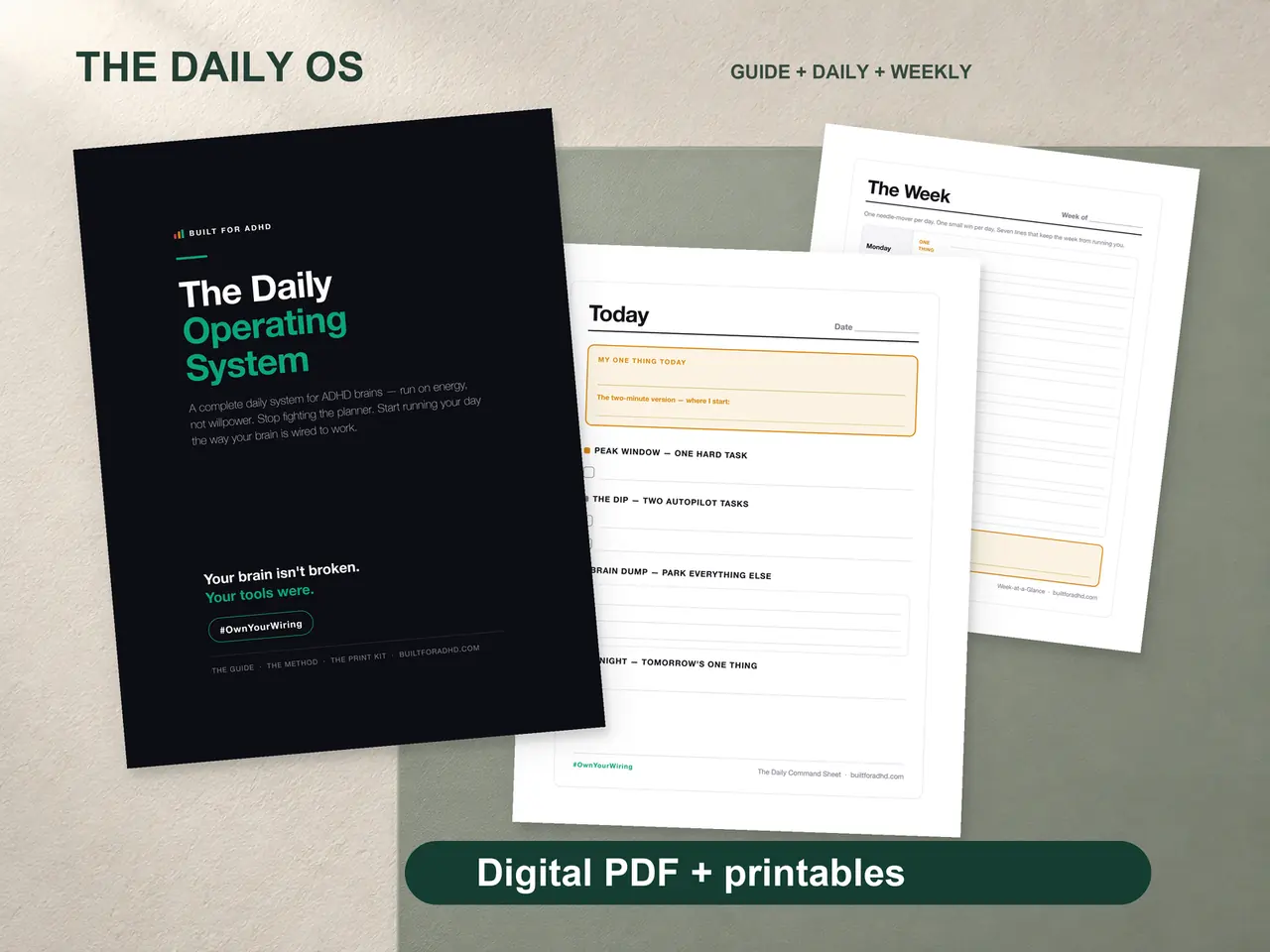
If the bigger issue is that everything, not just texts, lives in your head and slips out of it, the ADHD Daily Operating System is where I’d point you. $17. Honest note: there are no texting scripts inside it. What it has is the brain dump capture page and the Morning Loop, which is the daily anchor the reply window above is built on, plus the restart pages for the weeks everything piles up anyway.
Related tools
- The free adult starter kit — the brain dump sheet for open loops
- What RSD feels like — why opening an old thread feels like bad news
- Write the email you’re avoiding — the same spiral, in your inbox
- ADHD notification overload — clear the noise so real texts stand out
- The tiny first step method — why a five-minute window actually starts
- ADHD time blindness — why “I’ll answer later” disappears