In this article
I counted once. Not on purpose — I’d switched on one of those weekly screen reports out of curiosity, and the number it gave me for notifications was in the low three hundreds. Per day. I assumed it was a bug, then spent the next hour watching my phone light up for a delivery I hadn’t ordered yet, a game I hadn’t opened since March, and someone reacting with a thumbs up in a group chat about a party in a different state.
Three hundred interruptions. Roughly one every three minutes of waking life, and I’d been treating my inability to hold a thought as a personal defect.
Here’s the thing nobody says clearly enough: a notification is not a small cost for us. For most brains it’s a tap on the shoulder. For an ADHD brain it’s a demolition, because the expensive part was never reading the message — it was getting back to where you were, and getting back is the exact function that doesn’t work. It’s the same structural mismatch that makes every productivity system fail ADHD brains, just running at the hardware level. The externalize-everything toolkit assumes a mind that gets a few uninterrupted minutes to work with. Your phone has been quietly voting against that all day.
Why one buzz costs more than one buzz
When you get pulled off a task, some part of your attention stays parked on the interruption — the message you half-read, the thing you now have to remember to answer later. That residue is real for everyone. The difference for us is what happens next.
The way back is missing. A neurotypical brain re-reads the last line and resumes. Ours has to rebuild the whole scaffold: what was I doing, why, what was the next move, where was I in it. Most of the time the scaffold doesn’t come back at all — you look up forty minutes later in a completely different app with no memory of the handoff. That’s not a willpower gap. Working memory dropped the thread the instant something louder arrived, and nothing in there was designed to pick it back up.
Every buzz is a decision. Deal with it now, deal with it later, or ignore it — you make that call hundreds of times a day, each one costing a sliver of a budget that’s already overdrawn by mid-afternoon. By 3 PM you’re not tired from your work. You’re tired from triage.
The unpredictability is the hook. Notifications arrive on a random schedule, which is exactly the reinforcement pattern that’s hardest to stop checking — a brain hunting for dopamine will take the slot-machine deal every time. This is why “just have more discipline about your phone” fails. You’re not up against a habit, you’re up against twenty years of refined attention-capture engineering tuned on people whose brakes work better than yours.
And it stacks. If your workplace is already loud, bright, and open-plan, the phone is one more input on a nervous system that’s been over capacity since 9 AM. Sensory load and notification load come out of the same budget.
None of that is a character flaw. It’s a settings problem you’ve been treating as a personality problem.
The purge: one evening, and you keep almost nothing
Don’t do this gradually. Gradual means deciding app by app over three weeks, and deciding is the thing you’re short on. Do it once, aggressively, in twenty minutes, and let the exceptions earn their way back.
Start from zero, not from your current list. Turn off every single app. All of them. Then add back only what passes one test: if this interrupts me while I’m driving, is that reasonable? Almost nothing passes. For me it was calls, texts from a short list of humans, and the calendar. Not email. Not the bank. Not my work tools, and I promise the work still happened.
Kill the badges too. The red dot is a notification that never goes away — the same interrupting as a buzz, just slower and all day long. If you have any rejection-sensitive wiring, a red 47 on your messages app isn’t information, it’s an accusation.
Turn off lock screen previews for group chats. Not the chats — the previews. Keep the people, lose the stream of “ok”, “haha”, and thumbs-up reactions that pull your eyes over forty times an evening for zero content.
Sound off, vibrate off, for everything but calls. A vibrating phone in your pocket is a notification you can’t ignore and can’t read, which is the worst of both — a small open loop that sits there until you check, and you always check.
Do the laptop too. Every banner sliding in from the corner mid-sentence is the same cost in a different costume, and those are the ones everybody forgets.
Move the two worst apps off your home screen. Not deleted — you’ll reinstall them at 11 PM and feel worse. Into a folder on the second page, so opening them takes one deliberate motion instead of a thumb landing where the thumb always lands. Four seconds of friction does more than any amount of resolve.
The part that makes it hold
The purge is easy. Staying purged is where this falls apart, for a predictable reason: apps ask again. Every update, every new install, a permission dialog appears while you’re busy and you tap Allow because tapping Allow makes it go away. Six weeks later the noise is back and you assume you failed at it.
You didn’t. Re-entry is the default, and the fix is a standing rule you never re-decide: anything that asks for notification permission gets No. Every time, automatically, including things you’re sure you’ll want. Anything genuinely urgent will reach you some other way. A blanket rule instead of a judgment call is the whole trick — it removes the decision, and removed decisions are the only ones that stay made.
Then put one repair on the calendar: ten minutes a month to re-purge whatever crept back. It’s a low-tank task, so sort it in by what you’ve actually got in the tank rather than by importance — it will never feel important and it will always be worth it.
What to expect, honestly
The first two days are unsettling. You’ll check the phone constantly anyway, out of pure reflex, and find nothing there. That phantom-buzz stage lasts about 48 hours, and then the phone becomes a thing you pick up on purpose instead of a thing that summons you.
You’ll also miss something. Probably in week one, probably not important. Somebody will say “did you see my message” and you’ll say no. That’s the trade, stated plainly — a little responsiveness for the ability to finish a thought. If you’ve spent years being instantly available and never done with anything, that trade is enormously in your favor.
What it does not fix is the picking-up. Silencing the phone stops it grabbing you, but you’ll still reach for it when a task gets boring — that’s a stuck-task problem wearing a phone costume, and it wants a tiny first step, not stricter settings. Same with the 11 PM scroll: a quiet phone at midnight is still a lit screen at midnight, and that’s a wind-down problem settings won’t touch. Worth knowing, so you don’t read those as the purge failing. It didn’t. It only does one job, and it does that one extremely well.
Do it tonight, in the twenty minutes you’d have spent scrolling anyway. Everything off, add back three. If the quiet leaves you weirdly unsure what you were supposed to be doing with it — which happened to me, and was its own small revelation about how much of my day had been reacting — the free brain dump sheet empties the head noise onto one page and sorts it in about thirty seconds, so the recovered attention has somewhere to go.
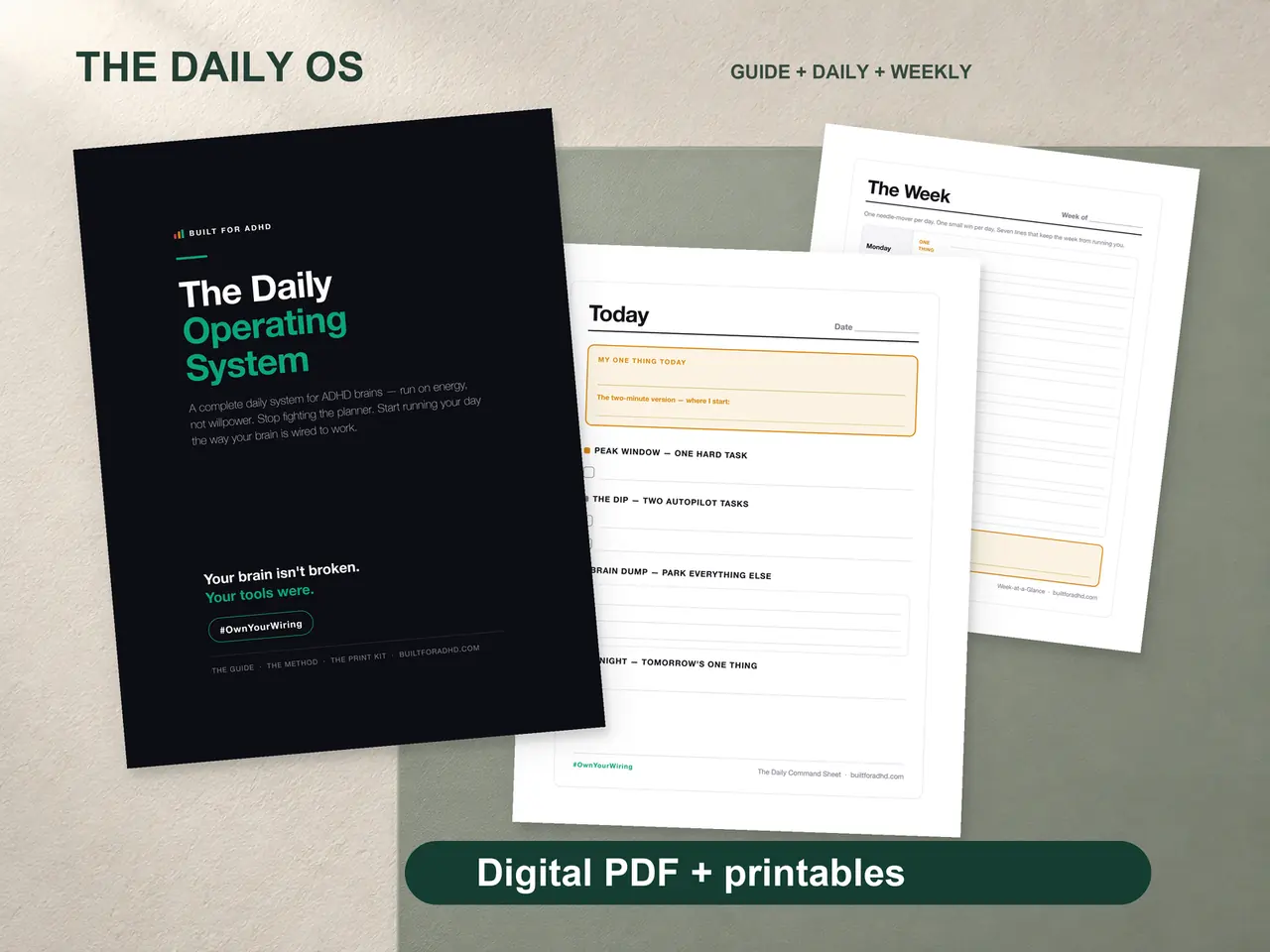
And if the quiet holds but the days still come out shapeless — no interruptions, no plan either, just forty things and a phone that finally stopped buzzing at you — that’s the gap the ADHD Daily Operating System is built for: a morning dump page, the energy sort so you’re not ranking forty items by importance, and a 3-max rule so the day comes out bounded instead of infinite. $17, printable, and it never notifies you about anything.
Related tools
- ADHD tools for adults — the full externalize-everything toolkit
- ADHD sensory overload at work — when the room is the problem too
- Why dark mode matters for ADHD focus — the other screen setting worth changing
- The free Brain Dump Sorter — triage done for you in 30 seconds
- ADHD Daily Operating System — $17: the dump, sorted and bounded