In this article
Here’s the honest direct answer, because the search-engine version of this question is now out of date: as of August 16, 2026, OpenAI stopped letting personal ChatGPT accounts — free, Plus, even the $200/month Pro tier — create new custom GPTs. That capability now lives only inside paid Business, Enterprise, and Edu workspaces. If you came here for “how to build a custom GPT,” the real, current answer is: build a ChatGPT Project instead, or a Claude Project, or a Gemini Gem — all three do the same job as external executive function, all three are still free, and this post walks through building one of each.
Why “one narrow assistant for one job” still matters, even though the tool changed
The appeal of a custom GPT was never the GPT itself — it was never having to re-explain your situation to a general chat before it could actually help. One room, one job, standing instructions that don’t need repeating. That pattern is still exactly right for ADHD brains; it just now lives under different names depending on which company you’re using.
Build it in ChatGPT: a Project
Projects are ChatGPT’s version of this, available on every plan including free. In ChatGPT, open Projects in the sidebar, start a new one, and name it for the single job it exists to do — not “Productivity Help,” but “Morning Sort” or “The Email I’m Avoiding.” Add project-level instructions (free accounts get up to 8,000 characters here, far more than global custom instructions allow) describing exactly what this room does and nothing else. Drop in any reference files — free accounts get up to five per project. Every new chat you start inside that project automatically inherits the instructions and files, so you never re-explain the job again.
Sample instructions for a “Morning Sort” Project:
I’ll paste an unfiltered brain dump most mornings — everything in my head, unsorted. Return it as TODAY (max 3 items), THIS WEEK, LATER, and IGNORE. Then give me the first two-minute action for the top item under TODAY. Don’t ask clarifying questions first; sort with what I gave you, and I’ll correct anything wrong.
Save it, and “Morning Sort” is now a standing room you walk into instead of a prompt you have to remember and retype.
Build it in Claude: a Project
Claude’s Projects work almost identically and are also free — capped at five projects on the free plan, which is plenty for the handful of jobs that actually repeat. From claude.ai/projects, click New Project, name it, and you’ll land on a project page with two separate places to fill in: a knowledge base (upload the files or notes this job needs — a saved reference doc, a template, past examples) and a project-instructions field, reached by “Set project instructions.” Whatever you write there applies to every chat started inside that project. The full Claude setup guide covers the broader Projects-as-rituals system in depth — Weekly Reset, Send Check, and the rest — so if you want the whole library rather than building one from scratch, start there instead.
Build it in Gemini: a Gem
Gemini’s answer is called a Gem, and it’s currently the most direct like-for-like replacement for what a custom GPT used to be — a saved, named assistant with its own instructions, free for personal accounts. Go to gemini.google.com, choose New Gem, name it for the job, and write the instructions the way you would for either Project above. The one catch: Gems can currently only be created or edited from Gemini’s web app, not the phone app, so this one’s a desk task. The full Gemini setup covers where Gemini fits more broadly if you’re deciding whether to add it at all.
Why one narrow room beats one general chat for this brain
A general chat forces you to reconstruct context every single time — what the job is, what you tried last time, what “good” looks like — and reconstruction is exactly the kind of overhead that makes a task quietly not get done. A narrow, named room removes that step permanently: you open “The Email I’m Avoiding,” and it already knows the job, the tone you want, and what not to do. That’s the missing bridge between thinking and doing built directly into the tool instead of depending on you rebuilding it under pressure. It’s also more forgiving of the ADHD pattern of stepping away for two weeks and coming back cold — the room remembers the job even when you don’t.
When not to bother
Don’t build one for a task you do once. The setup cost — naming it, writing the instructions, testing it — only pays off for something you’ll actually repeat weekly or more. A one-off doesn’t need a room; it needs a single well-written prompt in a normal chat. And don’t build five of these in one sitting because it’s fun to set up systems — that’s its own kind of avoidance. Pick the one job you avoid or repeat most often, build that one room, use it for two weeks, then decide if a second is worth it.
FAQ
Can I still use a custom GPT someone else already built? Yes — existing GPTs in the GPT Store remain usable on free and paid personal accounts. What changed is creating and publishing new ones from a personal account.
Do I need a paid plan for a ChatGPT or Claude Project? No. Both are available free — ChatGPT Projects on every plan, Claude Projects capped at five on the free tier, which covers most people’s actual repeat-job list.
Which one should I build first: ChatGPT, Claude, or Gemini? Whichever assistant you already have open daily. The room only helps if you actually walk into it, and the tool you already use has zero switching cost.
Is a Project the same thing as custom instructions? No — custom instructions apply to every chat everywhere; a Project’s instructions apply only inside that one room, for that one job. Use custom instructions for how you always want to be talked to, and a Project for one specific, repeating task.
Will custom GPT creation come back for personal accounts? OpenAI hasn’t said. Nothing here depends on that changing — Projects and Gems do the same job today, for free, regardless of what happens to GPTs later.
Sources
- OpenAI Help Center, “Using GPTs on Our Free Tier FAQ” — https://help.openai.com/en/articles/9300383-using-gpts-on-our-free-tier-faq
- OpenAI Help Center, “Creating and Editing GPTs” — https://help.openai.com/en/articles/8554397-creating-and-editing-gpts
- OpenAI Help Center, “Projects in ChatGPT” — https://help.openai.com/en/articles/10169521-projects-in-chatgpt
- Claude Help Center, “What are projects?” — https://support.claude.com/en/articles/9517075-what-are-projects
- Claude Help Center, “How can I create and manage projects?” — https://support.claude.com/en/articles/9519177-how-can-i-create-and-manage-projects
- Google, “Get started with Gems in Gemini Apps” — https://support.google.com/gemini/answer/15236321
Related
- Claude for ADHD — the full Projects-as-rituals system, five rooms deep
- Gemini for ADHD — where Gemini and its free Gems fit
- ChatGPT custom instructions for ADHD — the global setup this pairs with, not replaces
- Free AI tools for ADHD — what’s free across all three platforms, verified
- The AI for ADHD hub — every setup guide, technique, and honest review in one place
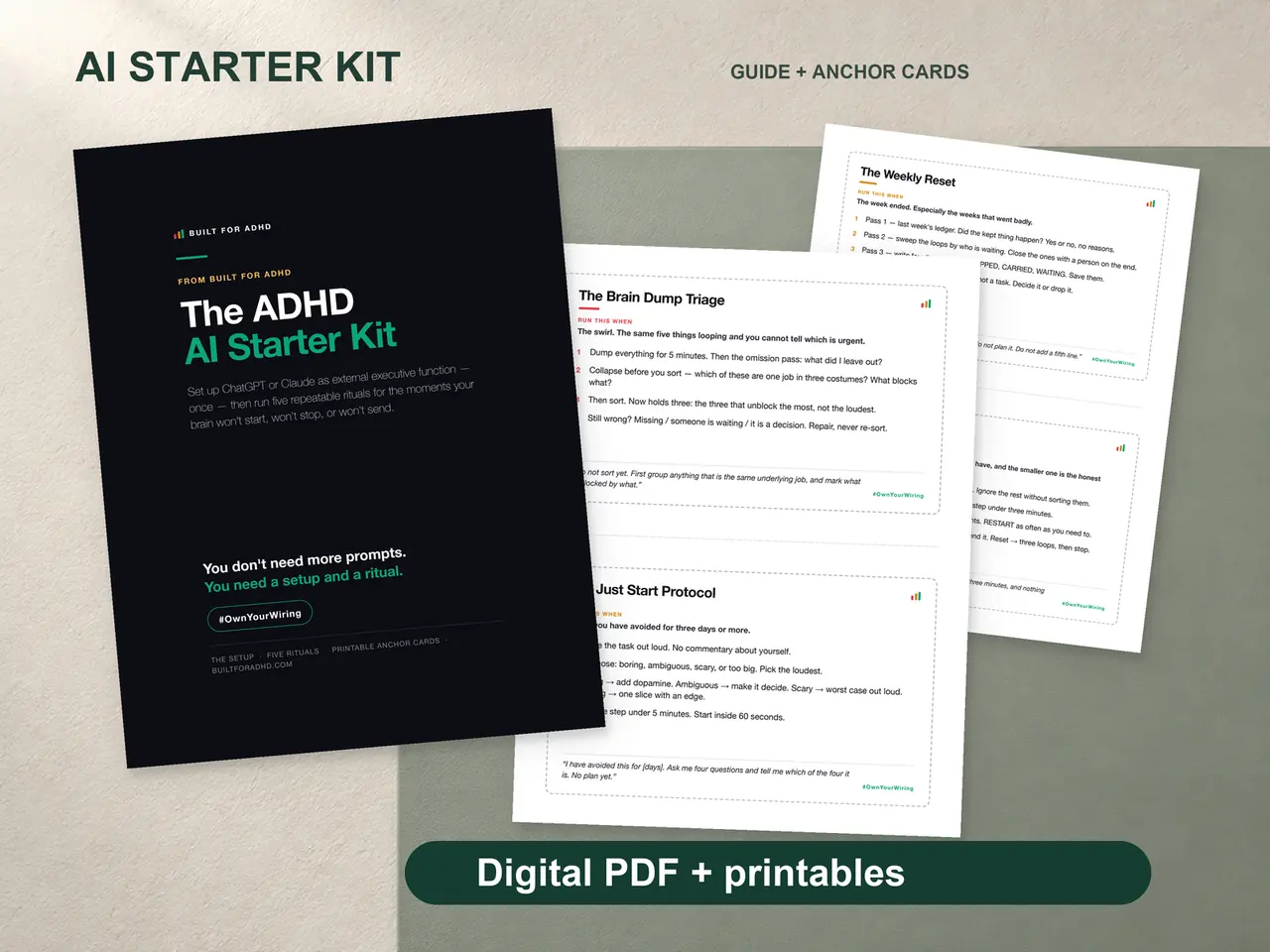
The AI Starter Kit ships the paste-in setup blocks for ChatGPT and Claude plus five rituals worded and tested as ready-to-paste Project instructions — see it here, $27 once, works entirely on free AI accounts.