In this article
My calendar has never been empty. That was never the problem. Every block in it was written by a version of me who believed the email would take ten minutes, that I’d move from a call straight into deep work with no gap, and that 3 PM Thursday would feel like 9 AM Monday.
None of those things were true. So by Wednesday the calendar and the actual day had separated completely, and once they separate I stop looking at it — because a calendar that’s wrong is worse than no calendar. It’s a document of everything you’re behind on.
I spent years assuming I needed more discipline about following the plan. What I actually needed was a plan that was built by something other than my own estimate of how long things take. That estimate is the broken part. Hand that one job off, keep the rest, and the calendar stops lying.
Why calendars break specifically for ADHD brains
Three separate failures, and they stack.
Duration blindness. Time blindness isn’t only about losing hours — it’s about not being able to feel how long a thing will take before you do it. So every block gets the length of the idea of the task, not the task. “Write the proposal” gets an hour because an hour sounds like a real amount of work, not because anything about the proposal takes an hour.
No transitions. The standard calendar assumes you finish at 2:00 and begin at 2:00. For an ADHD brain, the gap between stopping one thing and starting the next is itself a task, often the hardest one in the day. A calendar with zero white space isn’t ambitious, it’s unrunnable — it fails at the first handoff and stays failed.
Clock time over energy. A 3 PM block assumes 3 PM you exists and is available. Some days they are. On the days the afternoon crash lands, that block is fiction, and one fiction block pushes everything behind it into fiction too.
So the fix has to do three things the planning version of you cannot do reliably: assign honest durations, insert real gaps, and sort work by what it demands rather than when it sits.
The three prompts
One rule first: do this as one sitting, once a week. Fifteen minutes, same slot every week. Not daily — daily scheduling is a ritual that collapses the first day you skip it, and then it’s gone.
Open whatever AI you already have. Nothing to install, nothing connected to your real calendar. You’re producing a block list you’ll type in yourself, and the typing is not wasted — it’s where you notice what you keep refusing to do.
Prompt 1 — durations, with the padding already in
Start with a raw dump. Everything on the week, in whatever order it falls out, one line each, no cleanup.
“Here’s everything I need to do this week, unsorted. For each one, give me: the first concrete physical action (the thing I’d actually do first, not the project), a realistic duration in minutes, and then a padded duration that adds 50% for setup, task-switching, and the part that always goes wrong. Give me the padded number as the one I should schedule. If an item is really three tasks wearing a trench coat, split it. Don’t schedule anything yet.”
The 50% is the whole prompt. It sounds like too much — it felt absurd the first time I saw the numbers come back — and it is roughly correct. The tasks that come in under the padded estimate buy back the ones that blow through it, and a week that finishes early is a completely different experience from one that’s behind by Tuesday morning.
“Three tasks wearing a trench coat” earns its place too. Most of what sits unstarted on my list for a month is a category, not a task — which is why the first move has to be named before anything starts.
Prompt 2 — the energy pass
Now sort. Not by priority, and not by deadline first.
“Now tag each item with the energy it demands: HIGH (needs real focus, hard to fake), MEDIUM (needs me present but not sharp), LOW (can be done tired, half-distracted, or while something else is on). Then lay them into a week using these constraints: my high-focus window is [your window], my dead zone is [your window], I need a 15-minute gap between any two blocks, and no more than three HIGH blocks in one day. If it doesn’t fit, tell me what didn’t fit rather than shrinking the durations.”
That last sentence is the one I’d fight for. Every scheduling tool I’ve used solves an overfull week by quietly making things smaller. This one has to hand the overflow back as a list — the week is too full, here is the specific part that isn’t real. Sorting work by what it demands rather than by what time it is is the single change that made a schedule survive contact with an actual Wednesday.
Fill in your own windows. A generic “mornings are for deep work” is how you end up with a calendar built for someone else.
Prompt 3 — the reality check
Before any of it goes in the calendar, one more pass.
“Look at this schedule as if you were someone who knows I’ll underestimate and over-commit. What’s the first block likely to slip, and what does it take down with it? Which day has no slack at all? If something has a hard deadline this week, is it scheduled with at least one full day of buffer before the deadline, and if not, where should it move?”
This is the pass that catches what I’d otherwise discover on Thursday night. A deadline with no buffer is one you hit at 11:40 PM or not at all — the same reason working backwards from the due date beats working forwards from today.
Then type the blocks in. Padded durations, gaps included, overflow left unscheduled where you can see it.
What this costs you, honestly
Two real trades, and I’d rather name them than sell around them.
The first: you stop practicing estimation. Run this for six months and your gut sense of how long a proposal takes will be no better than today, because you won’t have done the reps. I’ve made peace with that for scheduling specifically — the cost of being bad at it was the whole week. But it’s a judgment call per task, and outsourcing executive function carries a real dependency risk worth holding onto.
The second: the AI has no idea how long your tasks take. It’s applying a generic multiplier to a guess you supplied — good at structure, bad at precision. After a few weeks, tell it what actually happened (“this took 90 minutes, not 40”) and let the padding adjust. Your logged reality beats its default every time.
And the obvious one: the block list has to land in the calendar you already look at, not a chat window you’ll never scroll back to.
The one-week version
Don’t rebuild your system. Do next week.
Dump the week, run Prompt 1, run Prompt 2 with your real windows filled in, run Prompt 3, type in the blocks. Leave the overflow unscheduled and visible. On Friday, look at one number: how many blocks happened roughly when they said they would.
If that number is higher than your usual week, the padding was the fix and you can stop reading. If it isn’t, it’s almost always the gaps — 15 minutes is a floor, not a target, and some days the real number is 30.
For the rest of the workday setup around this — inbox, task-switching, the meetings — AI for ADHD at work covers it. The free AI prompt pack has starting points if you’d rather not write your own from scratch.
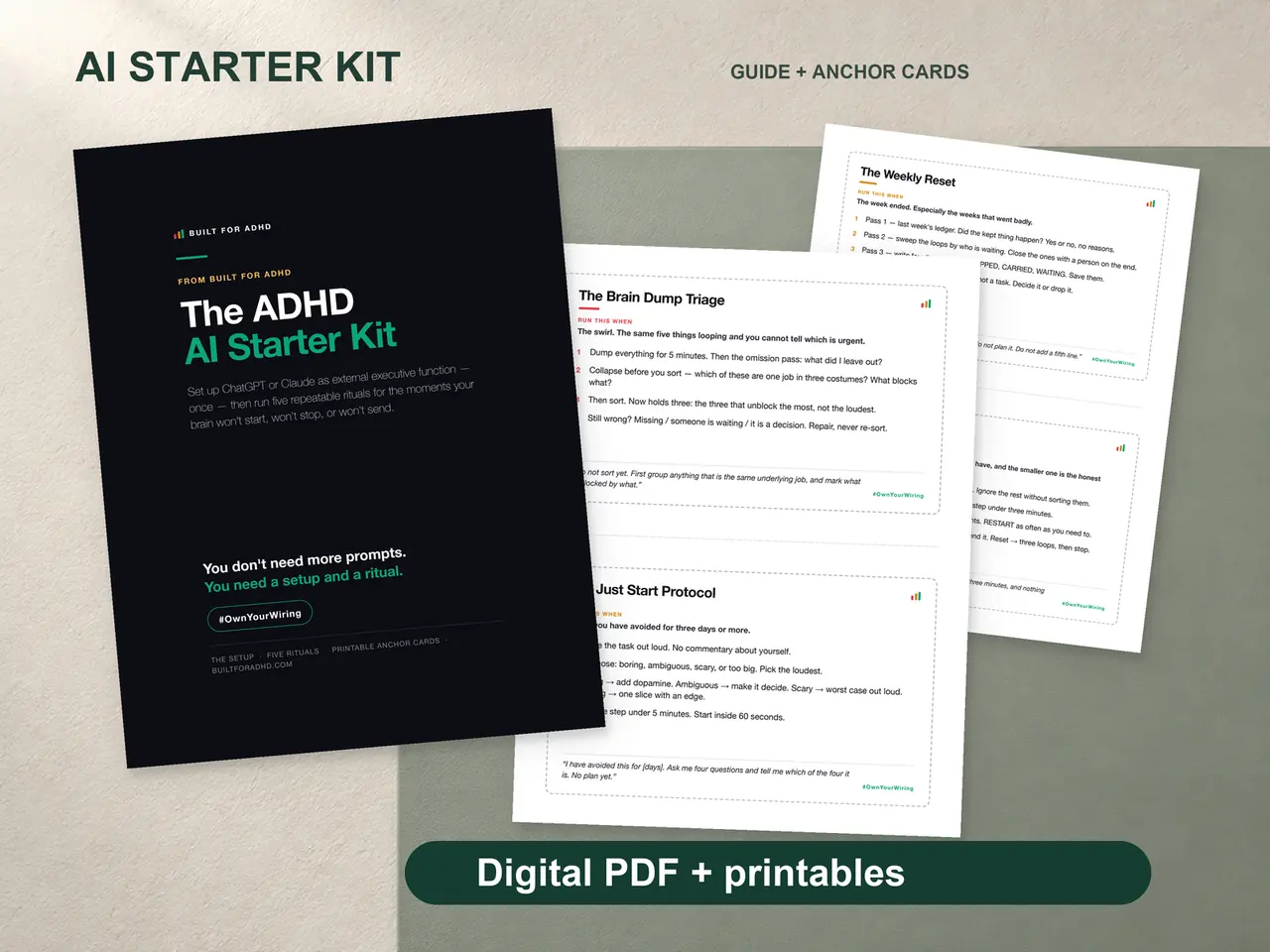
If you want the weekly version built and tested rather than assembled from a blog post, the ADHD AI Starter Kit is where I’d point you. $27. Honest note: what’s inside is the setup block that makes every session start from context, the brain dump triage, and the weekly reset — the three prompts above are free and work in whatever AI you already have open.
Related tools
- AI tools for ADHD — the hub for what’s worth setting up and what isn’t
- The free AI prompt pack — starting points, no writing required
- Time blindness, and what helps — the mechanism underneath all of this
- Energy-based task management — sorting by demand instead of by clock
- Reverse-engineering deadlines — building backwards from the due date
- AI for ADHD at work — the quiet full-workday setup