In this article
I set up autopay on eleven things in one afternoon two years ago and felt like I’d solved money forever.
Fourteen months later my card expired. Six of the eleven died silently, and I found out the way you always find out — a shutoff notice for a bill I was certain was handled, because it had been, for a year, by a thing I’d stopped thinking about on purpose.
That’s the part the automation advice skips. “Automate your finances” is genuinely the best money advice there is for an ADHD brain — it converts a recurring memory task into a one-time setup task, and we are excellent at one-time setup tasks. But automation isn’t a state you reach. It’s a small machine, and machines nobody looks at run until something changes and then fail in a way that’s quieter than the manual version ever was.
So this isn’t another “turn on autopay” post. The pieces of the setup already live in other places: autopay and the bills that slip, the savings transfer that actually survives, the subscription sweep. This is the map that sits on top of them — what belongs in each bucket, what must stay manual, and the fifteen-minute check that keeps the whole thing honest.
First: write down every money job you’re currently doing with your memory
One page. This is the whole prep step and it takes about ten minutes.
List every recurring money thing that currently depends on you remembering it. Not what you should do — what actually happens. Rent. Card payments. The variable utility. The insurance that bills twice a year. Moving money to savings. Checking the balance. The quarterly tax payment if you’re self-employed. The annual renewal that ambushes you every time.
Write them out with nothing next to them yet. Seeing the raw list is most of the value — mine ran to nineteen items, and the number itself explained a lot. That’s nineteen memory jobs my brain had been silently holding, badly, for free. No wonder the balance-checking feels like opening a verdict.
Then, next to each one, put a letter: A, S, or M.
A — automate fully (the fixed and the boring)
A is for anything with a stable amount and a stable date. Rent or mortgage, phone, insurance, the streaming services that survived the sweep, minimum card payments, loan payments. These have no decision inside them. A decision-free recurring task is exactly what automation is for, and leaving one manual is pure loss.
The full setup for this bucket, including the buffer caveat that keeps autopay from becoming overdraft fees, is in the late fees post. One thing to add: set them all in one sitting. Today, in one pass, while the momentum exists — because “finish setting up autopay” is a task with no deadline, and you know what your brain does with those.
Savings goes in this bucket too, on payday, at an amount small enough to survive your worst month.
S — semi-automate (the variable and the seasonal)
S is the bucket almost nobody names, and it’s where the actual ADHD tax hides.
These are the ones you can’t fully hand off: the electric bill that swings by season, the annual domain renewal, the car registration, the quarterly estimated tax. Full autopay on a variable amount is how you get a surprise $400 pull against a $310 balance.
Semi-automating means you automate the reminder and the money, and keep the human on the amount. Three moves:
- Automate the arrival, not the payment. Paperless billing plus a filter that drops every bill into one place — one folder, one label, one physical tray for the paper. The job stops being “remember the electric bill” and becomes “look in the tray,” which is a location, and locations are much easier for us than dates.
- Fund it before you need it. For the seasonal ones — registration, the twice-a-year insurance, the annual renewals — send a small automatic transfer into a separate holding account. When the $180 bill lands, the $180 is already there. The bill stops being an event.
- Give the whole bucket one date. Not one date per bill — one recurring appointment where you handle all of them and empty the tray. Five variable bills on five different days is five interruptions, and each interruption costs more than the task inside it.
M — must stay manual (and that’s correct)
M is for the money decisions that were never supposed to be automated, and trying to automate them is how people end up abandoning the whole system.
Groceries. Clothes. Eating out. Gifts. Hobby spending. These are discretionary by nature — the whole question is how much, and an automation can’t answer that. What you can do is bound the container instead of the decision: a set amount lands in a spending account on a schedule, and when it’s gone, it’s gone. The automation moves the money. You still choose what it buys.
This bucket is also where the impulse spending work belongs, and it’s a different kind of problem with a different kind of fix. Don’t try to solve it with a transfer schedule.
One more thing that belongs in M, and it’s the item people are most tempted to automate away: looking. Some version of you actually seeing the numbers has to stay in the system. Automation without visibility is how a dead autopay goes unnoticed for eleven months. Ten minutes, once a week, is enough.
The part that actually matters: the fifteen-minute maintenance check
Here’s the rule I wish someone had given me before the shutoff notice: an automation you have never verified is not an automation, it’s a belief.
Twice a year — I do it in January and July, and honestly the specific months matter less than picking two — open your one-page map and go down the A and S lists with one question per line: did this run, and for the right amount? Fifteen minutes, maybe twenty the first time.
What you’re looking for is short and specific:
- Expired or replaced cards. This is the number one killer and it takes out everything attached to that card at once, silently.
- Amounts that drifted. The insurance that went up. The subscription that repriced. The savings transfer you paused “just for this month” nine months ago — paused automations do not unpause themselves.
- Things being paid twice. Two autopays for one bill is a real and common outcome of setting things up while distracted.
- Things you’re still paying for and no longer use. The sweep, again, on a schedule.
Put the check on the map itself, at the bottom, with the date you last did it written in pen. That date is the whole enforcement mechanism — a page that says last checked: January in September tells you something no reminder app has managed to.
And when something did break: fix it, then write one line about why. Card expired. Amount changed. After two rounds you’ll notice your failures have a type, and you can defend against the type instead of everything.
Start with the ugliest three
Do not automate the whole list today. That’s the version that gets half-finished on a Sunday and abandoned, and a half-built map is worse than none, because now you’re not sure which things are handled.
Pick the three that have cost you actual money — a late fee, an overdraft, a lapsed policy — and put those on autopay today. Then write the full A/S/M map and leave it somewhere visible. The rest can happen over a few weeks. The ugly three are where nearly all the money is.
The system I run now is smaller than the one I built in that first enthusiastic afternoon. Fewer automations, all on one page, checked twice a year with a pen. Less impressive, and it hasn’t failed since — because it stopped depending on me remembering it and started depending on me looking at it, which turns out to be a very different ask.
If you want the account structure this map sits on — bills, spending, and savings in separate places so there are no categories to maintain — the free ADHD toolkit for adults has the brain dump page to get the list out of your head first.
Related tools
- ADHD Budget Reset — $7: the ADHD tax audit, the three-account guardrail, the 10-minute money date
- ADHD late fees and forgotten bills — the full autopay setup for the A bucket
- Why your ADHD savings account never sticks — the automated transfer that survives
- The subscriptions you forgot you’re paying for — the sweep that trims the list before you automate it
- ADHD money avoidance — if you can’t open the banking app to start this
- How to budget with ADHD — where the spending container comes from
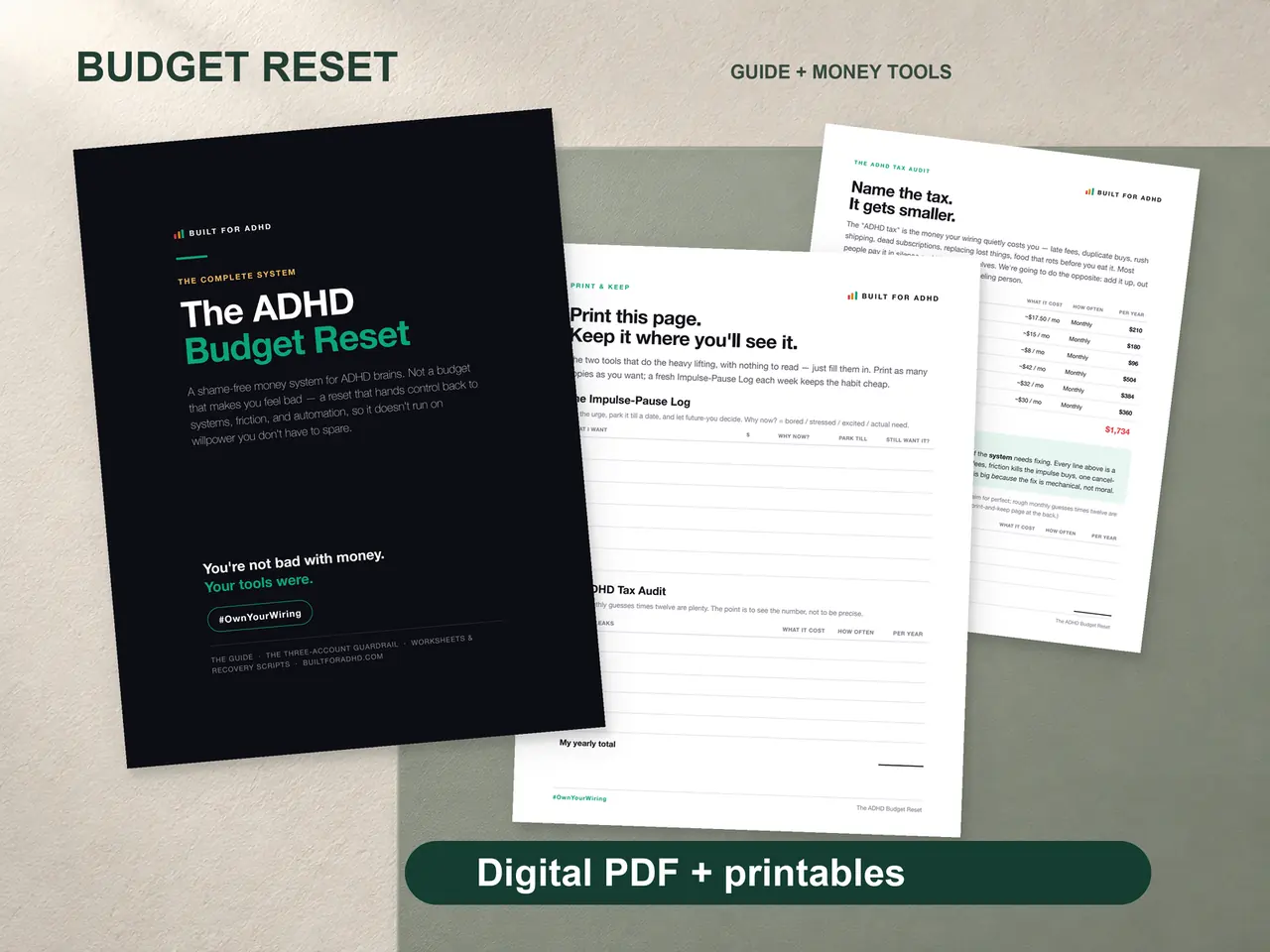
If the A/S/M map is the part that helped, the ADHD Budget Reset is the workbook it comes out of. $7. Honest caveat: it’s a printable budgeting workbook, not an automation setup guide — there’s no page in it that walks you through your bank’s autopay screen. What it does have is the three-account guardrail this map assumes you have, the ADHD tax audit that shows you which three items are actually bleeding money, and the ten-minute weekly check that keeps the “looking” part from quietly disappearing.